
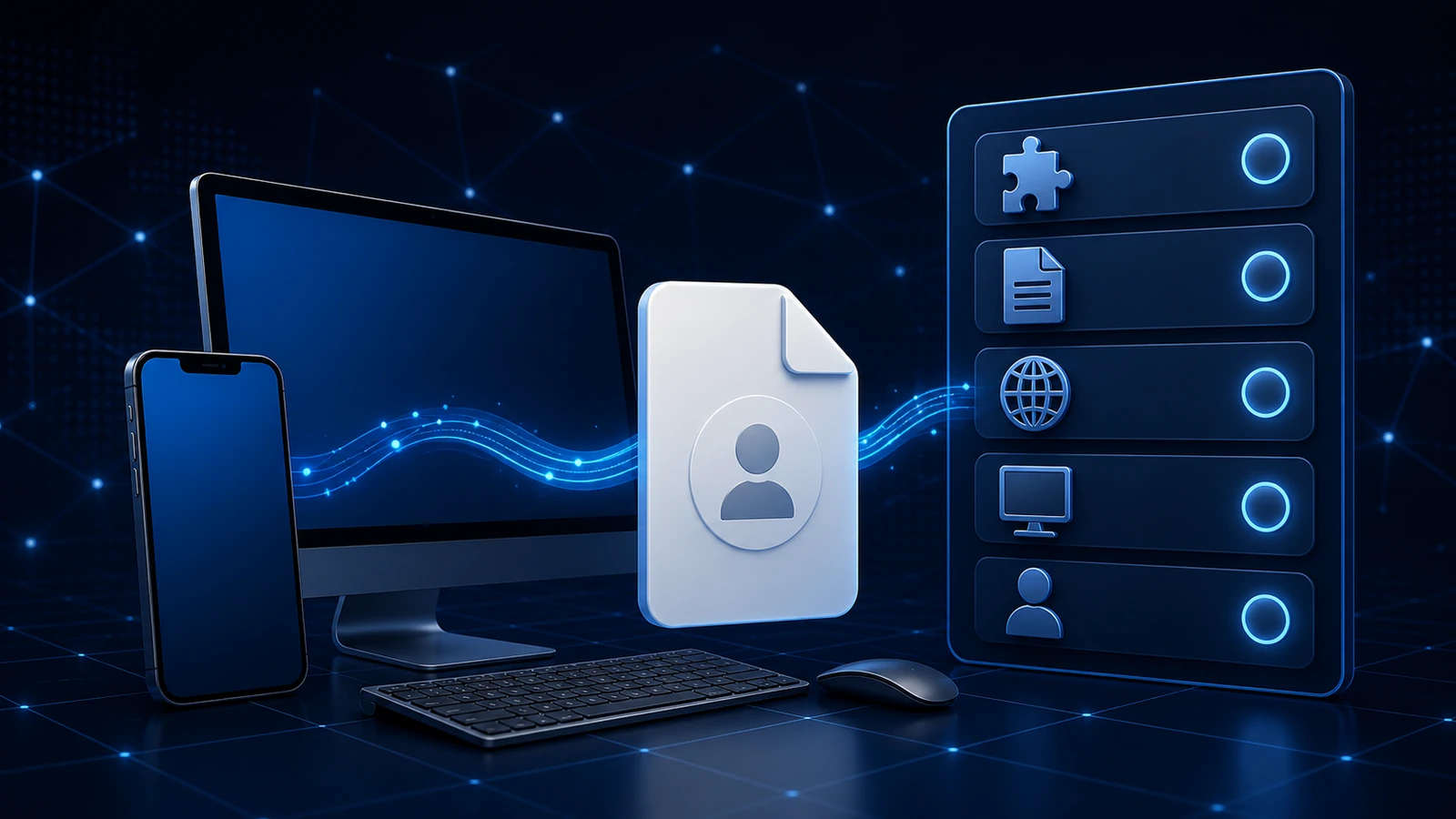
Setting up VPN access on a new device — a new phone, a work laptop, a tablet you've started carrying — does not always repeat the first device's protocol, client, or file flow. A short pause before setup saves you from the small mismatches that make the process feel harder than it is: the wrong path, an old file, or steps written for a different operating system.
This is that short checklist. None of it is complicated, and running through it takes a minute. It's framed as questions to answer before you begin setup, because that's when checking is cheap and afterward it's a bit more annoying.
A short pause before setup
The value here is in the timing. Confirming a few basics before a profile is imported or settings are entered means you catch a mismatch up front, rather than after it has produced a confusing result. Think of the list below as the things worth checking before setup on a new device — quick to review, and each one rules out a common source of friction.
Check: is a supported client available for this device?
Start with the supported setup path. An OpenVPN .ovpn file is imported through a compatible standard client, while a compatible L2TP/IPsec path uses the required values or settings where that path is supported. Client and protocol availability depends on the device and its operating system rather than being uniform.
Before assuming your new device is ready, confirm that the selected protocol and any required compatible client are available on it. Do not take for granted that every device or platform offers the same options. OpenVPN and L2TP/IPsec: Two Profile Types You Might Receive explains the distinction between an OpenVPN .ovpn import and compatible L2TP/IPsec values or settings.
Check: for OpenVPN, is this the correct file for the profile you mean to use?
On an OpenVPN path, check the file itself. If you keep more than one profile, make sure the .ovpn file you're about to import is the one for the profile you actually intend to use on this device. Importing the wrong file is an easy mistake when several look similar, and it produces a result that has nothing to do with anything being broken. A quick confirmation that this is the right file for the right profile settles it. If you're not sure what a .ovpn file is in the first place, What Is a .ovpn File? is a plain-language explainer.
Check: is it the current profile, not an old copy?
Beyond being the right profile, it should be the current copy of it. A file you saved a while ago may be out of date if details have been refreshed since — so on a new device especially, importing the newest copy from your own source is the safer choice over an older one you happen to have lying around. If your files aren't clearly organized, this is a moment where a fresh download from your account removes the doubt entirely. When to Re-Download Your VPN Profile covers when that's warranted.
Check: did it come from a source you trust?
Provenance matters as much on a new device as on the first one. A profile file is sensitive setup material, so it should come from a source you trust — for most people, that's their own account. A file that arrived some other way, or that you're unsure about, is a reason to slow down and get your own copy from your own account instead. This is the same principle covered in depth in Receiving a VPN Profile From Your Team: the safest setup usually starts from your own source rather than a file handed to you.
Check: do the steps match this operating system?
Protocol, operating-system, client, and router compatibility can produce materially different setup paths, not just different-looking screens. Instructions written for one path may not line up with another, so before you start, make sure the guide matches this device's operating system and selected protocol or client. Why VPN Setup Steps Differ Between Windows, macOS, iOS, and Android explains how platform and client availability shape both the path and its screens.
Check: what DNS behavior should you expect?
It's also worth setting expectations for DNS behavior before you compare this device to another. Results can legitimately differ between two devices for a number of ordinary reasons, so if this new device shows something slightly different from your last one, that alone isn't a sign of a problem. Knowing that in advance saves a false alarm. Why VPN and DNS Results Can Differ Between Devices walks through why two devices can behave differently.
Check: is this access actually yours?
Finally, the profile should represent access that belongs to you. Setting up on a new device is a good moment to confirm you're using your own assigned access rather than someone else's — both because it's the correct thing to do and because access tied to you is what stays predictable over time. If your access is managed by a team, the profile you use should be the one assigned to you.
Quick recap
- Pause before setup — checking a few basics up front is cheaper than after.
- Confirm a supported client for your setup is available on this device; options vary by platform.
- For OpenVPN, use the correct current
.ovpnfile; for L2TP/IPsec, use the exact values or settings required by the compatible guide. - Use current profile material from a source you trust — usually your own account.
- Follow setup steps that match this device's operating system.
- Expect that DNS results can differ between devices; that alone isn't a fault.
- Confirm the access is your own assigned access.
Frequently asked questions
Is setting up on a new device the same as the first time? Not necessarily. The compatible protocol, client, settings or file flow, operating-system steps, and current profile material can differ by device. A short pre-setup check catches those differences before they cause confusion.
Will my profile work on any device? Not something to assume. VPN profiles are used through a client, and which clients are available depends on the device and platform, so it's worth confirming a supported client for your setup is available before you start. On the OpenVPN path that client is OpenVPN Connect; some setups use built-in L2TP/IPsec support instead.
Can I copy the profile file from my old device to the new one? The tidier and safer approach is a fresh copy from your own account on the new device, rather than moving a file between devices. That way the new device has a current file from a source you trust, and you avoid carrying over an out-of-date copy.
The setup steps don't match what I see on this device. What's wrong? Probably nothing about the profile. First confirm that the guide matches this device's operating system and the selected L2TP/IPsec or OpenVPN path; both the path and its screens can differ across devices.
This new device shows a slightly different result than my other one. Is it broken? Not necessarily. Two devices can legitimately show different DNS or connection results for ordinary reasons like caching, different networks, or device settings. A difference on its own isn't a sign of a fault.