
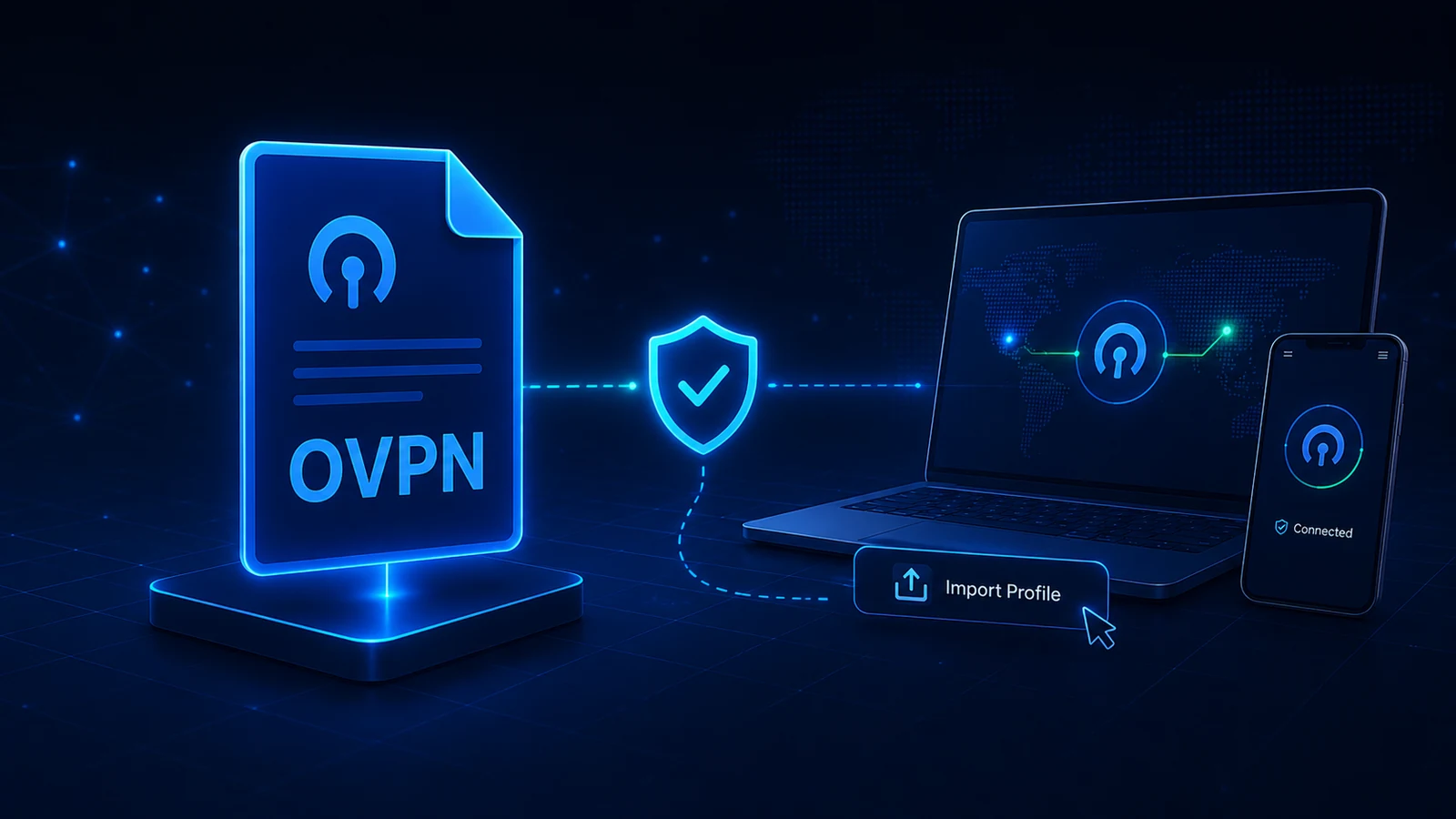
An .ovpn file is an OpenVPN configuration profile. A compatible VPN client reads it to learn how to connect to the service that issued it. It is not an app installer, and downloading the file alone does not establish a VPN connection.
What an OVPN file contains
A profile can contain server addresses, connection options and references to certificates or keys. Some profiles include certificate and key material inside the file. Treat the whole file as private setup material; its contents vary by provider and authentication method.
The OpenVPN documentation describes both embedded material and separate certificate/key handling. You do not need to publish or manually edit those contents to use a Lisar profile.
A small OVPN example, explained
This incomplete example shows three kinds of instruction you may see in an OVPN file. It is an illustration, not a Lisar configuration or a working profile.
client
remote vpn.example.invalid
ca ca.crt
clientselects OpenVPN client mode.remoteidentifies the VPN server. Here,vpn.example.invalidis a placeholder, not a real connection address.ca ca.crtrefers to a separate certificate-authority file used in certificate verification. A profile using an external file needs that material supplied through the client's documented import method.
Your issued profile may use different options or embed certificate material instead of referring to another file. Keep the supplied profile intact; guessing a server address or adding a missing line does not recreate authorized access. See the OpenVPN directive reference and IANA's reserved domain list.
Which app opens an OVPN file?
Use an OpenVPN-compatible client. OpenVPN Connect is a documented option on supported Windows, macOS, Android and iOS devices. Linux and compatible routers have their own client and import workflows. Choose your platform from Download and setup.
A text editor may display the file as text, but it does not make a VPN connection. Renaming a different file to .ovpn does not create a valid profile, and the extension alone does not prove a file is trustworthy.
Where to download your file
For Lisar manual setup, sign in to the Lisar Panel, open the active profile you intend to use and download its current .ovpn file. Use your own assigned profile, not a public file-sharing link or someone else's attachment.
The native Lisar Connect app for Android, iPhone and iPad uses your signed-in profile directly. A separate .ovpn import is the manual-client route, not a required step for every Lisar user.
How to import it in OpenVPN Connect
Open OpenVPN Connect, choose Upload File, select the downloaded .ovpn file, then import/save the profile and connect. Menu labels and navigation can vary by client version. Use only profile-specific information supplied by Lisar if the client requests additional values.
See the step-by-step import guide and OpenVPN's file-import documentation. Importing creates a saved client entry; check the connected state after starting the connection.
If the file will not open or import
Confirm that the download completed and that you selected the intended file rather than a saved web page or another file type. If the client reports an unsupported option or missing material, keep the original file and record the exact error. Do not remove verification settings or change the extension to make the client accept it.
Use the import troubleshooting guide. If import succeeds but connection fails, use the connection-stage checklist; those are different problems.
Keep the downloaded copy private
Any copy left in Downloads or a synced folder is still sensitive. Follow your device's storage policy and remove unneeded copies once the imported profile works. Downloading a new copy does not revoke an older one; if a file was exposed or a device was lost, contact Lisar about the affected access.
Frequently asked questions
Is an OVPN file a VPN app?No. It is configuration used by a compatible client application.
Is every OVPN file safe?No. Use a trusted provider or your authorized administrator. A filename does not verify its source or content.
Can I use the same file on another device?Only for your authorized access, within the profile's limits and the destination client's compatibility. Check the device guide and current profile first.
Can I share it with another person?No. Each person should obtain their own authorized access and setup material.
Does the native Lisar Connect app require this file?The native app uses the signed-in profile. Manual file import applies when using a separate OpenVPN client.
Related guidance: What Is a VPN Profile? Not the Same as a VPN Account and How to Keep VPN Profile Files Organized.