All devices and connection methods
Choose another platform or compare the available setup routes.
 Open panel
Connect a compatible router to Lisar and route selected devices through it. Choose the instructions for your firmware, then verify the devices and traffic that use the tunnel.
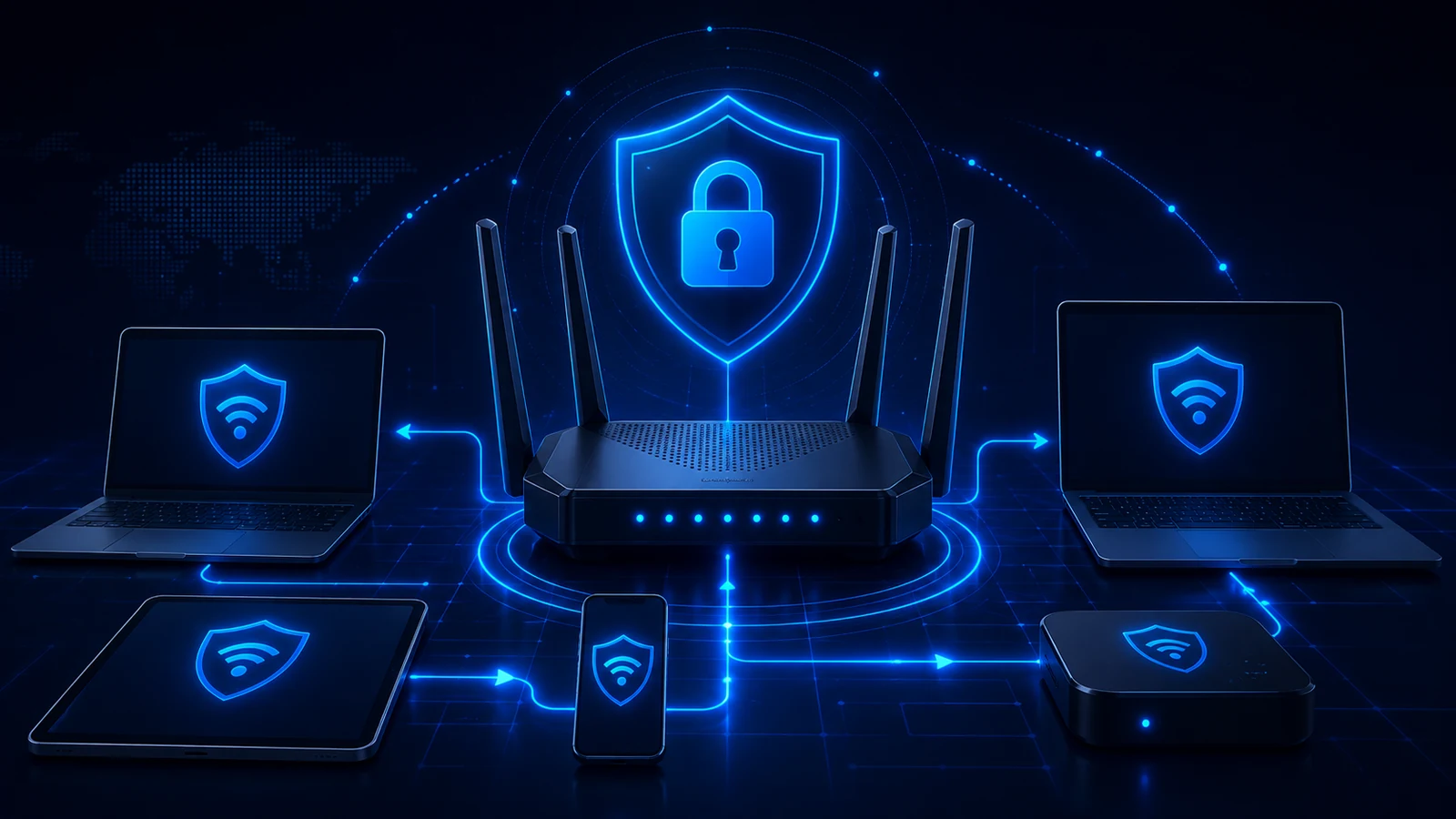
A router can connect to Lisar and carry the traffic of downstream devices selected by its routing policy. Those devices do not need their own Lisar app or separate tunnel. This is useful for televisions, consoles and a group of devices on the same network.
Open your active profile in the Lisar panel. Use its server, VPN account and IPsec values for L2TP/IPsec, or its downloaded .ovpn file for OpenVPN. Your website sign-in password is not automatically your VPN password.
Start with L2TP/IPsec where the device, firmware and network support a suitable connection. OpenVPN is the alternative where they do not. Only those two protocols are covered here; other options offered by a device are not Lisar connection methods.
Record the exact model, hardware revision and firmware. Check for a VPN client compatible with the actual profile. A VPN server accepts incoming connections; VPN passthrough only lets another device establish a tunnel. Neither establishes a Lisar tunnel on the router.
An Internet/WAN setting labelled L2TP may be an unencrypted ISP connection. Use it only when the manufacturer explicitly documents the required L2TP over IPsec client behavior. Check the encryption and authentication settings against your profile.
Keep a local copy of the router configuration and a way to reach its management interface. Begin with one test device if the router offers device selection. Configure the existing supported firmware; this guide does not require flashing a different firmware onto your router.
Check that your exact model and firmware offer the required VPN client. On supported VPN Fusion models, open VPN → VPN Fusion, add an OpenVPN profile and import the Lisar .ovpn file. Enter additional VPN credentials only if your profile requires them, then apply and enable the connection.
VPN Fusion can assign the tunnel to selected devices or all devices. Check that choice before testing. Older Asuswrt releases use different menus; a bare L2TP option is not proof of L2TP/IPsec support. Use the OpenVPN path when the required IPsec client is absent.
On a supported model, open Advanced → VPN Client, enable the feature and add a connection in the Server List. Select L2TP/IPsec with the supplied server, VPN credentials and IPsec pre-shared key where compatible. Otherwise select OpenVPN and upload the profile file.
Add the intended devices to the Device List; devices outside that list continue to use their regular route. Check the model-specific file-size and configuration limits if an OpenVPN import is rejected. The dedicated VPN Client feature is separate from the router's Internet/WAN L2TP setting.
In a supported GL.iNet web interface, open VPN → OpenVPN Client → Add Manually. Create a recognizable group, upload the Lisar profile and provide only the authentication values required by that profile. Apply the configuration and start its connection.
Check the status in the VPN Dashboard, then review which devices and traffic use that connection. Use manual file import for Lisar; a shortcut for another provider is not a Lisar login. Travel-router use also depends on completing any upstream Wi-Fi sign-in and having Internet access before connecting the tunnel.
RouterOS supports an L2TP client with IPsec. Configure the supplied connection values and explicitly enable Use IPsec with the profile's secret; plain L2TP is not the same connection. Confirm the IPsec and L2TP session states before adding downstream routes.
For the OpenVPN alternative, use the OVPN client and profile import supported by your RouterOS version. Transport, certificate and TLS options vary between releases, so compare the actual .ovpn requirements with the installed version. Keep server-certificate validation enabled and configure its trust requirements correctly.
The client interface alone does not define every LAN route, firewall or NAT rule. An administrator must select the intended downstream traffic and verify return traffic as part of the network configuration.
OpenWrt documents an OpenVPN client using the openvpn-openssl package and a supplied client configuration. Use packages for your installed OpenWrt release, load the Lisar profile into the client service, then configure the tunnel interface and firewall zone for the intended LAN traffic.
LuCI availability and package installation commands vary by release. Follow the documentation for that release rather than pasting firewall commands from a different router. Check IPv4, IPv6 and DNS routing after the tunnel starts. Do not remove certificate checks to make an incompatible file connect.
The installed DD-WRT build must include an OpenVPN client. Look under Services → VPN for Start OpenVPN Client. If absent, confirm your build's capabilities before proceeding.
Use a supported profile-import option where offered. With a manual editor, map the actual Lisar file's remote server, transport, authentication and certificate material to the documented fields. Do not copy example keys, server addresses or cipher values from another service. Check connection status under Status → OpenVPN, then review routing for the chosen devices.
OpenVPN's reference describes DD-WRT client configuration for its Access Server. Its client controls help identify the method, but its server-administration steps and example values are not Lisar setup instructions.
FreshTomato documents an OpenVPN Client menu. Use a firmware build supported by your hardware and configure that client from the supplied Lisar profile. The required connection fields depend on the profile and the installed firmware.
If the menu requires separate certificates or keys and you cannot map a profile option confidently, ask for clarification before editing it. A setup example for a different provider can explain the interface, but its values do not belong in your Lisar connection. After the tunnel starts, check the selected device routes and DNS.
On a supported Next-Gen UniFi Gateway or UniFi Cloud Gateway, add an OpenVPN Client in the UniFi Network VPN settings. Upload the Lisar configuration file and the VPN credentials it requires, then apply the changes.
A connected client does not automatically send devices through that tunnel. Add a Traffic Route for the intended devices or network and verify it. The OpenVPN Server and Teleport features have different purposes and are not substitutes for importing a Lisar client profile.
pfSense can act as an OpenVPN client. pfSense Plus offers the OpenVPN Client Import package for a compatible unified .ovpn file. After installing that package, use VPN → OpenVPN → Import and complete the required fields. An enabled complete import can start immediately; use the disabled option while preparing a staged change.
The import package is specific to Plus. For Community Edition, follow the manual OpenVPN client configuration for your version. Match the profile's certificates, authentication and transport without inventing values. Review interface assignment, outbound NAT, firewall policy and gateway selection before routing LAN devices.
Use a client-role OpenVPN configuration. Current documentation describes VPN → OpenVPN → Instances; older installations may still have a separate Clients menu. Match the supplied Lisar profile's transport, endpoint, certificate trust and authentication requirements.
Assign the tunnel interface when needed for policy routing, then configure the relevant LAN firewall rules, gateway and NAT behavior for the selected traffic. Check Connection Status and the OpenVPN log before testing a downstream device. OPNsense's Client Export menu belongs to server deployments; it does not download a Lisar profile.
Router VPN use does not promise access to a particular streaming, financial or other third-party service. DNS AdBlock, GeoDNS and Custom Exit also depend on the active profile's eligibility and configuration; the router brand does not enable those features.
For a TV or console, see the TV and connected-device guide. For the NAS itself, use the NAS client guide. For a company network or tailored routing requirement, review Business and contact Lisar with the device model, firmware, intended protocol and a redacted error. Do not send profile files, passwords or keys in a public message.
Choose another platform or compare the available setup routes.
Check your router model, firmware and VPN client support before configuring the connection.
Get help with a profile or a device-specific setup problem.