How to Import an OVPN File in OpenVPN Connect
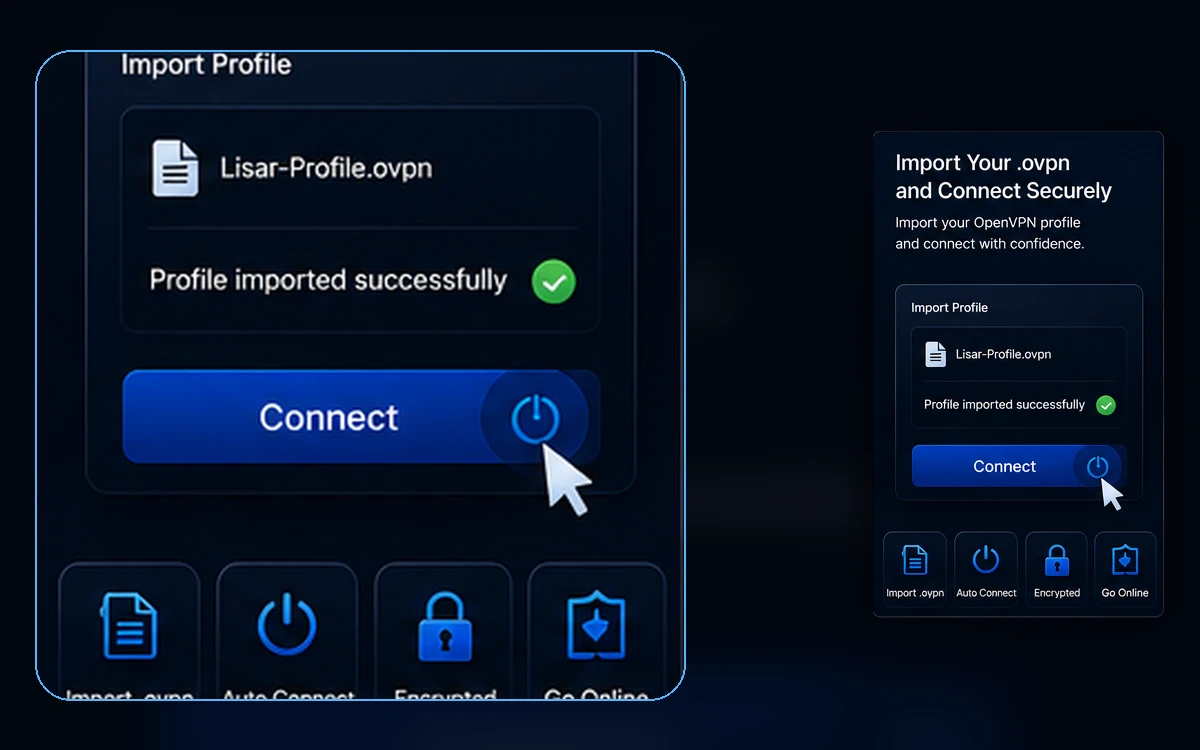
Lisar's supported OpenVPN setup fits in one line: Download .ovpn file → OpenVPN Connect → Upload File → Import/Save profile → Connect.
Read article Open panel
Get the Lisar app for Android, iPhone and iPad, or connect Windows, Mac, Linux and compatible routers with your own VPN profile. Start with the free plan or compare plan limits.



Review plan limits and connection information in the Lisar panel.
On Android, iPhone or iPad, sign in to Lisar Connect and open an eligible profile. For manual setup, choose a compatible standard client or router guide.
Use plan-based routing features such as GeoDNS, DNS AdBlock or Custom Exit where available.
Choose the Lisar app for Android, iPhone or iPad, or a supported connection method for your device. Start with L2TP/IPsec where the target operating system, router or firmware, and current network make it compatible and appropriate; use OpenVPN where L2TP/IPsec is unavailable, unsupported, or unsuitable.
This makes Lisar useful for people who want predictable setup across operating systems, standard clients, and compatible network devices.

Take a one-minute look at the Lisar iOS app: available profiles, connection status, usage and limits, dark appearance, and in-app support.
Watch on YouTubeStart with practical articles about .ovpn file setup, VPN terminology and travel setup expectations.
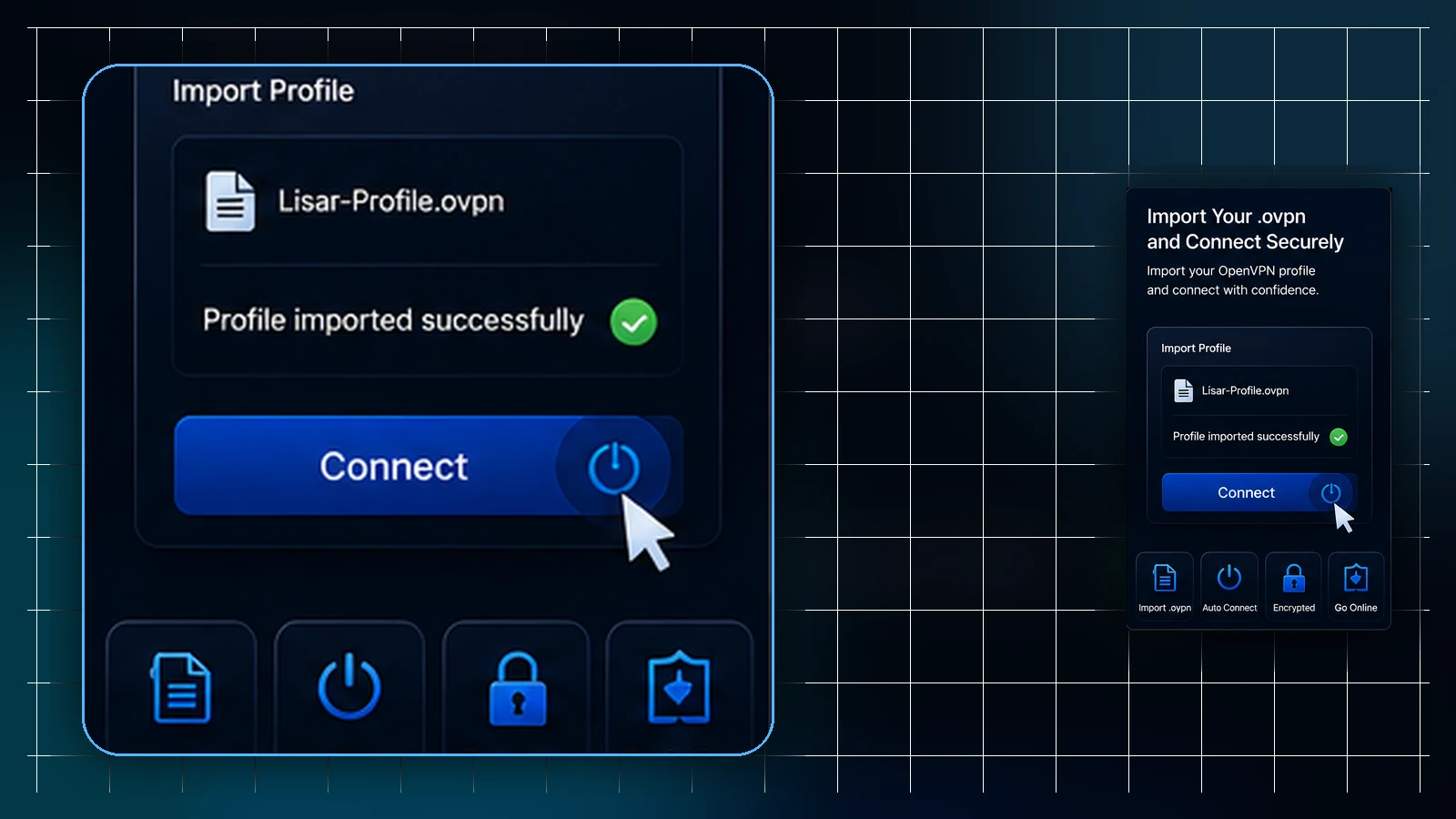
Lisar's supported OpenVPN setup fits in one line: Download .ovpn file → OpenVPN Connect → Upload File → Import/Save profile → Connect.
Read article
Understand VPN profiles, client apps, DNS, entry points and exit routing before choosing a setup method.
Read article
How to prepare VPN setup before a trip, what to expect on hotel and public networks, and what no VPN guarantees while traveling.
Read article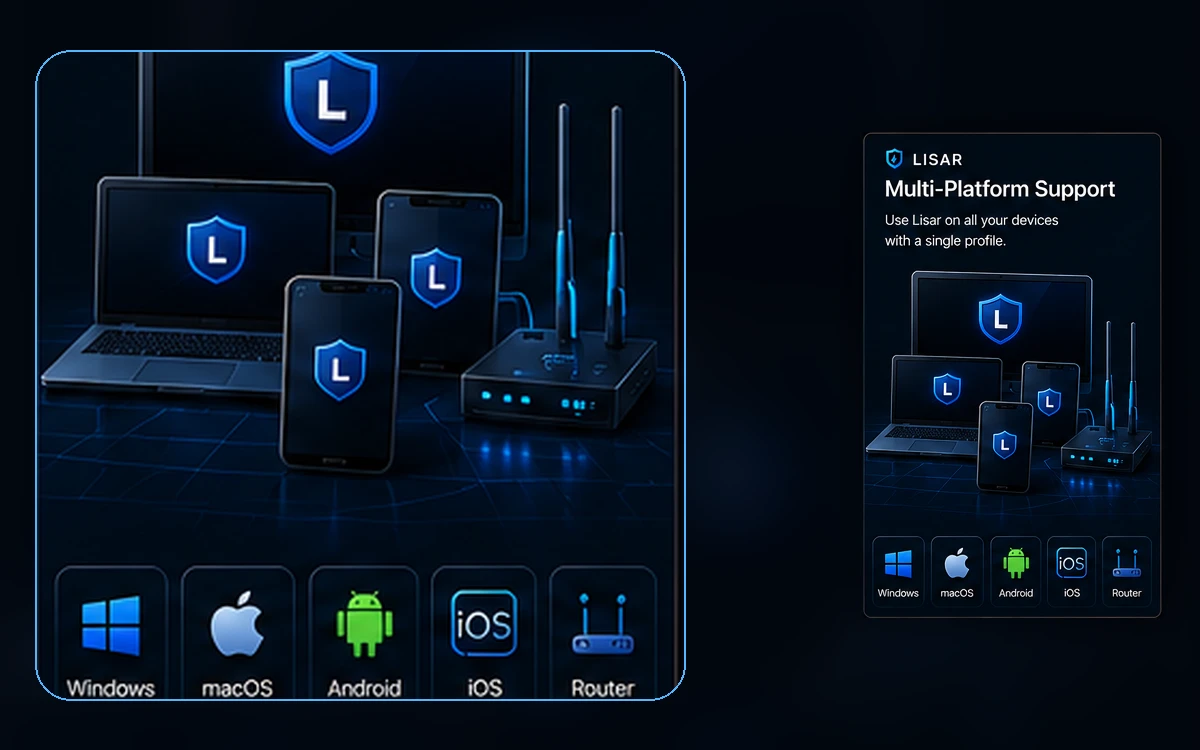
Each Lisar profile can represent a different connection use case. You can keep one profile for everyday personal access, another for travel, and another for business routing when your plan supports it.
Plan limits such as speed, quota, sessions, GeoDNS, DNS AdBlock and Custom Exit availability are shown before setup so users can choose the right profile type before connecting.
Lisar Connect is available for Android, iPhone and iPad. Compatible standard clients remain an option: use L2TP/IPsec where the device or router and network support it, or import a .ovpn profile in OpenVPN Connect where L2TP/IPsec is unavailable, unsupported, or unsuitable.
Choose the setup path that fits your device and eligible profile. The Lisar apps and manual client setup have different steps.
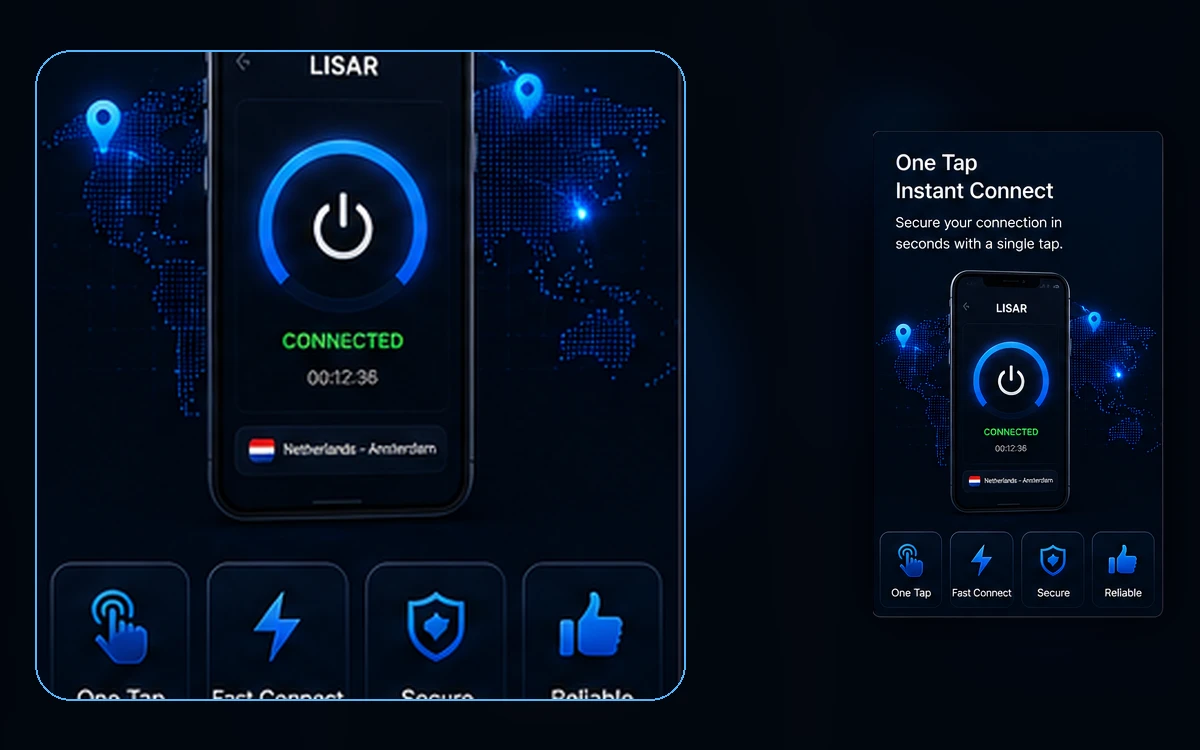
Lisar plans can include features such as GeoDNS, DNS AdBlock and Custom Exit depending on the selected plan. These features are designed for users who need more control over entry behavior, DNS behavior, or exit routing.
Business and custom routing scenarios are reviewed separately when manual setup, company requirements, or custom network behavior is needed.