
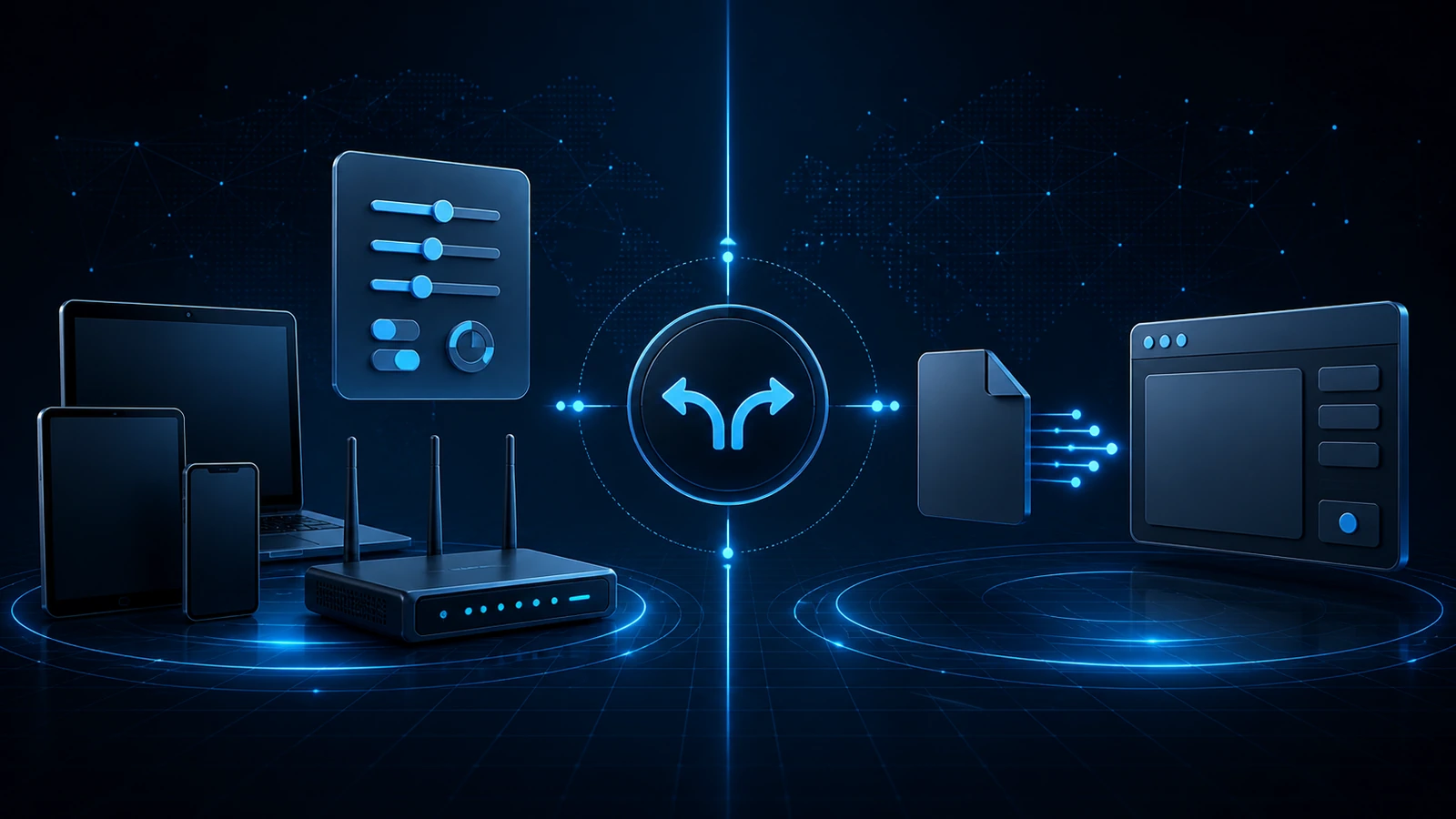
Lisar supports two service-wide profile types: an L2TP/IPsec setup that uses profile-specific settings, and an OpenVPN .ovpn profile that is imported into a supported standard client. The correct path depends on the actual device, router or firmware, and current network.
The compatibility-qualified selection rule
Start with L2TP/IPsec where the target operating system, router or firmware, and current network make it compatible and appropriate. Use OpenVPN where L2TP/IPsec is unavailable, unsupported, or unsuitable.
This rule is about compatibility. It does not claim that either protocol is universally faster, safer, more reliable, or better, and it does not replace the detailed setup guidance for the chosen path.
The L2TP/IPsec path, at a high level
L2TP/IPsec is typically configured in the compatible device's or router's VPN settings. Use only the exact server, account, IPsec, credential, and other profile values shown in the Lisar Panel or official instructions for that profile; never guess or reuse values from elsewhere.
Detailed configuration remains on the L2TP/IPsec setup page. Router users should also confirm VPN client mode, firmware, configuration, and network compatibility on the router VPN setup page.
The OpenVPN .ovpn path, at a high level
Where L2TP/IPsec is unavailable or unsuitable, a compatible standard client can import the OpenVPN .ovpn file. The native Lisar Connect app for Android, iPhone and iPad obtains an eligible OpenVPN profile through the account instead. Choose the platform guide for the route you intend to use.
Android-facing OpenVPN emphasis applies only within current L2TP/IPsec platform or client availability limits, not as a universal protocol ranking.
Service-wide support and native application scope
Service-wide Lisar setup supports the compatibility-qualified L2TP/IPsec and OpenVPN paths described here. The native Lisar application v1 scope is limited to OpenVPN-compatible profiles. That application-specific scope does not reverse or replace the service-wide selection rule.
Handle either type as sensitive setup material
A downloaded .ovpn file and the values for an L2TP/IPsec connection are sensitive setup material. Keep them on authorized devices, do not forward them to another person, and obtain every file or value from the relevant account in the Lisar Panel or official instructions.
If another person needs access, they should use their own approved profile and setup material. Do not rely on a generic guide, another user's screenshot, or an old copy for current values.
What to take away
- Start with L2TP/IPsec where the actual operating system, router or firmware, and network make it compatible and appropriate.
- Use OpenVPN where L2TP/IPsec is unavailable, unsupported, or unsuitable.
- The selection rule is compatibility-based and does not rank performance, security, reliability, or quality.
- Use the Lisar Panel and the detailed setup page for the selected path; do not invent configuration values or duplicate setup instructions from this overview.
Frequently asked questions
Why did I get an L2TP/IPsec setup instead of an .ovpn file (or vice versa)? Start with L2TP/IPsec where the target operating system, router or firmware, and current network make it compatible and appropriate. Use OpenVPN where L2TP/IPsec is unavailable, unsupported, or unsuitable. Follow the detailed guide for that path.
Which is better, OpenVPN or L2TP/IPsec? Use the compatibility-qualified rule: L2TP/IPsec first where compatible and appropriate, and OpenVPN where L2TP/IPsec is unavailable, unsupported, or unsuitable. This does not rank either protocol as universally faster, safer, more reliable, or better.
How is L2TP/IPsec setup different from the .ovpn route? L2TP/IPsec is typically configured in compatible device or router settings using profile-specific values from Lisar. The OpenVPN path imports a downloaded .ovpn file into a supported standard client where L2TP/IPsec does not fit.
Where do the L2TP/IPsec setup values come from? Only from the values shown by Lisar for your profile — your Lisar Panel or the official setup instructions for that profile. They're never guessed or reused from elsewhere, and the Panel remains the source of truth.
Can I choose which type I use? Choose according to the current device, router or firmware, and network. Start with L2TP/IPsec where compatible and appropriate; use OpenVPN where it is unavailable, unsupported, or unsuitable. Check the Lisar Panel and detailed setup guides before configuring either path.
Detailed setup: Lisar setup guides, L2TP/IPsec setup, OpenVPN .ovpn setup, and compatible-router VPN setup. Related guidance: What to Check Before Using a VPN Profile on a New Device and VPN Profile Imported Successfully but Won't Connect: What That Means.