
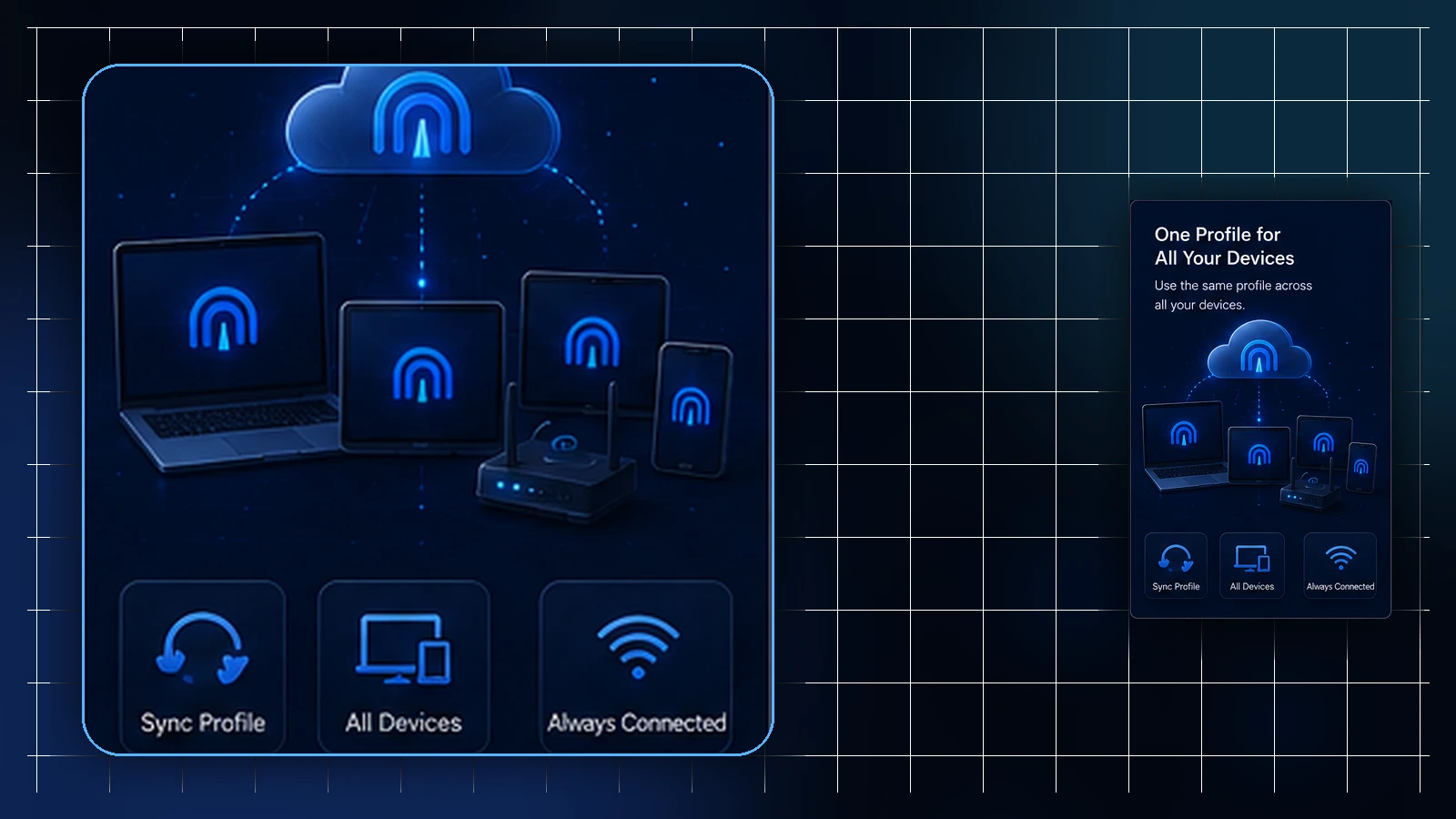
Here's a pair of facts that can both be true at the same moment: your profile shows as active in the Lisar Panel, and your phone shows the VPN as disconnected. Neither indicator is wrong — they're answering different questions. One describes what's true about your profile; the other describes what's happening on one device right now.
Confusing the two produces most of the unproductive VPN worry there is: assuming a connection hiccup means something's wrong with the account, or assuming an active profile means every device must currently be connected. This article separates the two statuses cleanly — and shows how reading them together is the quickest honest diagnosis there is.
Profile status: what's true about the profile
Profile status lives in the Lisar Panel, and it describes the profile itself — whether it's currently active, and what applies to it under your plan. It's an account-layer fact: true regardless of whether any device is connected at this moment, unchanged by your phone being in airplane mode, and unaffected by a hotel network having a bad evening.
The Panel is the source of truth for this layer. Statuses can change — profiles have lifecycles, and plan and payment events are part of that — so when the question is "what's true about my profile right now?", the answer is checked in the Panel rather than inferred from how a device happens to be behaving.
Connection status: what's happening on this device, now
Connection status lives on the device, reported by the VPN client — connected, disconnected, connecting, or an error. It's a moment-and-machine fact: it describes one device's current state on one network, and nothing more. Your laptop being connected says nothing about your tablet; your phone showing an error on hotel Wi-Fi says nothing about the profile's standing.
This status is naturally noisy, because it inherits every local variable: the network you're on, the device's own state, whether the captive portal got completed, whether the client was given the current profile. That noise is normal — it's a live indicator doing live-indicator work.
Why "active" doesn't mean "connected" — and vice versa
Run the two definitions against each other and the confusions dissolve. An active profile with a disconnected device is the ordinary state of any device that isn't currently using the VPN — activity describes the profile's standing, not any device's moment. A connection error with an active profile can involve network, device, client, profile, authentication, or service availability. And a device that won't connect is not, by itself, evidence about profile status — just as the Panel showing active is not, by itself, evidence that a connection attempt on some particular network will succeed. No network is guaranteed to support every setup, and the Panel was never claiming otherwise.
The two indicators disagree constantly, in other words — and their disagreement is usually both of them being correct about different things.
Reading them together: the two-question diagnosis
The practical payoff is a diagnostic order that takes one minute. Question one, at the Panel: is the profile active, and does what I expect match what my plan actually includes? Question two, at the device: what exactly does the client report, on which network, and does the same device behave differently on a network where things normally work?
Use the combination to narrow the investigation. If one device fails, compare its client, profile and network, but do not rule out a service-side issue. If several devices fail, check current account status, any official service notice, and the exact errors before replacing profiles. An unexpected Panel state belongs with the Panel guidance or official support.
Two habits that prevent the confusion
First, check the layer your question actually lives in. "Is my profile okay?" is a Panel question; "why won't this connect right now?" is a device question; asking either at the wrong layer produces answers that feel wrong because they're answering something else.
Second, when refreshing your setup, refresh it properly: the current profile is whatever your own Panel profile provides today — downloaded fresh, imported via the supported flow (choose the supported device and protocol path in the setup hub, obtain the required settings or profile from the Panel, and follow that guide to connect) — not whatever an old file remembers. A surprising number of "status mysteries" are simply a live indicator faithfully reporting on stale instructions.
Two layers, two questions, one minute of looking before any worrying: that's the whole skill.
Frequently asked questions
My profile shows active in the Panel but my phone says disconnected. Which is wrong? Probably neither. Profile status describes the profile's standing at the account layer; connection status describes one device's state right now. A device that isn't currently using the VPN shows disconnected regardless of the profile being active.
My client shows a connection error — does that mean my account has a problem? Not by itself. Check the profile’s current status in the Panel and record the client error. Network, client, profile, authentication and service availability can all matter; an Active label does not rule out a service-side problem.
The Panel says active. Why won't the hotel Wi-Fi connect? An active profile is not a promise about any particular network — no network is guaranteed to support every setup, and hotel networks add their own steps. Complete the network's own sign-in first, then connect; if it still refuses, use your fallback.
Where do I check what's actually true about my profile? The Lisar Panel — it's the source of truth for profile status and what your plan includes. Statuses can change as part of a profile's lifecycle, so look rather than infer.
Everything fails on every device — what should I check first? Check current account/profile status, official service information, and the exact error on the affected devices. Confirm the intended saved profile. Download or replace it when the Panel or official support indicates it is outdated, not as an automatic first response to every outage.
Related guidance: VPN Connects but a Website Won't Load: A Calm Diagnostic Order and VPN After Sleep, Roaming, and Network Switches: What Reconnection Looks Like.