
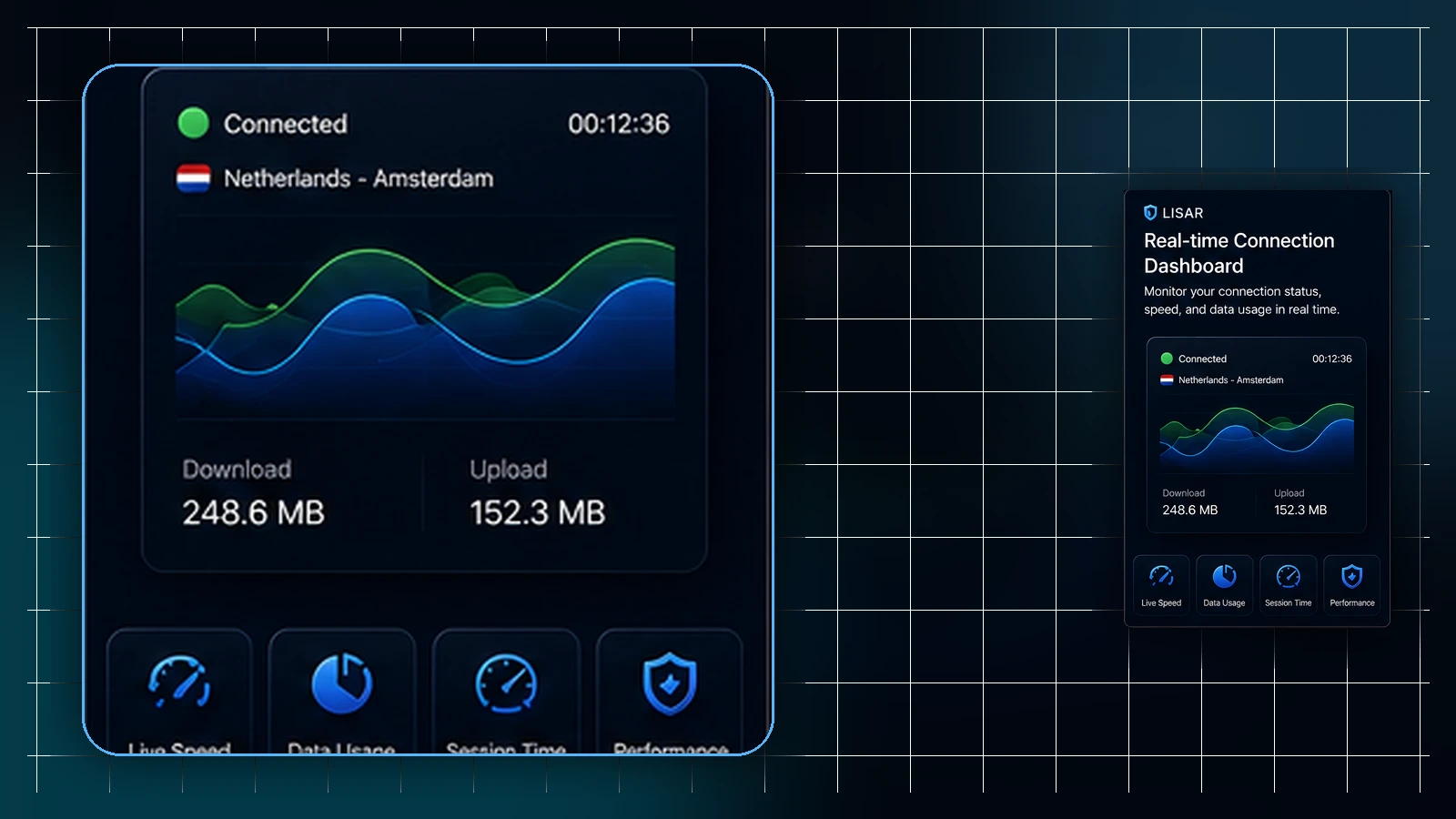
A VPN connection uses the network available to your device. Sleep, a change of Wi-Fi network, or a move between Wi-Fi and mobile data can interrupt that path. The client may then need to restore its connection. How that recovery behaves depends on the device, client, profile, and networks involved.
A brief interruption that resolves can be part of a network transition. An interruption that continues, repeats, or produces a specific error needs attention. This article explains what to check without assuming that every reconnection is harmless or has the same cause.
The VPN sits on top of a changing network
The VPN depends on a usable underlying connection. When that connection changes, the client may reconnect or adapt to the new path. A visible reconnection is one possible outcome; it is not a rule that every client or network transition behaves identically.
Check the current state shown by the client and whether the activity you need has recovered. A short successful recovery and a connection that remains unavailable should be treated differently.
After sleep
Sleep can pause network activity. After waking, the device may first need to restore its network connection before the VPN client can recover.
You may briefly see a reconnecting state. Allow the device to regain connectivity and observe whether recovery completes. A persistent failure, a repeated prompt, or an explicit client error should not be dismissed as an ordinary delay after waking.
When switching Wi-Fi networks
Moving between Wi-Fi networks can change the path used by the VPN. The client may reconnect, but the result depends on the networks and client behavior.
Make sure the new network is usable and permitted for your activity. Complete any required captive-portal sign-in through the network's normal sign-in flow. A network that worked before does not establish that another network supports the same connection.
Moving between Wi-Fi and mobile data
Phones may switch between Wi-Fi and mobile data as coverage changes. That transition can interrupt traffic or require recovery by the client.
Mobile operating systems also manage background activity and connectivity differently. Use the actual status and error messages on the affected device. Do not assume that every interruption is the same handoff problem or that recovery will always finish within a fixed time.
What helps reconnection along
First check that the underlying network is usable. Once it is stable, observe the client and, if needed, make one reconnect attempt through its supported controls. If the connection still fails, record the client version, the network change that preceded the problem, and the exact error wording for your administrator or official support. Keep profile contents, credentials, and tokens private.
An explicit client error needs its own diagnosis. OpenVPN documents a credentials error after waking or unlocking for some OpenVPN Connect setups. If your client displays NEED_CREDS or says reconnection credentials are missing, consult the OpenVPN guidance on missing reconnection credentials with your administrator or official support. That example does not establish how your Lisar profile is configured. Do not change security-related profile settings based on this general article.
If the problem appears only on one network, that observation can help narrow the investigation; it does not establish the cause by itself. For broader checks, use the VPN troubleshooting checklist and the explanation of why a VPN profile may stop working.
Setting expectations
Brief, successful recovery can be expected during some network changes. Repeated or unresolved failure proves neither that the setup is misconfigured nor that it is free of faults. The client state, error wording, and circumstances provide a better starting point than a general reassurance.
Restoring the VPN connection also does not guarantee that a website will load or accept a session. Services apply their own account and security checks, while the network path and application state may change. Check the VPN recovery and the affected service separately.
Frequently asked questions
Why does my VPN briefly disconnect when my laptop wakes from sleep? Sleep can interrupt network activity. After waking, the device and client may need to restore connectivity. A brief recovery can be expected when it completes; a persistent failure or explicit error needs further attention.
Is it normal for the VPN to reconnect when I change Wi-Fi networks? A change in the underlying network can cause the client to reconnect. Complete any required captive-portal sign-in and check the current client state. Repeated failure should not be dismissed as an ordinary handoff.
Why does my phone's VPN seem more eventful than my computer's? Phones often move between networks, and mobile operating systems manage background activity differently. These factors can affect recovery. Use the status and errors shown on that device instead of assuming every interruption has the same cause.
The connection didn't come back after a network change — what should I do? Check that the underlying network is usable, then reconnect once through the supported client. If the failure continues or a specific error appears, record the client version and error wording for official support. Keep profile contents, credentials and tokens private.
Do these reconnections affect how websites treat me? Restoring the VPN connection does not guarantee that a website will load or accept a session. Services apply their own account and security checks, while the network path and application state may also change.
Related guidance: What "Connected" Actually Means in a VPN Client and VPN and Video Calls: Realistic Expectations.