
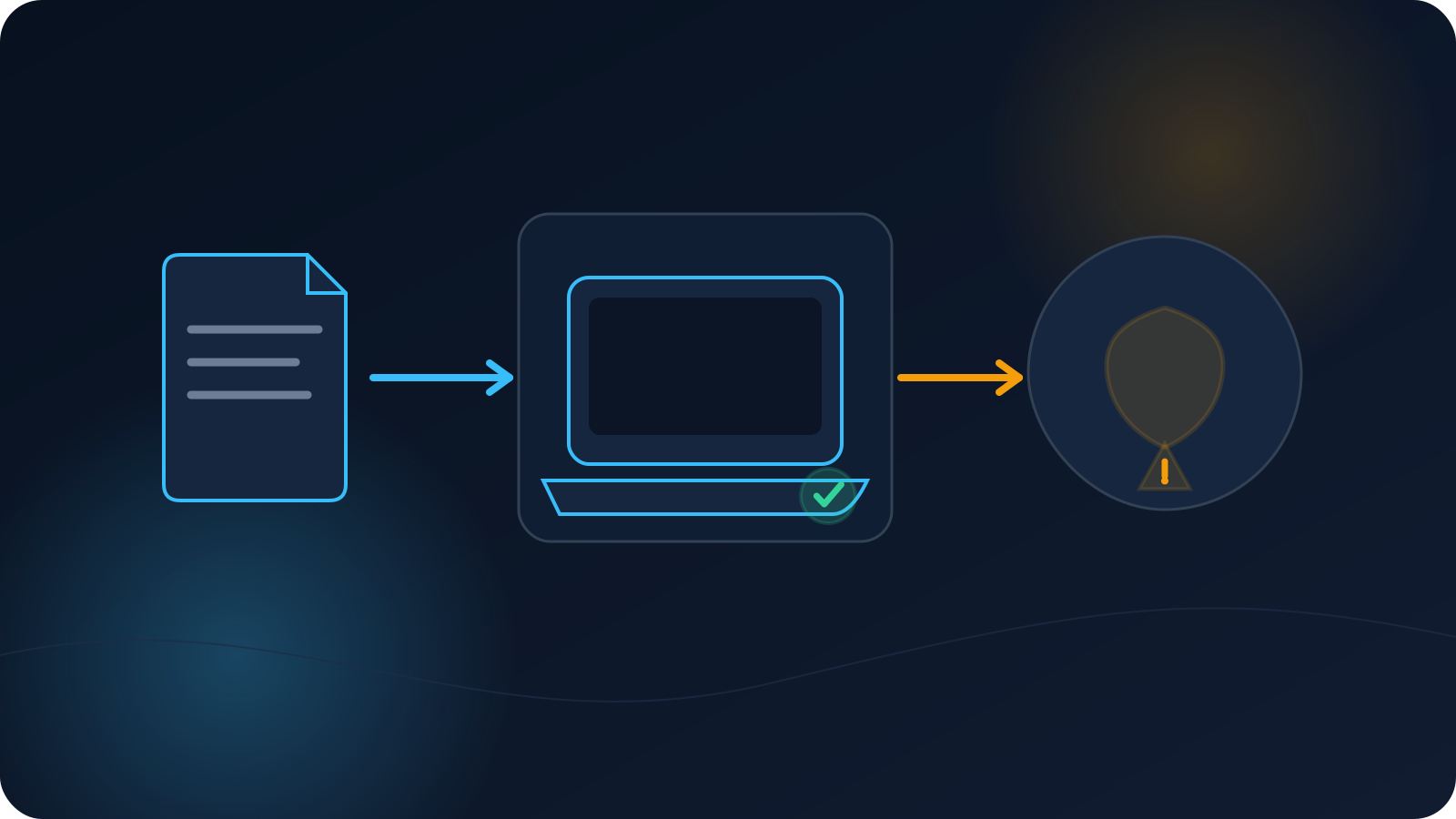
You added your VPN profile, the client accepted it, and it now appears in the list — but pressing Connect doesn't establish a connection. This is a confusing moment, because it feels like a successful import should mean a working connection. It doesn't, quite: importing a profile and connecting with it are two separate stages, and the gap between them has a small set of ordinary explanations.
This article explains what a successful import does and doesn't confirm, why connecting can still fail afterward, and — importantly — what to note down before you ask anyone for help, so the question you ask is a useful one.
Import and connect are two different stages
The key idea is that saving a profile and using it are not the same event. Importing tells the client, "here is a profile"; connecting is the later step where the client actually tries to establish the connection that profile describes. Each stage can succeed or not on its own, which is why a clean import can still be followed by a connection that doesn't establish.
| Stage | What it means | What it does not mean |
|---|---|---|
| Import / save succeeds | The client accepted the profile and added it to your list | That the connection will establish |
| Connect succeeds | The client established the connection the profile describes | That every downstream service treats you a certain way |
Seeing the two as separate stages is what makes the rest of this make sense.
What a successful import actually confirms
A successful import confirms one thing: the client read the profile and accepted it as something it can hold. That's genuinely useful — it means the file wasn't rejected as unreadable — but it's a statement about the file being accepted, not about the connection working. Treating import success as "the profile should now connect" sets the wrong expectation; it's the first of two steps, not both. This mirrors a broader distinction covered in VPN Status vs Connection Status and What "Connected" Actually Means in a VPN Client.
Why connecting can still fail
With that framing, here are the ordinary reasons the connect step doesn't establish even after a clean import.
An incorrect or outdated profile
The profile may have imported fine but be the wrong one for what you intend, or an older copy whose details have since been refreshed. A file can be perfectly readable — so it imports — and still point at details that no longer apply, so it doesn't connect. When in doubt, a current profile from your own source is the reliable choice; When to Re-Download Your VPN Profile covers when that's warranted.
Expired or inactive access
A profile is a way of using access, and if the access behind it has ended or isn't currently active, the profile can import but not connect. This is ordinary account activity rather than a fault in the file. VPN Profile Renewal and Status Changes explains how access status relates to what you see, and the Why a VPN Profile May Stop Working (Articles 71–75) covers related causes.
Network availability
The connect step depends on the network you're on. If the current network is restricted, still on a sign-in page, or otherwise not permitting the connection, connecting can fail even though the profile imported fine. Whether a network allows a given connection varies from network to network — the Why a VPN Works on One Network but Not Another (this batch) covers that side.
Client compatibility
Connecting also depends on using a supported client for your setup, and support varies across platforms rather than being uniform. On the supported OpenVPN path, the client is OpenVPN Connect; some setups use built-in L2TP/IPsec support instead. If the client or platform isn't a supported combination for the profile, a clean import can still be followed by a connection that doesn't establish. Common OpenVPN Connect Import Problems is a useful companion.
Authentication or validation, at a high level
At a high level, establishing a connection can involve the profile being checked against the access behind it. If that check doesn't succeed — for instance, because access isn't active or the details in use aren't current — the connection won't establish. You don't need to inspect anything sensitive to understand this: the takeaway is simply that connecting involves a validation step that importing does not, which is another reason the two stages can come apart. There's no need to open, edit, or examine the sensitive parts of a profile file to work through this — that isn't a troubleshooting step, and a current profile used as provided is the right starting point.
Where DNS fits in
A common source of confusion is expecting DNS behavior to tell you something before you're connected. In normal use, DNS behavior is evaluated after a connection is established, so it isn't the thing to look at when the connection itself hasn't come up yet. Get the connection established first; DNS questions come after that. If you're comparing DNS results once connected, the Why VPN and DNS Results Can Differ Between Devices (Articles 71–75) is the relevant piece.
What to record before asking for help
If you do need to ask whoever manages your access or Lisar support, a few notes make the question far easier to answer — and none of them involve sensitive contents:
- Which profile you imported, and roughly when you downloaded it (so "is it current?" can be answered).
- Which client and operating system you're using.
- Which network you're on, and whether the internet works on it without the VPN.
- What happens at the connect step — does it try and stop, or not start — without quoting anything sensitive from the file.
- Whether you've confirmed your access is currently active.
That short list turns "it won't connect" into a question someone can actually act on. Recording it is also just good practice; How to Confirm Your VPN Is Actually Connected covers what a genuine connection looks like once you get there.
The short version
- Importing a profile and connecting with it are two separate stages.
- A successful import only confirms the client accepted the profile — not that it will connect.
- Connecting can still fail due to an incorrect or outdated profile, expired or inactive access, network conditions, or an unsupported client/platform combination.
- Connecting involves a validation step that importing does not; you never need to open or edit sensitive parts of the file to work through it.
- DNS behavior is normally evaluated after a connection is established, so it's not what to check beforehand.
- Before asking for help, record the profile, client, OS, network, connect behavior, and access status — nothing sensitive.
Frequently asked questions
My profile imported fine — doesn't that mean it should connect? Not by itself. A successful import only means the client accepted the profile; connecting is a separate step that can still fail for ordinary reasons like an outdated profile, inactive access, network conditions, or an unsupported client and platform combination. Import success is the first of two stages, not both.
What's the difference between importing and connecting? Importing saves the profile into the client; connecting is when the client actually tries to establish the connection the profile describes. Each can succeed or not on its own, which is why a clean import can be followed by a connection that doesn't come up.
Should I edit the profile file to fix it? No. Opening or editing the sensitive parts of a profile file isn't a troubleshooting step. Use a current profile from your own source as provided, and if it still won't connect, record the non-sensitive details and ask whoever manages your access or Lisar support.
Why doesn't DNS tell me what's wrong? Because DNS behavior is normally evaluated after a connection is established. If the connection itself hasn't come up, DNS isn't the right place to look yet — get connected first, then any DNS questions make sense.
What should I have ready before I ask for help? Which profile you imported and when, which client and operating system you're on, which network you're using and whether the internet works there without the VPN, what happens at the connect step, and whether your access is currently active. None of that involves sensitive contents, and it makes the problem much easier to help with.