
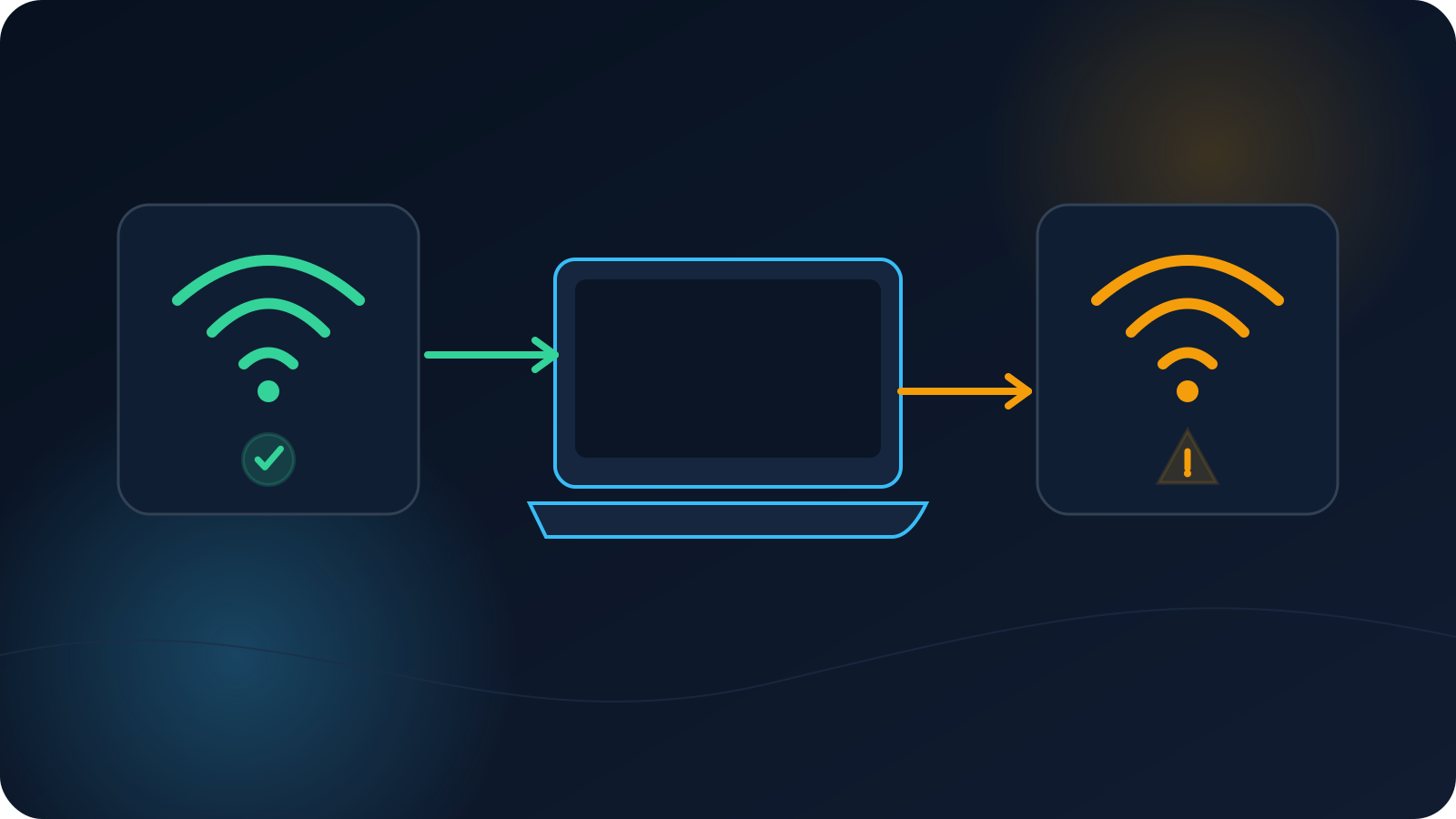
You connect without a second thought at home, then try the same thing on hotel Wi-Fi, a café network, or the office, and it behaves differently. The natural assumption is that something is wrong with your VPN profile — but the profile is usually the one thing that hasn't changed. What changed is the network you're on, and networks vary in ways that can affect how a connection behaves.
This article explains the ordinary reasons a profile can work in one place and behave differently in another, and gives you a calm way to work out where the difference actually lives. It stays deliberately high-level: the goal is understanding what's happening and who to ask, not working around anyone's network rules.
The profile didn't change — the network did
Start from the right frame. The same profile can meet very different conditions depending on where you connect, so different behavior across networks is expected rather than a sign of a fault. Each network has its own equipment, its own rules, and its own way of handling connections, and those differences are usually what you're seeing. Holding that in mind keeps you from "fixing" a profile that was never the problem.
The sections below are the network-side factors most likely to explain the difference, followed by how to tell them apart.
Captive portals and network sign-in steps
Many public and hotel networks put a sign-in page in front of internet access — the page that asks you to accept terms, enter a room number, or log in before anything else works. Until you've completed that step, a connection may not behave as expected, simply because the network hasn't granted general access yet. This is one of the most common reasons the same profile "works at home but not here."
The practical move is to make sure you've finished the network's own sign-in in a browser first, and then try connecting. VPN on Hotel Wi-Fi: Captive Portals, Network Rules, and Setup Expectations covers this pattern in more depth, and Airport, Café, and Co-Working Wi-Fi sets expectations for public networks generally.
Network-specific restrictions
Some networks apply their own rules to the kinds of connections they allow — workplaces, schools, public venues, and guest networks often do. On such a network, a connection that works elsewhere may behave differently, not because of your profile but because of how that particular network is set up. This is normal, and it's the network operator's decision to make.
Where a network you don't control limits a connection, the appropriate step is to follow that network's rules and, if you need access there, to raise it with whoever runs the network — not to look for a way around the restriction. On a managed or workplace network, that means the people who administer it.
DNS can differ from network to network
Networks can hand out different DNS settings, and DNS is part of how names get resolved once you're connected. Because of that, two networks can produce slightly different results even with the same profile, and a difference you notice may be a DNS difference rather than a connection problem. This overlaps with why two of your own devices can differ; the companion article Why VPN and DNS Results Can Differ Between Devices — part of the approved Articles 71–75 subset — walks through the DNS side in detail.
Firewall or router behavior, at a high level
At a high level, the router and network equipment on any given network decide how connections are handled, and a network's firewall rules can treat certain connections differently from another network's. You don't need to know the specifics to understand the effect: the same profile can be handled one way on one network and another way elsewhere, purely because the equipment and rules differ. This is descriptive, not something to reconfigure — network equipment belongs to whoever owns the network, and changing it isn't a step you should take on a network that isn't yours.
Switching between Wi-Fi and mobile data
Wi-Fi and mobile data are different networks, so moving between them can change behavior too. If a connection behaves differently on cellular than on a particular Wi-Fi network, that's the two networks differing rather than the profile changing. Switching networks can also mean a connection needs to re-establish on the new one; VPN After Sleep, Roaming, and Network Switches explains what reconnection looks like when the network changes underneath you.
Does the issue follow the device, the profile, or the network?
The most useful question to answer is which of three things the difference is tied to. A quick way to narrow it down:
- If it happens on one network but not others with the same device and profile, the difference most likely lives with the network.
- If it happens across networks but only on one device, the device or its settings are the more likely factor.
- If it happens with one profile across networks and devices but not another profile, the profile is worth a closer look — starting with whether it's current.
This "change one thing at a time" approach is the heart of calm troubleshooting, and it keeps you from concluding it's the profile when it's really the network.
A calm diagnostic sequence
Putting it together, a measured order to work through:
- Finish the network's own sign-in page in a browser, if there is one, then try again.
- Note whether the internet works normally on that network without the VPN — if the network itself is restricted or still on a sign-in step, that explains a lot.
- Try another network you trust (for example, switch between Wi-Fi and mobile data) and see whether behavior changes.
- Confirm you're using a current profile from your own source, so an old file isn't part of the picture.
- If a specific network consistently behaves differently and it's one you don't control, follow that network's rules and ask whoever runs it; if it's a managed or workplace network, that's the network's administrators.
If the difference persists on a network you'd expect to work, that's the point to raise it with whoever provides your access or with Lisar support, rather than changing settings on equipment that isn't yours. For a broader step-by-step, the VPN Troubleshooting Checklist covers connection, DNS, device, and network checks in order.
Quick recap
- The same profile can behave differently across networks; usually the network changed, not the profile.
- Captive portals and network sign-in steps are a very common reason access differs.
- Networks apply their own restrictions, DNS settings, and router or firewall rules — all network-side.
- Wi-Fi and mobile data are different networks, so switching between them can change behavior.
- Work out whether the difference follows the device, the profile, or the network by changing one thing at a time.
- On a network you don't control, follow its rules and ask whoever runs it rather than working around a restriction.
Frequently asked questions
Why does my VPN connect at home but not on public Wi-Fi? Most often because the public network has its own sign-in page or its own restrictions. Finish the network's sign-in in a browser first, then try again, and check whether the internet even works on that network without the VPN. If the network itself limits certain connections, that's the network's setup rather than your profile.
How do I tell if it's my profile or the network? Change one thing at a time. If the same device and profile work on other networks, the network is the likely factor. If one device struggles on all networks, look at the device. If one profile behaves differently across networks and devices, check that the profile is current. That isolation is what points you to the real cause.
Should I change router or firewall settings to make it work? Not on a network you don't own. Router and firewall rules belong to whoever runs the network, and changing them isn't a step to take on someone else's network. If you need access on a managed or public network, follow its rules and ask the people who administer it.
Does switching between Wi-Fi and mobile data matter? Yes — they're different networks, so behavior can differ between them, and a connection may need to re-establish when you switch. If cellular behaves differently from a particular Wi-Fi network, that's the two networks differing rather than anything wrong with the profile.
Will changing my profile or location fix a network that blocks it? Not reliably, and that's not the intent here. If a specific network restricts a connection, the difference is on that network's side; the right step is to follow its rules and ask whoever runs it, not to assume a different profile or setting will get around the restriction.