
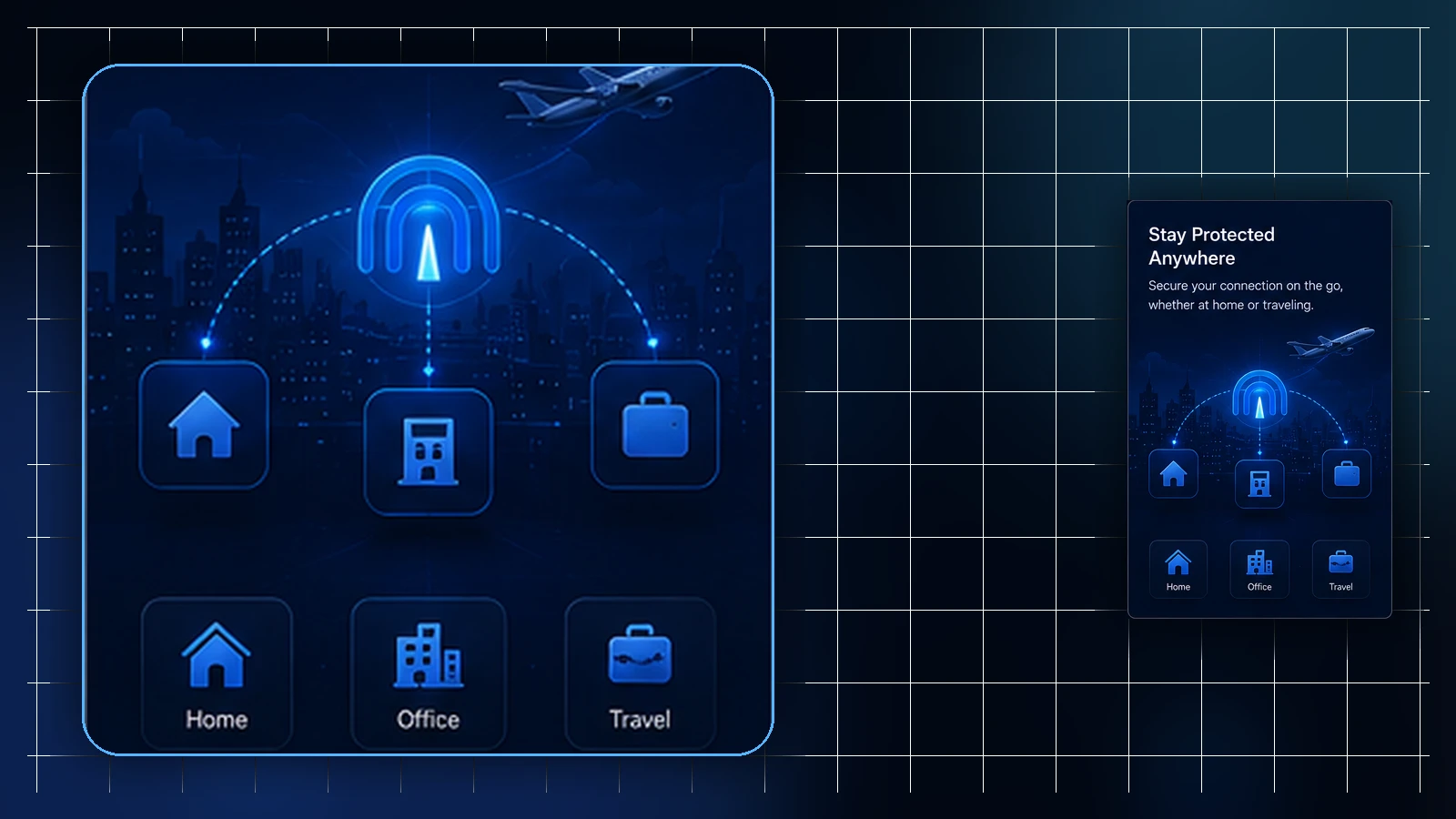
Small teams reach for the phrase "shared VPN profiles" with a reasonable goal in mind: everyone set up the same way, routing that behaves consistently, and one place where profiles are managed instead of five personal arrangements. That goal is right. The literal version of the phrase — one profile file passed around the team — is the part that backfires.
This article separates the two: what sharing should mean for a small team, what it must never mean, and how to get the consistency without the anti-pattern.
What teams actually want when they say "shared"
Unpack the request and it's rarely about the file. Teams want shared standards (every member set up the same supported way, so problems look the same and help is reusable), shared routing expectations (the team's traffic behaving consistently rather than differently per person), and shared management (profiles created and overseen in one place, with someone accountable, instead of scattered across personal accounts).
Teams can standardize their instructions and keep an access inventory without sharing profile files. Confirm which management and routing options the actual account supports; these habits do not imply a separate multi-user administrator console.
The version that works: shared standards, per-person profiles
Keep one clearly assigned profile per person where that matches the approved access arrangement, and give each member the guide for their actual device. Management happens through the authorized Lisar account and its available profile actions; do not give everyone a shared account password. Choose the current guide for the actual device: L2TP/IPsec where compatible and appropriate, or an OpenVPN profile with a compatible client where L2TP/IPsec is unavailable or unsuitable. Lisar Connect is also available for Android, iPhone and iPad. Use only that person's authorized active profile and keep its connection values private.
GeoDNS, DNS AdBlock and Custom Exit depend on the selected profile's plan and current configuration. Check availability separately from whether a feature is enabled or an exit is selected. The same plan does not automatically give every profile the same route, and Custom Exit does not by itself promise a dedicated or static IP. Use the current feature guide and panel options; a tailored business arrangement may need review.
The version that backfires: one file, many people
Passing one profile file around a team feels efficient for exactly one afternoon. After that, the costs arrive: nobody can tell whose connection is whose when something needs attention; the file exists in chats, inboxes, and shared folders where it can't be un-shared; every departure raises the question of who still has a copy; and one person's setup problem becomes everyone's, because it's literally the same setup.
A downloaded .ovpn profile file carries profile-specific setup information and should be treated as sensitive setup material. The team rule that prevents all of the above is one sentence: profile files, credentials, and profile details are never shared between people — not in chat, not in shared documents, not device-to-device. Each member's setup comes from their own profile in the Panel, every time.
Onboarding and offboarding on the per-person model
The per-person model pays off most at the edges of the team. Onboarding a new member is a repeatable step: their own profile in the team's Panel, the setup guide for their actual device, and a clear answer to who they ask when setup questions come up. Nothing is forwarded to them; nothing needs scrubbing later.
At the end of access, the responsible owner should remove or disable the relevant assignment through the available account workflow and confirm the resulting status. Keeping profiles per person helps identify what to change, but it does not revoke access automatically or prove that downloaded copies were deleted. Use the panel and official support for the actual account actions.
What none of this replaces
A team VPN setup — however well organized — is connectivity planning, not a security program. It doesn't replace identity and sign-on controls, device management or device policy, the team's device security tooling, network access rules, or the team's own IT and policy decisions. On managed devices, device policy continues to define what setup is possible, exactly as it would for any other software.
Teams that hold that boundary get the real benefits — consistent setup, predictable routing, manageable membership changes — without building expectations no VPN can meet. What a specific team should run alongside its VPN setup is a question for that team's own IT function.
The practical takeaway fits in two sentences. Share the things that scale — standards, plan-level routing, one place to manage profiles, one person accountable — because sharing them makes every future teammate cheaper to onboard and every problem easier to describe. Keep the things that identify — profile files, credentials, profile details — strictly per person, because that's what keeps connections attributable, departures simple, and yesterday's chat history boring.
Frequently asked questions
Can our small team just use one VPN profile for everyone? Use clearly assigned individual access instead of forwarding one person's profile file. Confirm the account's available management actions and keep credentials separate; a shared standard does not require a shared password or file.
How do we get everyone routing the same way without sharing files? Check plan eligibility and the actual route configured for each participating profile. The same plan alone does not prove an identical exit. Confirm a tailored business requirement with Lisar before relying on it; a shared route does not by itself mean a dedicated or static IP.
What's the right way to onboard a new team member? Give them authorized profile access and the current guide for their device and connection method. Keep their credentials private, verify a connection and record who handles support. Do not forward a colleague's file.
Does centralized profile management replace our other security tools? No. Team VPN setup is connectivity planning; identity and sign-on controls, device management, device security tooling, and access rules remain their own layers, owned by the team's IT decisions.
What happens to profiles when someone leaves the team? The responsible owner must perform the available account-side offboarding action and verify status. A tidy per-person inventory helps, but deleting a local file or removing someone from a document does not by itself revoke service access.
Related guidance: VPN for Hybrid Teams: Consistent Setup Without Replacing Company Security and Receiving a VPN Profile From Your Team: What to Check Before You Connect.