
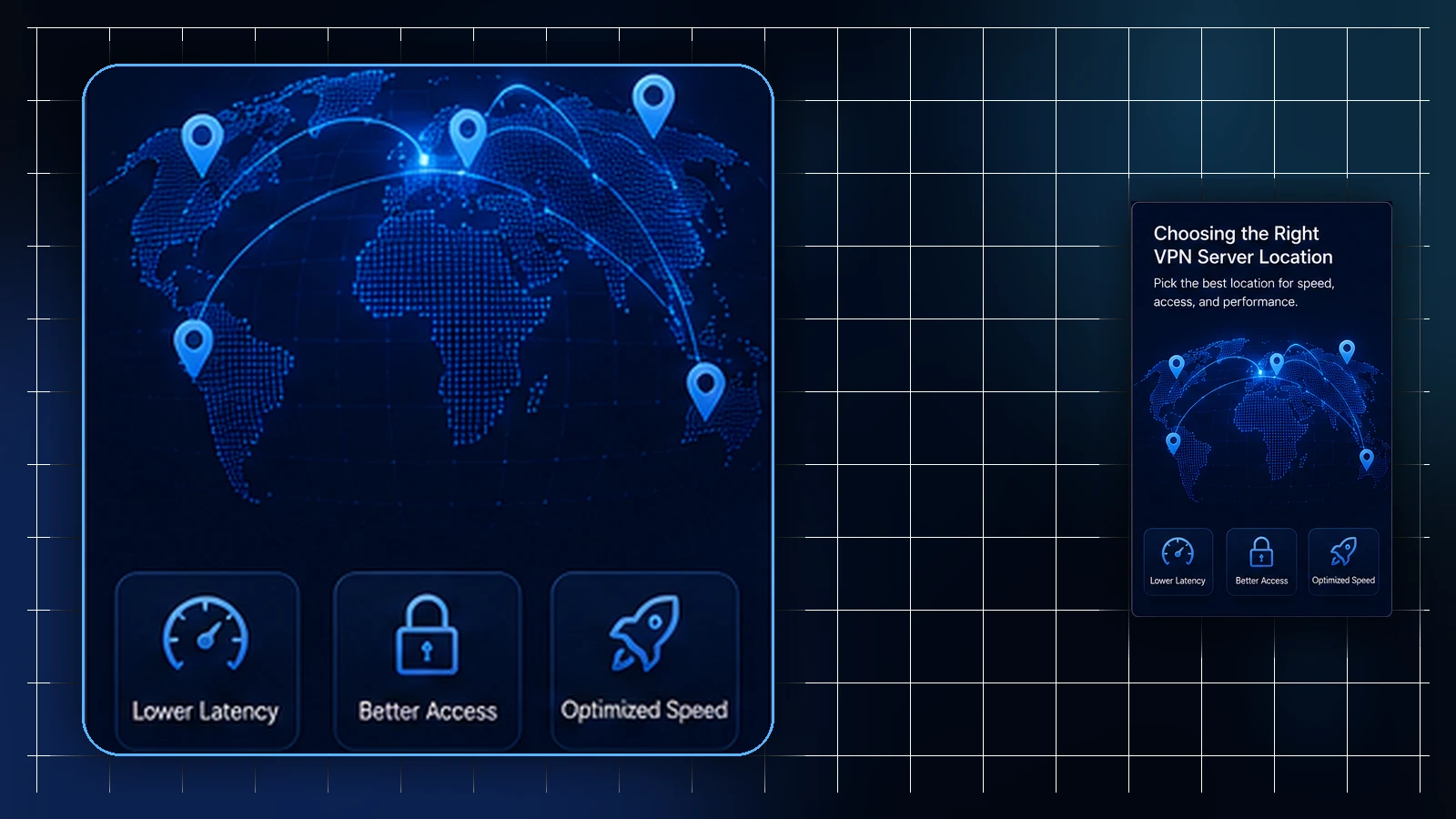
Two ideas keep getting collapsed into one in VPN conversations: GeoDNS and server location. They sound like siblings — both involve geography, both involve routing — and treating them as the same thing produces exactly the confusion this article exists to untangle.
Short version: GeoDNS is about how certain DNS lookups get answered, where the feature is available. A VPN entry server is where the tunnel connects; an exit location is where routed traffic leaves toward the wider internet. These locations can differ. They can interact, they can even point the same general direction, and they are not the same thing.
What GeoDNS is, at the layer it lives on
GeoDNS is DNS-layer behavior, available according to plan. Where it applies, the answer a DNS lookup receives can take the requester's approximate location into account, under a configured policy — so that, by design, a lookup can be steered toward something operationally sensible for where the request appears to come from.
Notice how many qualifiers that sentence carries, on purpose. Decisions of this kind can depend on the approximate location a request appears to come from, the configured policy in effect, what's operationally available at the time, and the network path involved. "Nearby" is a design goal inside that mix — not a promised outcome for any specific lookup.
What server location is
The term server location can refer to the entry server receiving the VPN tunnel or to an exit used for onward traffic. Check which one the guide or interface means. With supported Custom Exit routing, entry and exit can be different; a server label alone does not establish both.
That's the cleanest way to hold the difference: entry is where the tunnel connects, exit is where routed traffic leaves, and GeoDNS concerns supported DNS and entry-selection behavior.
Why a nearby route is not the same as your exit
Here's where the collapse happens. A DNS answer influenced by location can create the impression that "the VPN moved closer" — but a lookup being steered somewhere says nothing, by itself, about where the VPN connection exits. The exit stays what the profile defines. Conversely, an exit location doesn't dictate how every DNS lookup on the connection gets answered, especially where GeoDNS-style behavior applies.
Two layers, two questions: where does my traffic exit? is a profile fact; how did this lookup get answered? is a DNS-layer event. Confusing them leads people to expect one layer to deliver the other's behavior.
What neither layer promises
Because both involve geography, both attract expectations neither can carry. Neither GeoDNS nor a server location is a promise about performance — distance is one factor among many in how a connection feels, and no particular outcome is promised at any moment. Neither is a promise that any website, app, or service will behave as if you're in a particular place — services make their own decisions using their own signals. And GeoDNS specifically is not a switch for choosing regions: it's configured behavior, where available, not a control surface.
Where the facts about your setup live
Which exit a profile uses, and whether GeoDNS applies to a plan, are account facts, not article facts. The Lisar Panel shows what's true for a specific profile, and official support can answer what an article can't. Supported locations are updated regularly; if a country or city is not listed, users may request it for review and possible addition.
Frequently asked questions
Is GeoDNS the same as choosing my server location? No. Distinguish the VPN entry server from the exit route. GeoDNS influences supported DNS and entry behavior; it does not by itself establish an exit location.
Does GeoDNS mean my lookups always go to the nearest option? No. Decisions of this kind can depend on approximate location, configured policy, what's operationally available, and the network path. Nearby is a design goal, not a promised outcome.
Will GeoDNS or my server location make services treat me as local? Neither promises that. Services decide how to treat a connection using their own signals and policies, beyond anything either layer controls.
Where do I see what actually applies to my profile? In the Lisar Panel, which shows the facts for your specific profile and plan, with official support for anything the Panel doesn't answer.
Related guidance: Custom Exit Routing for Teams: When a Shared Exit Location Helps and VPN Location Choice: When to Use a Nearby Server and When Not To.