
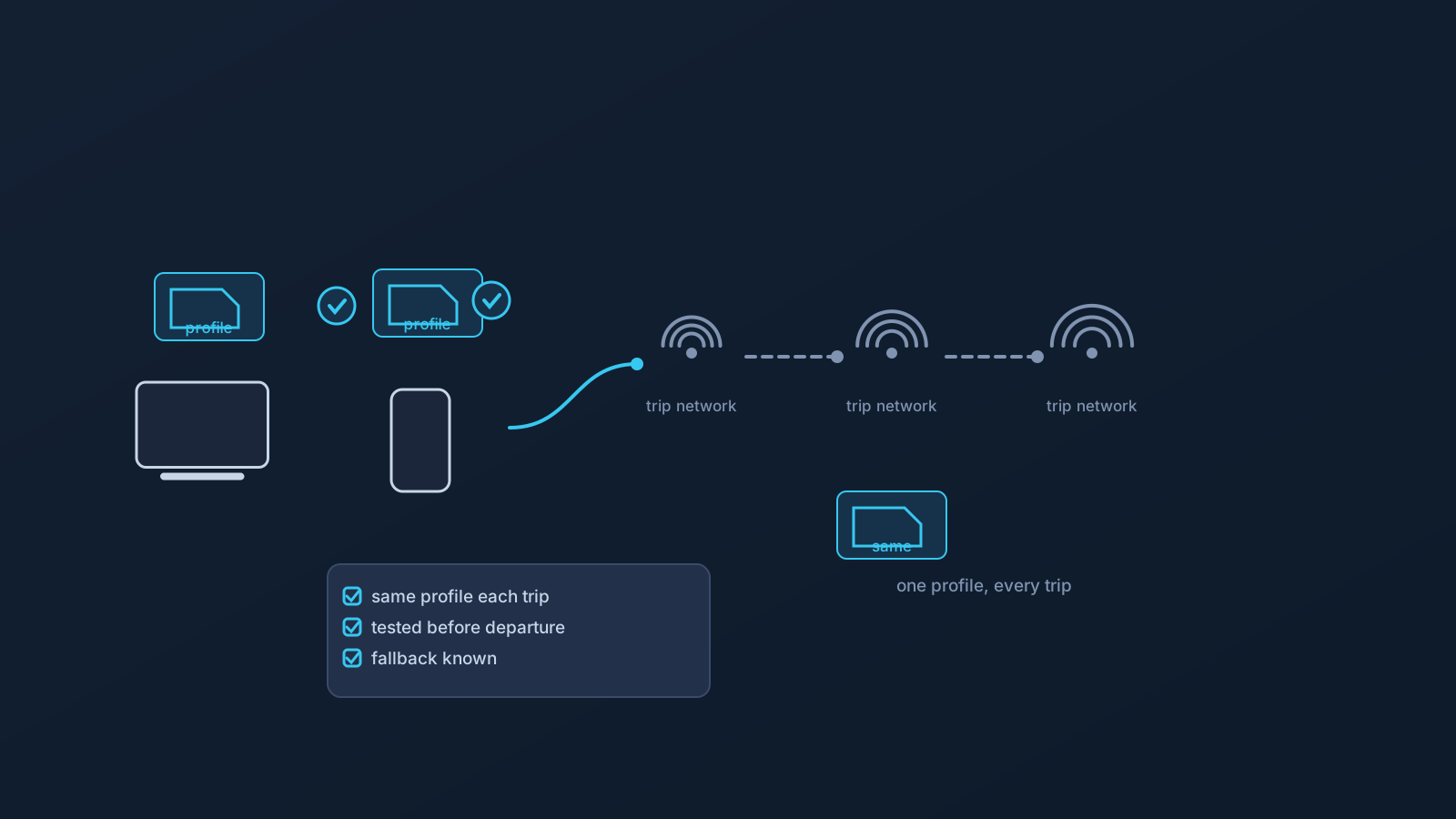
Occasional travelers prepare for a trip. Frequent travelers need something different: a routine that survives ten trips in a row without being rebuilt each time. The difference matters, because most travel VPN problems aren't caused by any single airport or hotel network — they're caused by drift. A profile set up differently on each device, a quick fix improvised in one hotel that quietly becomes the new setup, a screenshot from March standing in for the Panel in July.
This article is about designing against that drift: one consistent setup, checked the same way before every trip, with realistic expectations about what stays in your control and what never was.
Why frequent travel multiplies small setup problems
Every trip adds networks you don't control — airport Wi-Fi, hotel systems, coworking spaces, mobile roaming — and every network is a chance for a setup that "mostly works" to fail in a new way. For someone who travels twice a year, an odd failure is an anecdote. For someone who travels twice a month, the same failure rate becomes a pattern that eats real working time.
The fix isn't a cleverer setup. It's a more boring one: the same profile, on the same devices, set up the same supported way, verified on a familiar network before departure rather than debugged on an unfamiliar one after arrival.
One profile routine, repeated
The routine worth standardizing looks like this. Each device you actually travel with gets set up from your own profile in the Lisar Panel, the supported way: download the .ovpn file, open OpenVPN Connect, choose Upload File, import and save the profile, and connect. The Panel stays the source of truth for anything profile-specific — not saved notes, not old screenshots, not a copy of a setup that worked last quarter.
Before each trip, the check is the same three minutes: the devices you're taking still connect from a familiar network; you can sign in to the Panel; and the current setup guide is where you expect it to be. Frequent travelers benefit from this more than anyone, precisely because the routine's value compounds — the tenth trip costs the same three minutes as the first.
Keep the profile file where it belongs
Travel creates pressure to make setup information portable in exactly the wrong ways: the profile file forwarded to a second device through email, saved into a shared folder "to have it everywhere," or left on a borrowed machine. A downloaded .ovpn profile file carries profile-specific setup information, so it should be treated as sensitive setup material — kept on your own devices, off shared and auto-syncing locations, and out of chats and notes.
When a new device joins the rotation, it gets set up from your own profile in the Panel, not from a file shuttled over from another machine. When an old device leaves the rotation, removing leftover downloaded profile files from it is part of retiring it.
Networks abroad will vary — plan for it, don't fight it
Hotel, airport, coworking, and mobile networks differ in how they're configured and what they allow, and no network is guaranteed to support every setup. For a frequent traveler, the realistic posture is expectation plus fallback: assume that some network on some trip won't cooperate, know what your alternative is, and resist redesigning a working setup to satisfy one uncooperative network — the redesign is how drift starts.
The same steadiness applies to services you use while away. Accounts and platforms apply their own checks — sign-in patterns, device signals, region and payment details among them — and a consistent connection setup can reduce avoidable variation on your side without promising anything about how any service responds. What a service accepts is always the service's decision.
What consistency can and cannot buy you
A consistent travel setup buys you fewer self-inflicted problems: less time re-deriving how a device was configured, fewer improvised changes, less setup information scattered across old notes, and a steadier network picture for the accounts you rely on. That's worth having, and it's entirely within your control.
What it cannot buy is anyone else's behavior. A VPN doesn't decide what a network permits, how a platform treats an account, or how any particular service behaves in any particular place. Where a plan includes routing features, they follow the plan: GeoDNS, DNS AdBlock and Custom Exit are available according to plan. Keeping those two categories separate — your side versus everyone else's — is the single most useful habit a frequent traveler can build.
The frequent traveler's pre-trip check
- Devices going on this trip connect from a familiar network, using your own profile.
- Panel sign-in works, and you know where the current setup guide lives.
- No profile files sitting in chats, shared folders, or on devices that aren't yours.
- Verification methods for the accounts you'll need are set up to work where you're going.
- You know your fallback if a network doesn't cooperate — and you're committed to not redesigning a working setup mid-trip.
Frequently asked questions
Should I set up my VPN differently for each country I visit? No — the value for frequent travelers is in sameness. One consistent profile setup per device, done the supported way from your own Lisar Panel profile and tested before departure, beats per-destination tinkering.
Can I keep my profile file in cloud storage so it's available everywhere? Better not to. A downloaded .ovpn profile file is sensitive setup material; each device should be set up from your own profile in the Lisar Panel rather than from a file synced or forwarded between machines.
Will a consistent setup make services treat me normally while I travel? It can reduce avoidable variation on your side, which helps, but how any service responds is that service's decision — services weigh their own signals, and no VPN setup can promise a particular outcome.
What if a hotel or airport network won't work with my setup? Expect that occasionally — no network is guaranteed to support every setup. Use your fallback (often mobile data) rather than changing a working configuration to satisfy one network.
How often should I re-check my travel setup? Before every trip, briefly: devices connect from a familiar network, Panel sign-in works, and nothing profile-specific is sitting in notes or shared places. Three minutes per trip keeps ten trips boring.