
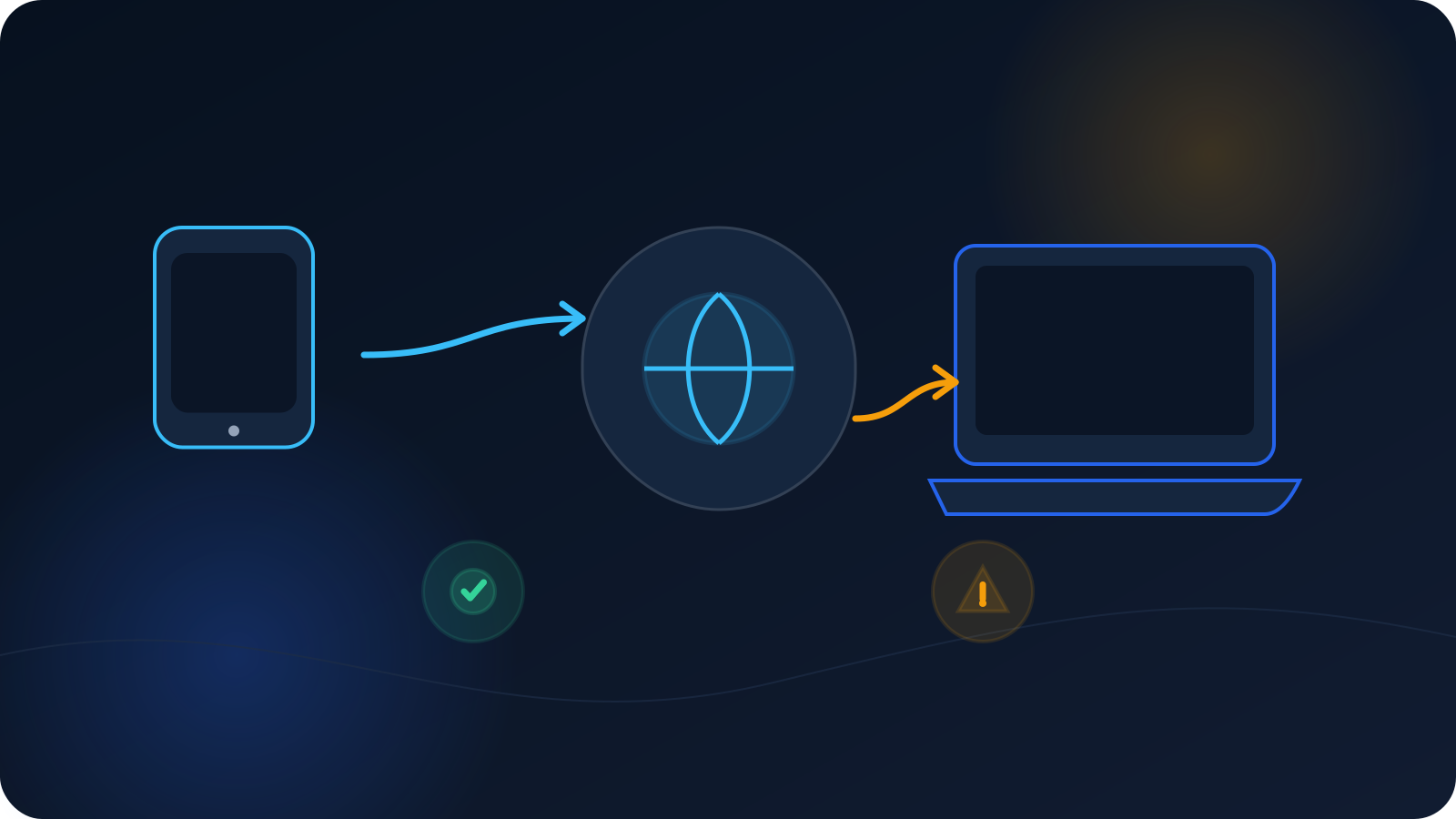
You check something on your laptop, then check the same thing on your phone, and the two don't quite agree — one shows one result, the other shows something a little different, even though both are "on the same VPN." It's a common thing to notice, and it tends to read as a problem when it usually isn't. Two devices can legitimately show different VPN or DNS results for a handful of ordinary reasons, and once you know what they are, the difference stops being mysterious.
This article walks through those reasons calmly. The aim is understanding, not a promise about what any particular device will show — results depend on conditions, and the point here is simply to explain why those conditions vary from one device to the next.
Two devices, two results — usually ordinary
Start from the expectation that some variation between devices is normal. Devices differ in their settings, their networks, and their current state, and any of those can lead to a different result without anything being wrong on either one. Reading a difference as "one of these is broken" is usually the wrong first conclusion; more often, the two devices simply aren't in identical conditions. The sections below are the conditions most likely to differ.
They may be in different connection states
The simplest explanation is the easiest to overlook: the two devices may not be in the same connection state. One may be connected and the other not, or they may be connected with different profiles. A device that isn't connected — or is connected through a different profile than the other — will naturally show different results, and that's expected rather than a fault. Before looking further, it's worth confirming both devices are actually in the state you think they're in. What "Connected" Actually Means in a VPN Client is useful here, as is VPN Status vs Connection Status.
They may be using different clients or setups
Devices can reach a connection through different clients or setup paths. One device might use OpenVPN Connect on the OpenVPN path while another uses built-in L2TP/IPsec support, and different setups can behave differently in ways that show up as different results. This isn't one being better than the other — it's simply that they're not identical paths, so expecting identical results from them isn't quite right.
They may be on different networks
Where each device is connected matters. A laptop on home Wi-Fi and a phone on cellular — or two devices on different Wi-Fi networks — are starting from different places, and the network itself can shape what each device sees. It's easy to assume two devices are "the same" when they're actually on different networks, which alone can account for a difference. If one device recently switched networks, that's also worth factoring in; VPN After Sleep, Roaming, and Network Switches covers how network changes show up.
DNS caching can differ between them
DNS results are often held for a while, and each device (and sometimes each network) can be holding a different cached answer from a different moment. That means two devices can legitimately show different DNS behavior simply because they cached things at different times — a difference that tends to even out on its own as caches refresh. If a change seems not to have taken effect on one device but has on another, caching is a likely explanation. DNS Caching: Why Changes Don't Take Effect Immediately explains this timing in detail.
Device-level DNS settings can differ
Devices can carry their own DNS settings — for example, a private DNS option configured at the device level. When one device has a setting like that and another doesn't, the two can resolve things differently regardless of the connection, because a device-level DNS setting can influence results independently. If two of your devices consistently differ, it's worth checking whether their DNS settings actually match. VPN DNS Settings: What Users Should Check Before Blaming the VPN is the practical companion here.
Browsers can handle DNS their own way
Even on the same device, the browser can be a variable. Some browsers apply their own DNS handling, which can differ from how the rest of the device resolves things — so two devices running different browsers, or configured differently, can show different results for that reason alone. If your comparison is really "browser on one device versus browser on another," the browsers themselves may be part of the difference rather than the connection.
One device may have a stale profile
Finally, one device may simply be using an older profile than the other. If you refreshed your profile at some point but only updated one device, the two are effectively running different setups, and different setups can produce different results. Making sure both devices are using a current profile from your own source removes this as a variable. Keeping files organized — see How to Keep VPN Profile Files Organized — makes it easier to be sure both devices are current.
How to compare two devices fairly
If you want a meaningful comparison rather than a puzzle, the trick is to match the conditions as closely as you can before concluding anything. In practice that means checking that both devices are in the same connection state, on the same network, using a current profile, and — as much as possible — comparing like with like rather than one device's browser against another's settings. When the conditions actually match and a difference still stands out, that's the point at which it's worth raising with whoever provides your access or with Lisar support, rather than earlier when the difference might just be one of the ordinary factors above.
The short version
- Different results across two devices are usually ordinary, not a fault.
- Check the obvious first: the two may be in different connection states or on different profiles.
- Different clients or setup paths can behave differently.
- Different networks — Wi-Fi versus cellular, or two different Wi-Fi networks — can shape results.
- DNS caching can differ per device and tends to even out over time.
- Device-level DNS settings and browser DNS handling can each cause differences.
- One device may be running a stale profile; make sure both are current.
- Compare fairly by matching conditions before concluding anything.
Frequently asked questions
Why do my laptop and phone show different results on the same VPN? Usually because they aren't in identical conditions. They may be in different connection states, on different networks, holding different cached DNS answers, carrying different device DNS settings, or running different profiles. Matching those conditions before comparing usually explains the difference.
One device seems to reflect a change and the other doesn't. Why? DNS results are often cached for a while, and each device can be holding an answer from a different moment — so a change can appear on one device before another. This tends to resolve on its own as caches refresh. Confirming both devices use a current profile also helps.
Does a difference between devices mean something is broken? Not on its own. Devices differ in settings, networks, and current state, and any of those can produce a different result without a fault on either device. It's only worth escalating when the conditions actually match and a difference still stands out.
How do I compare two devices properly? Match the conditions as closely as you can first: same connection state, same network, a current profile on each, and like-for-like otherwise. Comparing one device's browser against another device's settings isn't a fair comparison, and it can create a difference that isn't really about the connection.
Could my device's own DNS settings be the reason? Yes. A device can carry its own DNS settings — such as a private DNS option — that influence results independently of the connection. If two devices consistently differ, checking whether their DNS settings match is a sensible step.