
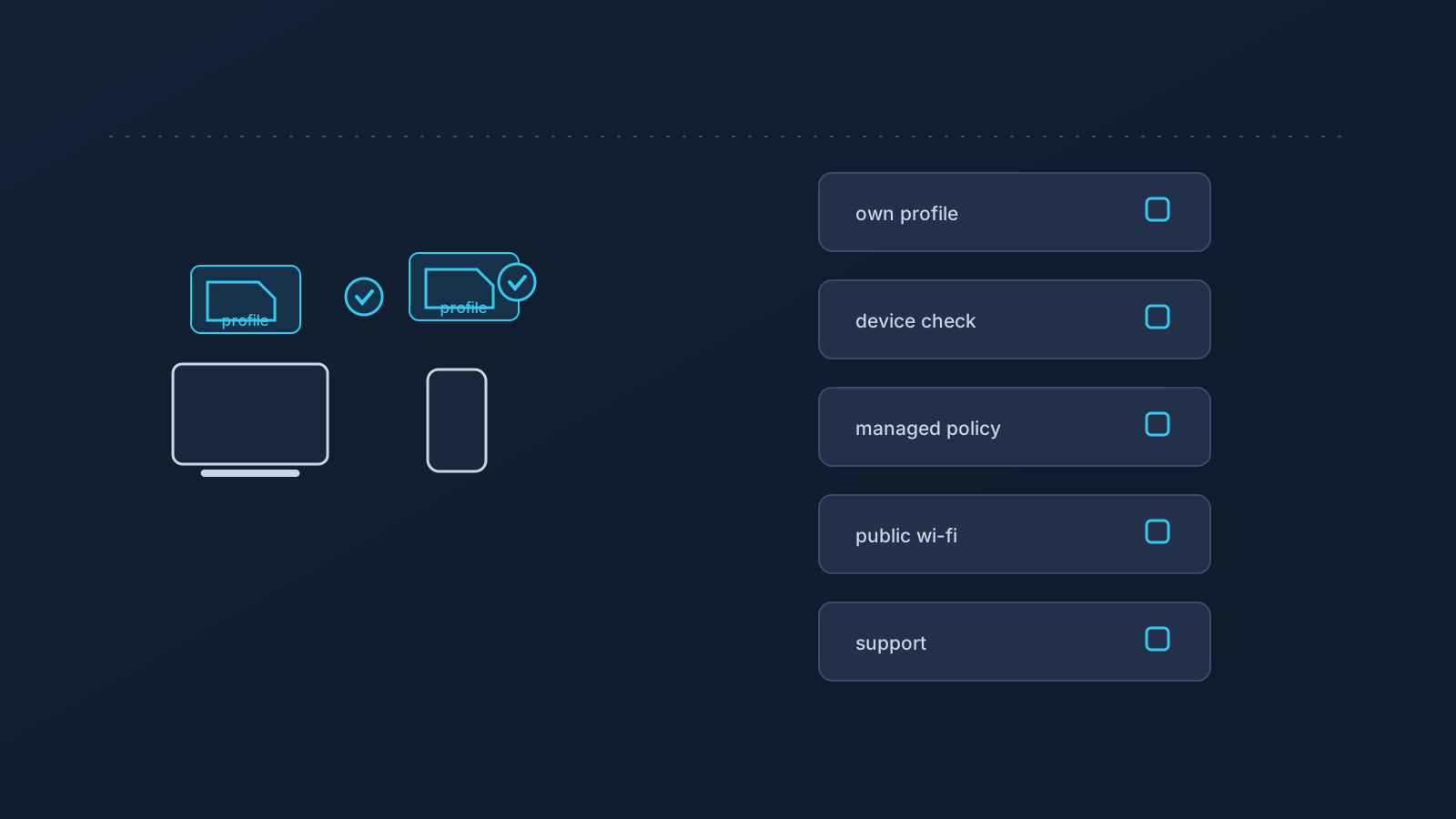
Travel setup should be checked before departure, not improvised at the airport. That's the entire thesis of this article, and everything below exists to make "checked before departure" concrete: which devices, which profile source, which policies, which expectations — and the actual checklist to run through in the days before an international trip.
This is the checklist companion to the broader "Using a VPN While Traveling" article. It's deliberately non-operational: planning questions and readiness checks, not setup commands, not country-specific guidance, and not legal advice.
Do not make the first setup attempt at the airport
Every setup problem is easier at home. At home there's a familiar network, time, the Lisar panel and setup guides at hand, and nothing riding on the next thirty minutes. At the airport there's a captive portal, a boarding call, and a strong temptation to improvise changes to something that used to work.
So the single most valuable travel-prep habit costs nothing: test the setup, on the actual devices going on the trip, from a familiar network, days before departure — early enough that a problem is a task, not a crisis.
Check the devices you are actually taking
Travel setup fails most often on the device that "was always fine" — the older tablet, the backup phone, the laptop that got replaced since the last trip. The check is per-device and literal: for each device actually going, does a supported setup path exist, is it set up, and does it connect from home?
A device set up years ago isn't a device checked this week. And a new device gets set up before the trip, from the relevant guide, not from memory in a hotel room.
Use your own panel/profile as the setup source
Profile-specific setup information comes from your own Lisar panel profile, where applicable — that's the source of truth for travel prep, and for everything after it. Pre-trip is exactly when to confirm you can log in to the panel, that you know where your profile's setup information lives, and that any device being set up fresh is set up from there via the supported path (with Lisar: the .ovpn profile file downloaded from the Panel and imported in OpenVPN Connect using Upload File, no mandatory proprietary Lisar app).
If a travel companion or colleague needs setup too, they do the same from their panel profile. One person's profile is not a travel kit for two.
Avoid saved screenshots, old notes, and shared downloaded .ovpn profile files
Travel prep tempts shortcuts: the screenshot from last year's setup, the note with connection details, the downloaded .ovpn profile file forwarded "just in case." All of them are the wrong move. Old screenshots and saved notes may be inaccurate, exposed, or simply no longer a good source of truth — the panel and current setup guides are — and downloaded .ovpn profile files, credentials, and profile details don't belong in notes, shared documents, or chat threads, before a trip or ever.
The pre-trip version of the habit: check what's already saved where, and clear setup details out of notes and threads before traveling, not after.
Check company-managed device policy before travel
A managed work device carries its policy across every border. If a company- or client-managed device is going on the trip, the pre-departure question is what its policy allows — app installs, VPN profiles, certificates, network settings — asked of whoever owns the policy, before leaving.
VPN setup works within device policy, not around it, and nothing about being abroad relaxes that. The "Company-Managed Devices and VPN Setup" article covers this in full.
Understand that networks abroad may behave differently
Hotel, airport, coworking, mobile, and public networks vary — in configuration, in what they allow, and in how they handle any given setup. No network is guaranteed to allow or support every setup, and international travel simply multiplies how many unfamiliar networks a trip touches.
The prepared response isn't anxiety; it's expectation-setting plus a fallback. Know that some network on the trip may not cooperate, know what the fallback is (often mobile data), and resist redesigning a working setup to satisfy one uncooperative hotel network.
Know what a VPN cannot guarantee abroad
Before the trip is the right time to hold realistic expectations, so, plainly: a VPN doesn't guarantee access to any website, app, portal, or service abroad; doesn't guarantee bypassing or unblocking anything; doesn't guarantee that any service treats you as being in a chosen country; doesn't change where you physically are; doesn't guarantee anonymity or speed; and doesn't make any public or shared network fully safe by itself.
This article also isn't country-specific guidance — it doesn't cover which countries permit or restrict VPN use, and it isn't legal, immigration, tax, or compliance advice. Those questions belong to the relevant professionals and authorities for the destination.
Home-country services may still apply their own checks
Travelers often discover abroad that a home-country service — banking, public-sector, healthcare, or similar — behaves differently than at home. That's usually the service's own doing: account region, device history, app checks, SMS/2FA, payment region, and fraud controls can all factor into how it responds, alongside or instead of network location.
A VPN may be part of a prepared setup, and it guarantees nothing about how any service responds. The pre-trip move is service-side: make sure two-factor methods will work abroad and contact details are current, and treat each service's own support as the authority. The "Home-Country Online Services While Abroad" article covers this in depth.
Public Wi-Fi and shared networks still need caution
The trip will run on networks nobody in your party controls, and a VPN doesn't make any of them fully safe. Device updates done before departure (not over hotel Wi-Fi), safe browsing habits, screen awareness in shared spaces, and caution with shared or public computers all still matter for the whole trip.
For working travelers specifically, the "Public Wi-Fi for Work Travel" article is the depth treatment.
Pre-travel checklist
The consolidated run-through, in the days before departure:
- Devices: every device actually going has a supported setup path, is set up, and connects from a familiar network.
- Panel: you can log in to your own Lisar panel profile, and you know where your profile's setup information lives.
- Fresh setups: any new device was set up from your own profile via the supported path and the current guide — not from memory or an old screenshot.
- Hygiene: no downloaded
.ovpnprofile files, credentials, or profile details sitting in notes, shared documents, or chat threads. - Managed devices: policy owner consulted; you know what the work device allows abroad.
- Updates: device OS and apps updated before departure.
- Expectations: you know a VPN guarantees no access, no country treatment, no anonymity, no speed, and no network safety — and you know your fallback if a network doesn't cooperate.
- Home-country services: 2FA will work abroad; contact details current; each service's own support known as the authority.
- Support: you know where the Lisar setup guides and official support live, before needing them.
Frequently asked questions
When should I test my VPN setup before an international trip? Days before departure, on the actual devices going, from a familiar network — early enough that any problem is a task rather than an airport crisis.
Can I just use last trip's setup screenshot if something breaks abroad? No. Old screenshots and saved notes may be inaccurate, exposed, or no longer a good source of truth. Your own Lisar panel profile and the current setup guides are the source, before and during the trip.
Can I share my downloaded profile file with my travel companion so we're both covered?
No. Each person sets up from their own Lisar panel profile, and downloaded .ovpn profile files, credentials, and profile details stay out of notes, chats, and other people's hands.
Will my work laptop's VPN setup work abroad? Its device policy travels with it. What a managed device allows — abroad or at home — is a question for whoever owns the policy, asked before departure.
Will my banking or government portal work abroad if my VPN is set up? Not guaranteed. Services apply their own checks — account region, device history, 2FA, payment region, fraud controls — alongside or instead of network location. Confirm your 2FA works abroad, and treat each service's support as the authority.
Does a VPN make hotel and airport Wi-Fi safe? No network becomes fully safe because of a VPN. Updates before departure, safe browsing, and caution on shared machines remain part of the trip.
What if a hotel network won't work with my setup? Expect that some network on any trip may not cooperate — no network is guaranteed to allow or support every setup. Have a fallback (often mobile data) rather than redesigning a working setup on the road.