
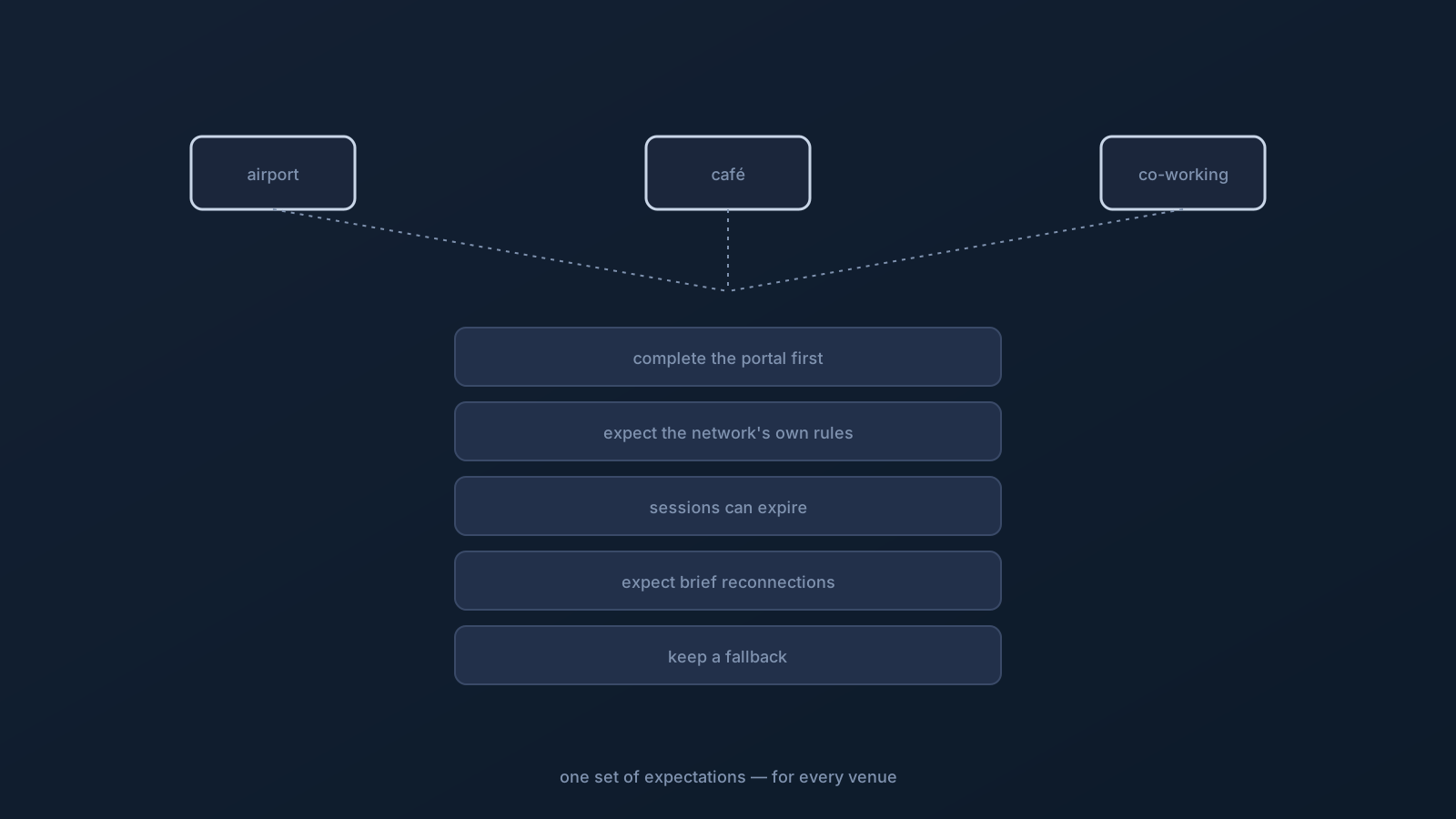
Airport Wi-Fi, café Wi-Fi, co-working Wi-Fi — they feel like different situations, but for a VPN user they're the same playbook. All are networks someone else runs, with their own sign-in steps, their own rules, and their own moods, and the calm way to use a VPN on any of them is the same set of expectations. Learn it once and it travels to every public venue you'll connect from.
This article is that one set of expectations, plus the honest limits: public venue networks belong to their operators, and no setup can promise any particular one will cooperate.
The one rule that comes first: complete network access before connecting
Across airports, cafés, and co-working spaces, the single most important habit is order of operations: join the venue's network and complete its normal access step before connecting the VPN. Many public networks won't pass traffic until you've been through their sign-in — a captive portal, a terms page, a code from the counter, a room or seat number — and until that's done, the network isn't really carrying your traffic no matter what the Wi-Fi icon shows.
So the sequence is always: join the venue Wi-Fi, let the sign-in page appear (opening a regular website usually prompts it), complete it, confirm ordinary browsing works, then connect the VPN. Trying to connect before the venue's access step is complete is the most common reason "the VPN won't work here" — and it's the network not finished letting you in, not the VPN. Completing the venue's normal access step is exactly that — completing it, not working around it.
Expect the network to have its own rules
Public venue networks come with house rules you don't control, and expecting them prevents a lot of frustration. Some limit how many devices can join, some separate devices from each other, some are configured to handle certain traffic in their own ways, and some are simply busy at peak times. These are properties the operator sets, and the standing reality applies: not every network will support every setup.
The productive posture is expectation plus fallback: assume some venue on some day won't fully cooperate, and don't redesign a working setup to satisfy one network. This article also doesn't suggest working around a venue's policies — a network you don't control is the operator's to run, and the right response to an uncooperative one is a fallback, not a workaround.
Expect device prompts and time-limited sessions
Two more common venue-Wi-Fi realities worth expecting. First, device prompts: your device may ask its own permission questions around joining networks and enabling connections, which is normal device behavior — the device confirming before acting. Complete those as your device directs.
Second, time limits: many venue networks run time-limited sessions. After a set period, or after some inactivity, the network may quietly require its sign-in step again — which looks like "everything suddenly stopped" until you notice the portal wants completing once more. Recognizing an expired session for what it is turns a mystifying drop into a ten-second re-sign-in.
Expect to move between networks
Public venues are where roaming happens most: you move from airport to café to co-working space, from one network to another, and sometimes between venue Wi-Fi and mobile data. Each change is a new underlying network, so the VPN re-establishes on it, and a brief reconnection around each move is normal client behavior, not a fault. If a new venue needs its own sign-in step, that comes first before the connection settles.
The mental model that covers all of it: your connection sits on whatever network you're currently on, and public-venue days involve a lot of network changes, so expect brief reconnections and the occasional fresh sign-in as you move.
What stays yours across every venue
Amid all these operator-run networks, your own half stays constant and portable: your profile set up from your own Lisar Panel account the supported way, tested from a familiar network before you rely on it, and the standing habit of keeping downloaded profile files to your own devices — never on a venue's shared or public computer. Where a plan includes routing features, they travel with the plan, not the venue. GeoDNS, DNS AdBlock and Custom Exit are available according to plan.
That constancy is the point of "one set of expectations": the venues differ, but your setup and your habits don't have to.
The honest limits
Stated plainly: neither Lisar nor any VPN can promise that a specific airport, café, or co-working network will cooperate, that a portal will behave, that a busy network will feel a particular way, or that any service you use will respond a certain way from a public network. Networks belong to their operators, and services run their own checks — public venues tend to surface both facts at once.
What preparation buys is everything on your side: a tested setup, the portal-first order of operations, a recognized set of venue behaviors, and a fallback you've decided on in advance. That's the whole difference between fighting public Wi-Fi and moving calmly through it.
The public-venue playbook
- Join the venue network and complete its sign-in step first; then connect the VPN.
- Expect the network's own rules and limits — not every network supports every setup; keep a fallback rather than redesigning.
- Expect device permission prompts and time-limited sessions (an expired session just wants the sign-in step again).
- Expect brief reconnections as you move between networks or to mobile data.
- Keep your own half constant: your own profile, tested beforehand, with profile files kept off shared and public computers.
Frequently asked questions
Why won't my VPN connect on airport or café Wi-Fi? Most often the venue's sign-in step isn't complete. Public networks commonly pass no traffic until their captive portal or terms page is done. Join the network, complete its sign-in, confirm ordinary browsing works, then connect the VPN — that order solves the most common case.
The café Wi-Fi worked, then stopped after a while. What happened? Likely a time-limited session. Many venue networks require their sign-in step again after a set period or some inactivity. Reopen a regular website, let the portal reappear, complete it again, and reconnect — it usually isn't your device or the VPN.
Can Lisar guarantee the VPN will work at any venue? No setup can promise that. Airport, café, and co-working networks belong to their operators, with their own rules, limits, and moods. The honest preparation is a tested setup, the portal-first order, and a fallback such as mobile data if one network won't cooperate.
Is it safe to use my profile on a co-working space's shared computer? No — keep downloaded profile files to your own devices. A file left on a shared or public computer stays within reach of its other users. Set up only on your own devices, from your own Lisar Panel account.
Why does my VPN reconnect as I move between venues? Because each venue is a new underlying network, and the VPN re-establishes on it — a brief reconnection is normal client behavior. If a new venue needs its own sign-in step, that comes first before the connection settles.