
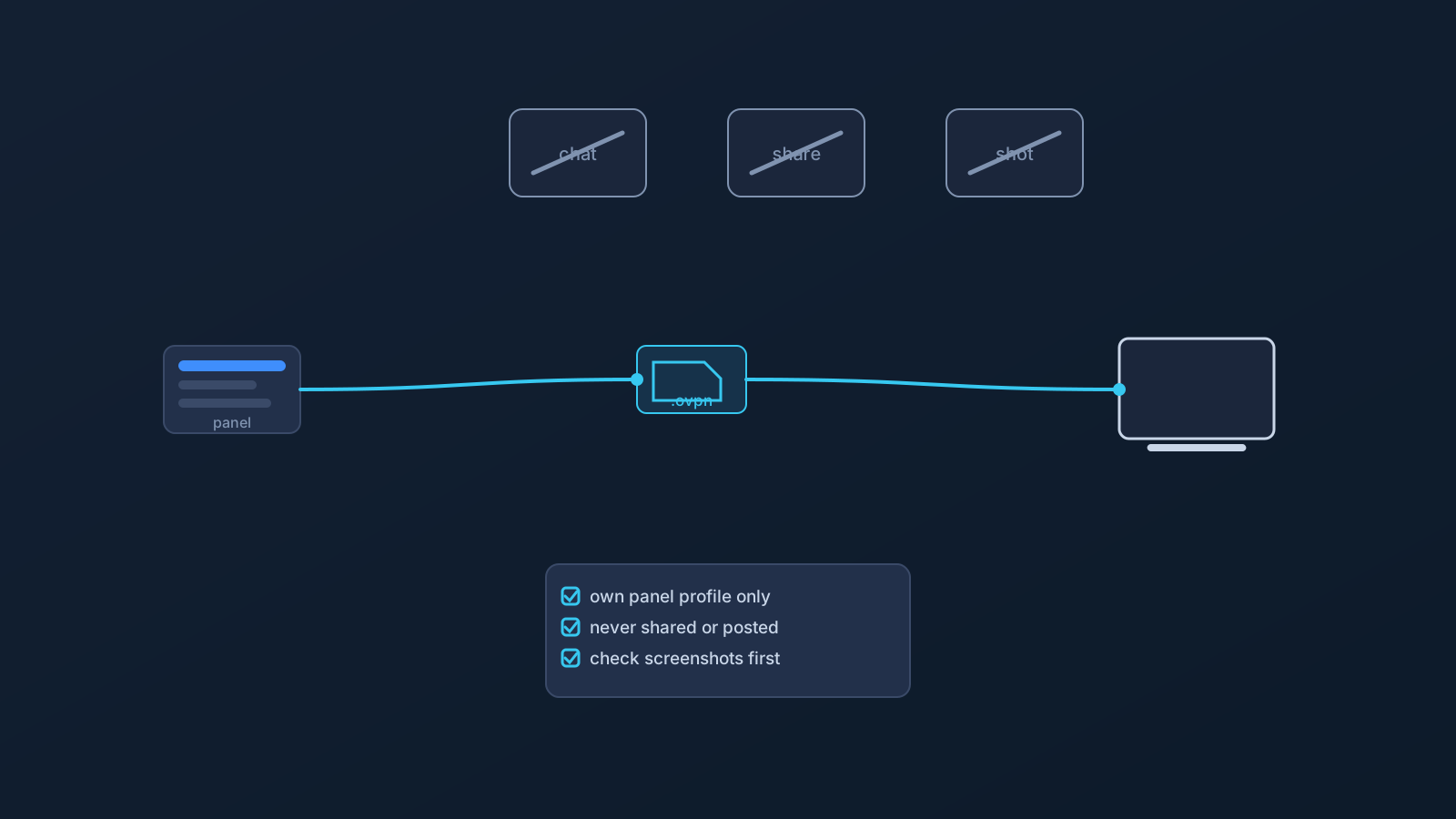
Setting up a VPN almost always involves some kind of profile-specific connection information, and with Lisar that now takes a very concrete form: a .ovpn profile file, downloaded from your own profile in the Lisar Panel and imported in OpenVPN Connect using Upload File. If any required fields or credentials are needed, the user must follow the panel/profile/backend-supported instructions.
Convenient doesn't mean disposable, though. That downloaded file carries the setup information tied to how a specific profile connects, which makes it sensitive setup material — worth understanding, and worth handling with the same care anyone would give any other account-related detail.
What a VPN profile represents
A VPN profile isn't just a name chosen for convenience. It represents a specific setup: the connection path, configuration, and access details tied to that particular profile on an account.
Because of that, a profile is closer to a small bundle of setup information than a simple label. Different profiles should be treated as their own setup information, so users should not assume that details copied from one profile apply to another. Profile-specific information should always come from the Lisar Panel rather than being assumed, guessed, or reused from somewhere else.
What the downloaded .ovpn file actually is
When you download the .ovpn file from your profile, you're saving a real file to your device — usually to a downloads folder — and that file is what OpenVPN Connect imports when you choose Upload File. It isn't a shortcut or a pointer; it's the profile's connection information, packaged for import.
It isn't a password in the traditional sense, but it plays a related role: it can carry the setup information tied to how a specific profile connects. That's exactly why it deserves the same treatment as any other piece of sensitive access information — kept to yourself, and given a moment's thought before it ends up anywhere it doesn't need to be.
Where the file lives after download matters
Because the profile file is an ordinary file on your device, ordinary file habits apply to it. A few worth keeping:
- Download it on your own device, not on a shared, public, or borrowed computer. A profile file saved to someone else's machine stays there after you walk away.
- Be mindful of folders that sync or share automatically. A downloads folder that feeds a shared drive, a synced team folder, or a public file share is not a good home for profile setup material.
- Don't email the file around or attach it in chat "for convenience." Once it's in a thread, it's copied, forwarded, and rediscoverable for as long as that thread exists.
- If you set up more than one of your own devices, do it from your own Panel profile on each device rather than shuttling one downloaded file between machines through shared channels.
What not to share publicly
The broader sharing habits are the same ones that apply to any sensitive setup material:
- Avoid posting a profile file, its contents, or profile-specific details in public chats, forums, social media posts, or any support ticket or screenshot that other people can see.
- Be careful with setup screenshots in general. A screenshot taken to illustrate a problem can also reveal profile-specific details if it isn't checked first.
- Avoid forwarding profile setup information to anyone who doesn't specifically need it, even someone trusted, since it's easy to lose track of where a forwarded message or file ends up later.
- Think twice before loading a profile file into a third-party tool, script, or service. If it isn't clear what that tool does with the information, that's a reason to pause rather than proceed.
Using official setup guidance
The Lisar Panel is the source for profile-specific connection information, and Lisar's setup guides are the source for how to use it on a given device: download the .ovpn file from your active profile, open OpenVPN Connect, choose Upload File, select the file, save the imported profile, and connect. This article stays at the concept level; the setup guides carry the exact current walkthrough for each device.
A couple of habits are worth avoiding here. Old screenshots, saved notes, or copied messages may not be the safest source to rely on, so it's better to check the Panel directly than to reuse something saved earlier. It's also worth avoiding guesswork on setup values that aren't clearly shown — including anything about usernames or passwords around import, where the setup guides and the Panel are the only sources to follow rather than assumption.
Support and troubleshooting safety
Needing support is normal, and asking for help doesn't require exposing sensitive setup details in the process. When reaching out, official, private support channels are the right path rather than public posts, and where a screenshot is genuinely useful for describing an issue, it's worth taking a moment to redact or crop out anything profile-specific first.
If there's a concern that profile information — including a downloaded profile file — may have been seen by someone it shouldn't have been, the right move is to follow the guidance provided through the Lisar Panel or contact Lisar support through official channels, rather than guessing at next steps. This article doesn't provide account-specific recovery or security actions; the Panel and official support are the right place for that.
Multiple devices, routers, and managed environments
Profile usage isn't automatically identical across every device or setup method. A profile that works smoothly on a laptop through OpenVPN Connect is a different setup scenario from configuring a router or other network device.
Router and network-device setup applies to compatible routers only, not routers in general, and it's worth treating as its own setup path rather than assuming it works the same way as a desktop or mobile client. Company-managed devices add another variable: IT policy or device restrictions can affect what's possible — including whether files can be downloaded or apps installed at all — regardless of which setup method is being used. The safest assumption is that setup details apply to the specific profile and device in question, not universally across every device on an account.
What this article does not cover
To keep this practical and accurate, a few things are intentionally left out:
- No guessed OpenVPN credential behavior. The supported flow is built around importing the downloaded profile file; if any required fields or credentials are needed, the user must follow the panel/profile/backend-supported instructions.
- No technical or internal details about how profiles or profile files work behind the scenes.
- No specific account-recovery, security-action, or troubleshooting steps for an individual situation. This article covers general habits, not instructions for a particular account; anything account-specific belongs with the Lisar Panel or official support.
- No guarantee of speed, anonymity, bypassing, or unblocking anything.
- No claim that every device or every router is supported.
- No suggestion that Lisar is open-source or that a public developer API or documentation exists.
Frequently asked questions
Is the downloaded .ovpn profile file the same thing as a password?
Not in the traditional sense. It's profile-specific connection information rather than a login password, but it plays a related role and is worth treating with the same care.
What should I avoid doing with my profile file? Avoid posting it or its contents publicly, keep it off shared, public, or auto-syncing locations, and be careful about forwarding it to anyone who doesn't specifically need it — including through email or chat.
Can I download my profile file on a shared or public computer if I'm careful? It's better not to. A file saved to a machine you don't control stays within reach of that machine's other users, and setup is safest done on your own device from your own Panel profile.
Is it safe to send a screenshot to support if I'm having a setup issue? Support requests are fine, but it's worth checking that a screenshot doesn't reveal profile-specific connection details before sending it, and using Lisar's official support channels rather than public posts.
What should I do if I think my profile file or a profile detail was exposed? Follow the guidance in the Lisar Panel or contact Lisar support through official channels. This article does not provide account-specific recovery or security actions.
Will the same profile setup work on my router or a work device? Not automatically. Router setup applies to compatible routers and network devices specifically, and managed or work devices may have their own restrictions, so it's worth checking rather than assuming.
Does being careful with profile files mean other VPN setup methods are unsafe? No. This is about good habits for handling access-related information generally, not a claim that other setup methods or providers are unsafe.