
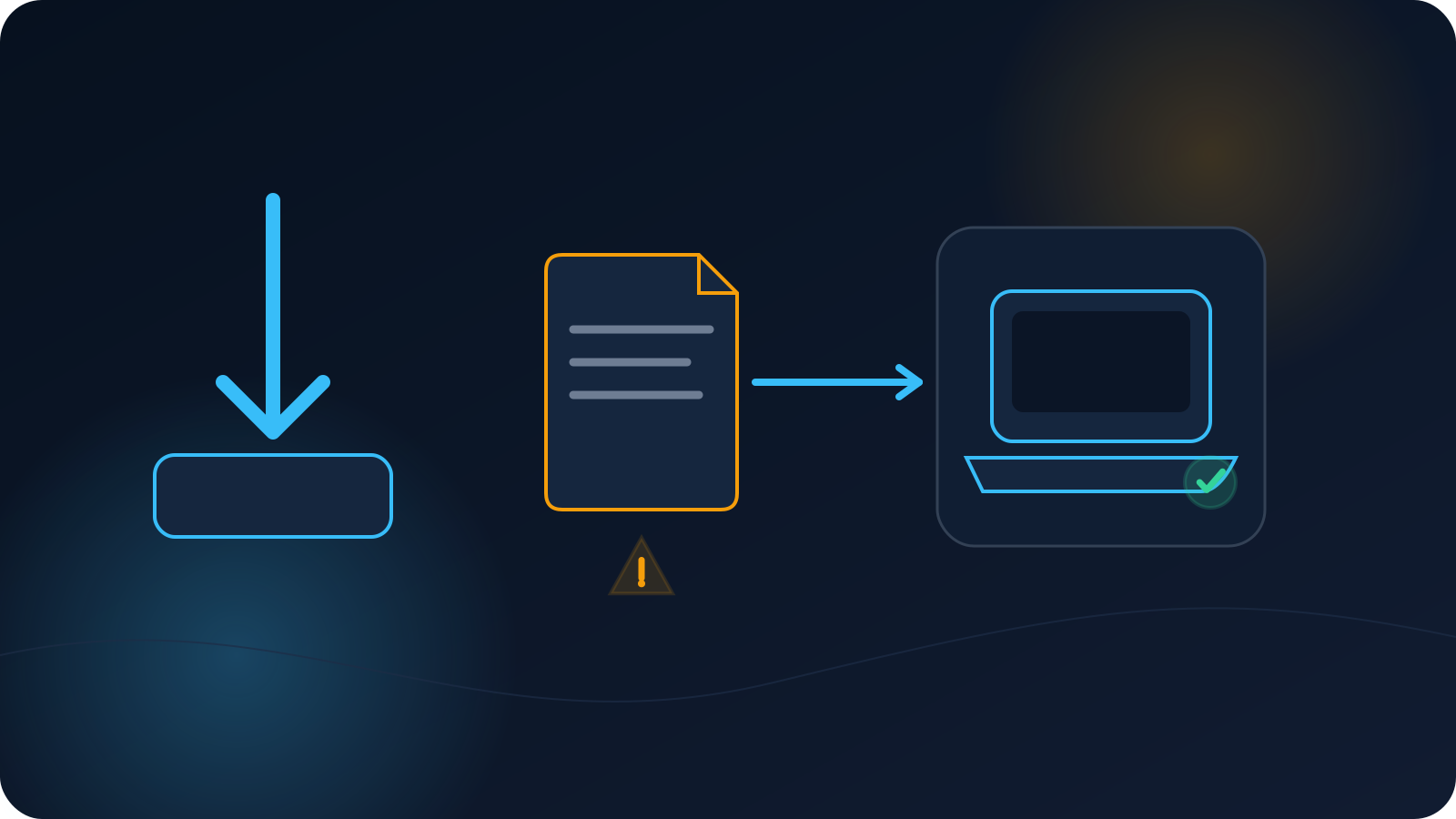
A browser or file manager can show that a download exists even when the saved item is incomplete, has the wrong file type, or is not the profile you expected. The compatible VPN client may then refuse to open or import it.
This problem happens before connection. It is different from a profile that imports successfully but will not connect. Keeping those stages separate prevents unnecessary changes to the client, device, or network.
Downloaded does not always mean usable
A download can fail in several ways while still leaving something visible in the Downloads folder:
- The transfer stopped before completion.
- The saved item is empty or unusually small.
- The browser saved a sign-in or error page instead of the requested file.
- The file name gained an unexpected extra extension.
- The item came from a forwarded or untrusted source rather than the expected account or administrator.
- The device is trying to open the file in an unrelated application.
None of these requires inspecting sensitive profile contents. Start with source, file name, file type, size, and the client used for import.
Confirm the source and intended file
Ask two questions:
- Did the file come from the expected service, panel, or authorized administrator?
- Was the download intended for this user, device, and setup method?
Do not use a profile received casually from another person. A file with a familiar name is not proof that it is current, assigned to you, or safe to use.
If the source page required sign-in, confirm that the session was active when the download started. An expired session may return a web page or message instead of the intended profile file.
Check the file name and extension
For an OpenVPN profile, the intended file normally ends in .ovpn. File managers may hide extensions, so use the device's file-information view when available.
Watch for names such as:
profile.ovpn.txtprofile.ovpn.htmlprofile (1).ovpnwhen several copies already exist- A file with no recognizable extension
An extra suffix can indicate that the browser or another application treated the item differently. Simply renaming a file does not change what it contains, so do not treat a name change as a repair.
Duplicate-number suffixes do not automatically mean the file is invalid, but they do indicate that multiple copies exist. Confirm which copy came from the latest authorized download before importing it.
Look for an interrupted or empty download
Use the file-information view to confirm that the item has a non-zero size and that the browser did not mark it as incomplete. Some systems keep a temporary partial-download suffix until the transfer finishes.
If the transfer was interrupted, return to the same trusted source and obtain a complete copy. Avoid downloading from mirrors, forwarded messages, or unfamiliar storage locations merely because the original attempt failed.
A file size comparison can be useful when an authorized administrator provides an expected size, but size alone does not prove that a profile is valid or assigned correctly.
A web page can be saved instead of the profile
Sometimes a download action returns a login page, access message, or general HTML page. The browser may save that response as a file, and the VPN client cannot import it as a profile.
Clues include:
- The file type is shown as a web page or HTML document.
- The file opens in a browser rather than the compatible VPN client.
- The file name includes
.htmlor another web-document suffix. - The download happened after the source session expired.
Do not open or inspect sensitive profile content to diagnose this. File type and source-session state are enough to recognize that the wrong kind of item may have been saved.
Use the intended client flow
For a supported .ovpn file workflow, use the compatible client and its Upload File or equivalent file-selection path, then import/save the profile and use Connect only after import succeeds.
Do not paste the file into a browser field or assume that tapping it from every file manager will choose the correct application. The exact import flow varies by operating system and client.
If the device offers several applications, select the compatible VPN client documented for the setup. An archive tool, text editor, cloud-storage preview, or browser is not the connection client.
Do not manually repair sensitive profile content
A profile file is connection material, not a document to edit until it “looks right.” Do not copy sections from another profile, add guessed lines, or expose the file in a public forum.
If the trusted source produced an unusable file, obtain a fresh authorized copy or use the documented access process. Manual edits can create a file that imports but no longer matches the intended configuration.
The same caution applies to online file converters and validation websites. Uploading an assigned profile to an unrelated service can expose access material.
A controlled retry checklist
Use this order:
- Confirm the expected source and assignment.
- Confirm that the source session was active.
- Check the complete file name and extension.
- Check that the download completed and the item is not empty.
- Confirm that the file type is a VPN profile rather than a web page or text document.
- Use the documented compatible VPN client.
- Use Upload File or the documented file-import flow.
- Record the exact import message if the client still refuses the file.
Do not import several copies in quick succession. First confirm which downloaded item is the intended one.
What to record if it still fails
Record:
- Device and operating-system version
- VPN client and version
- File name and extension, without sharing the file
- Approximate file size
- Trusted source used for the download
- Whether the source session was active
- Exact import message
- Whether the failure occurs before or after the client displays the profile
This is enough to begin diagnosis without sharing the profile's contents.
The short version
A visible download is not always a usable VPN profile. Confirm the trusted source, assignment, file name, extension, completion, file type, and compatible-client import flow. Do not manually edit the file or upload it to unrelated services. If import still fails, report the exact stage and message without attaching the profile.
Frequently asked questions
Why does the file open in a browser instead of the VPN client?
The saved item may be a web page, or the operating system may have chosen the wrong application. Check the file type and use the documented compatible client flow.
Can I fix the problem by renaming the file to .ovpn?
Not reliably. Renaming changes the label, not the underlying content. Confirm that the trusted source supplied the correct file type.
What does profile (1).ovpn mean?
It usually means another file with the same name already existed. Verify which copy is current and authorized before importing it.
Should I open the file to see what is wrong?
No routine diagnosis requires exposing sensitive profile content. Check source, type, size, completion, and the import message instead.
How is this different from an imported profile that will not connect?
This article covers the download and import stage. Once the client accepts and saves the profile, connection failure is a separate diagnostic stage.