
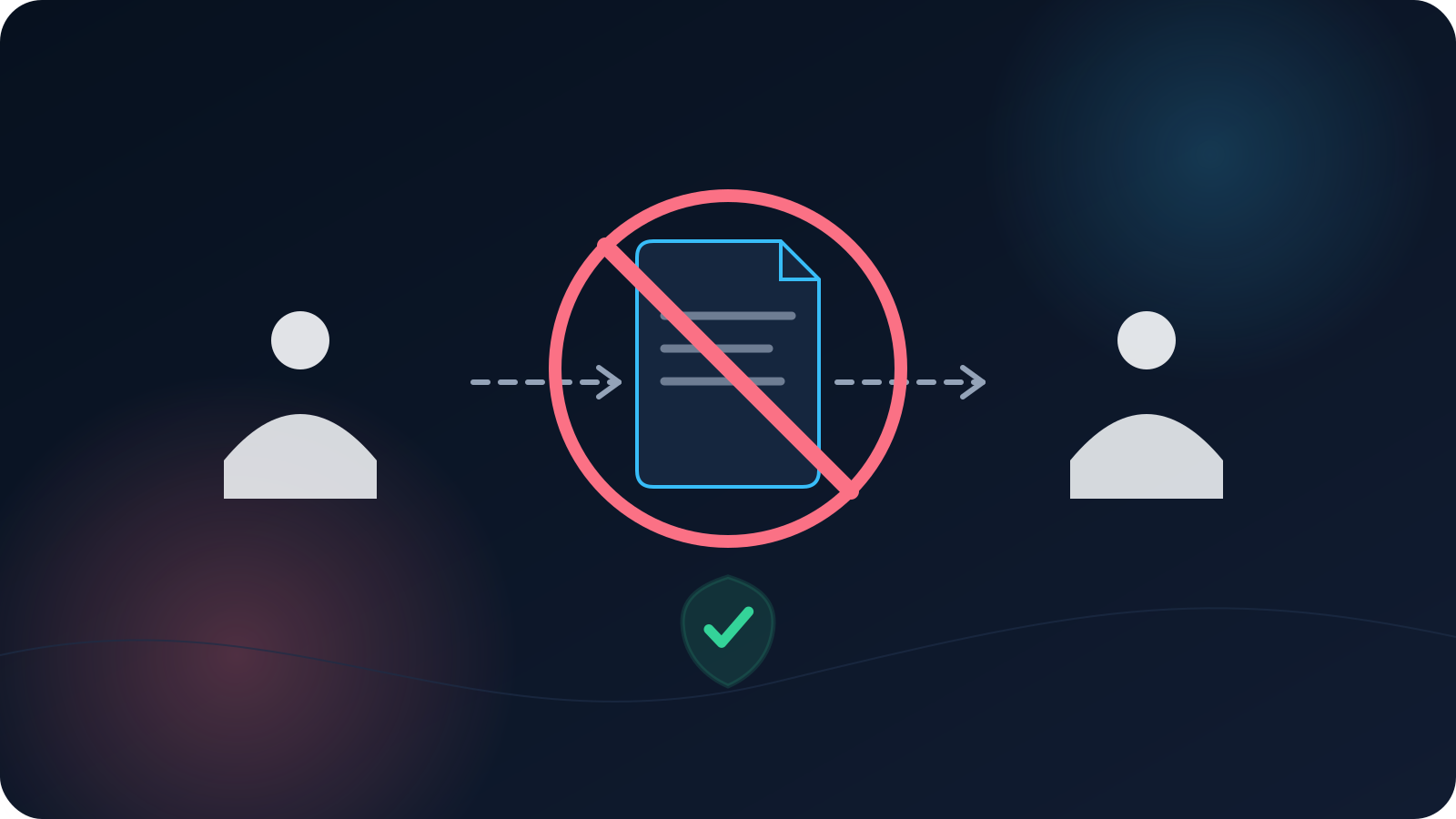
When a colleague needs to get set up, forwarding them your VPN profile file feels like the quick, friendly thing to do — one message and they're going. The trouble is that this small convenience quietly creates confusion that's much harder to clean up later. Sharing a profile casually blurs who has access to what, makes problems harder to trace, and complicates the moment when access needs to change. None of that is obvious in the moment; all of it shows up afterward.
This article explains why casual sharing causes those problems and what to do instead. It's not about being strict for its own sake — it's that a profile assigned to a specific person simply behaves more predictably than one passed around, for everyone involved.
Sharing feels helpful, but it blurs a few important lines
The instinct behind sharing is good: help someone get going quickly. But a profile isn't a casual attachment to forward — it's setup material tied to access, and passing it around detaches that access from any single, clear owner. Once a file is circulating between people, the tidy line between "who has access" and "who is using it" starts to blur, and most of the difficulties below follow from that blur rather than from any single dramatic problem.
A profile is tied to specific access
A VPN profile represents a specific way of using access — it's associated with particular access rather than being a generic key anyone can borrow. When it's shared, that association stops matching reality: the access is effectively being used by people it wasn't set up for, and there's no longer a clean answer to "whose access is this?" That mismatch is the root of the accountability problems that sharing creates. (This is also why a profile file is treated as sensitive setup material rather than a casual file — the point isn't what's inside it, but that it's tied to real access.)
If it's helpful to understand what a profile is in the first place, What Is a VPN Profile? Not the Same as a VPN Account lays out the distinction.
Removing access gets messy when a profile is shared
The clearest cost of casual sharing appears when access needs to change — for example, when someone leaves or a role changes. If a single profile has been passed around, it's no longer obvious who is relying on it, which makes a clean transition much harder to carry out with confidence. Access changes are far more predictable when each person's access is their own, because then a change to one person is just that — one person — rather than something that ripples through an unknown set of people sharing a file.
This is exactly why offboarding is easier when profiles aren't shared; Removing VPN Access When Someone Leaves covers that process, and it's noticeably simpler when there's a clean per-person picture to work from.
Troubleshooting gets harder with more than one person on a profile
When something isn't working and more than one person is using the same profile, working out what's happening becomes a guessing game. Is the issue one person's device, one person's network, or the profile itself? With several people on one file, those variables tangle together, and a problem that would be simple to isolate for an individual becomes hard to pin down. A profile used by one person keeps the picture clear: when there's an issue, there's one setup to look at, not several overlapping ones.
Team changes are cleaner when each person has their own
Teams change — people join, leave, and switch roles — and each of those moments is smoother when access is organized per person rather than shared. Onboarding a new person is cleaner when they get their own setup rather than inheriting a forwarded file, and every later change stays contained to the individual it concerns. Onboarding a New Team Member to VPN Access describes the joining side, and the healthy pattern throughout is the same: one person, their own access. For how teams decide who holds responsibility for all this, Who Should Own VPN Setup in a Small Team? is the companion piece.
Use the profile assigned to you
The simple rule that avoids all of the above is to use the profile assigned to you, and to let others do the same with theirs. Assigned profiles keep ownership clear, keep troubleshooting simple, and keep access changes predictable — the three things casual sharing quietly undermines. If a teammate needs access, the answer isn't your file; it's their own assigned access. Teams that already handle shared expectations well tend to work this way; VPN Setup for Contractors: Shared Expectations Without Shared Secrets and Shared VPN Profiles for Small Teams both explore where the line sits.
What to do instead of forwarding
When you're tempted to forward a profile to help someone, redirect that helpfulness: point them to the proper setup path so they get their own access, rather than handing them yours. Practically, that means directing them to whoever manages access on your team, or to their own account, so their setup is tied to them from the start. It's barely more effort than forwarding a file, and it avoids every downstream tangle that sharing creates. If a file has already been shared in the past, the fix going forward is the same — each person moving to their own assigned access rather than continuing to pass one around.
The short version
- Sharing a profile feels convenient but blurs who has access and who's using it.
- A profile is tied to specific access; sharing detaches that access from a clear owner.
- Access changes (like offboarding) get messy when a profile has been passed around.
- Troubleshooting is harder when several people share one profile.
- Team changes stay clean when each person has their own access.
- Use the profile assigned to you, and point others to their own setup instead of forwarding yours.
Frequently asked questions
A teammate needs access quickly — can't I just send them my profile? It's tempting, but sharing your profile blurs who actually has access and creates problems later around troubleshooting and access changes. The cleaner move is to point them to the proper setup path so they get their own assigned access — barely more effort, and it avoids the downstream tangles.
What's the actual harm in sharing a profile once? Even once starts the blur: the access is now used by someone it wasn't set up for, so ownership is no longer clean. That shows up later when access needs to change or something needs troubleshooting, because it's no longer clear who's relying on the file. Assigned-per-person access avoids that.
Why is offboarding easier if profiles aren't shared? Because a change to one person's access stays contained to that person. If a profile has been passed around, it's unclear who depends on it, which makes a confident, clean transition harder. A per-person picture makes access changes straightforward.
Someone already shared a profile in my team. What now? The fix going forward is to move each person to their own assigned access rather than continuing to share one file. That restores a clean per-person picture, which makes future changes and troubleshooting much simpler. Your team's access owner is the right person to coordinate that.
Isn't one shared profile simpler to manage than several? It looks simpler up front but tends to be harder overall, because the moment anything changes or breaks, a shared file makes it unclear who's affected. Per-person access is a little more setup initially and much clearer for every change and issue afterward.