
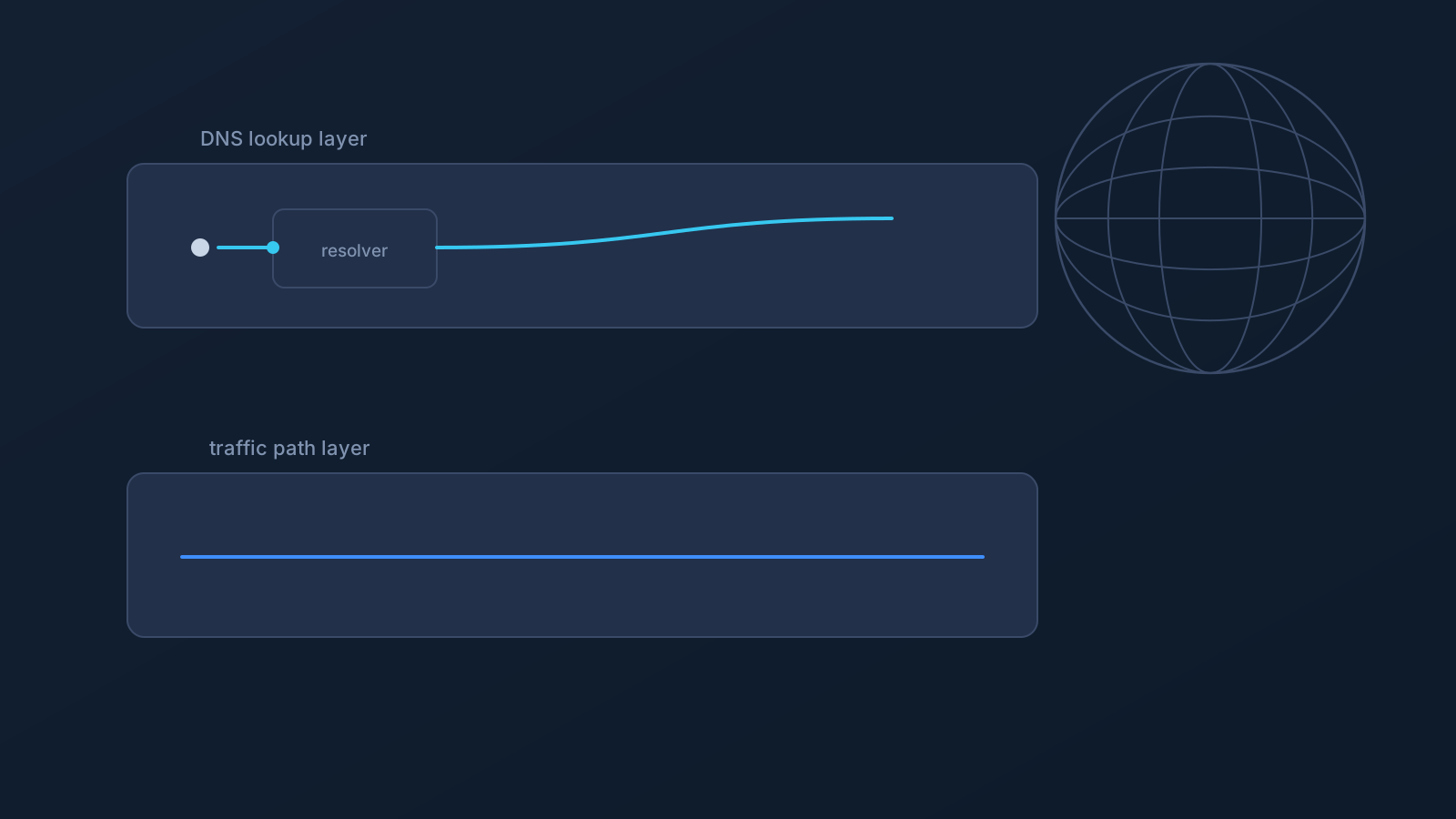
GeoDNS is one of the DNS-related features available on certain Lisar plans, and it can be a useful part of a VPN setup where it applies. It's also one of the most commonly misunderstood: DNS-level location behavior is not the same as physically being somewhere else, and it doesn't guarantee that every website, app, or service will treat a user as being in a chosen region.
This article looks at what GeoDNS actually changes, how it's different from selecting a VPN exit location, and where its limits are.
What GeoDNS means at a high level
Every domain name a device looks up goes through DNS resolution, the step that turns a name into the information needed to connect. GeoDNS is a feature that can influence how some of those DNS lookups are answered or routed, where it applies to a given profile.
Kept at that level, GeoDNS is about how certain DNS responses are handled, not about anything happening to the device or its physical connection. It's a DNS-layer feature, not a network-wide or location-wide change.
How GeoDNS differs from changing VPN exit location
These two ideas sound similar but work at different layers. A VPN's exit location is about where a user's actual network traffic leaves the VPN and reaches the wider internet. Custom Exit, where eligible, relates to VPN traffic exit behavior rather than DNS lookup behavior.
GeoDNS works differently: it operates at the DNS lookup step, not at the level of where traffic physically exits the network. GeoDNS does not replace Custom Exit, and choosing a GeoDNS setting is not the same as selecting a full VPN exit country. The two can relate to each other, but they answer different questions: one is about where a DNS name resolves, the other is about where traffic actually goes.
What GeoDNS may help with
Where it applies, GeoDNS can influence how certain DNS lookups are answered, which may help with compatibility in situations where a service makes its own decisions based on DNS-level signals. It can offer a bit more control over that part of DNS behavior, on profiles where the feature is available.
The wording here is intentionally careful: may help, can influence, where applicable. GeoDNS affects one part of how a connection behaves; it doesn't control everything a website or app decides to do.
What GeoDNS cannot guarantee
To set expectations clearly:
- It doesn't move a user physically. Nothing about a device's actual location changes.
- It doesn't guarantee access to region-specific content.
- It doesn't guarantee bypassing or unblocking anything.
- It doesn't guarantee that every website, app, or service will treat a user as being in a chosen country. Many services decide this in ways that don't rely on DNS alone, covered next.
- It doesn't replace Custom Exit, and it isn't the same as selecting a full VPN exit location.
- It doesn't guarantee any particular speed.
- It doesn't guarantee anonymity.
- It doesn't mean every device or router setup is supported.
Why some services do not rely on DNS alone
Many websites and apps decide what to show a user, or how to route a connection, using more than DNS. Account region settings, payment or billing region, app-level settings, device GPS, IP address reputation, cookies, and a service's own internal routing infrastructure can all factor in, sometimes instead of DNS signals, sometimes alongside them.
Because of that mix, DNS-level behavior like GeoDNS is only ever one input among several a service might use. Whether GeoDNS makes a visible difference depends on how that particular service is built, which is outside what GeoDNS alone can control.
Device, router, and setup considerations
How GeoDNS behaves can vary by device and setup method, since different devices and apps handle DNS a little differently.
Router or network-device setup is its own scenario, separate from a single desktop or mobile device, and it applies only to compatible routers and network devices, not routers in general. Company-managed devices can have their own restrictions through IT policy or device management. Lisar's setup guidance is the place to check what applies to a specific device or setup path.
Plan and availability considerations
GeoDNS isn't automatically part of every plan or every setup. Availability depends on plan and, in some cases, custom review.
The Lisar panel and pricing page are the places to check what's included for a specific account, rather than assuming GeoDNS is active by default. If it isn't showing as available, that's a plan or setup question worth checking there directly.
Frequently asked questions
Does GeoDNS change my physical location? No. Nothing about where a device actually is changes. GeoDNS can influence how some DNS lookups are answered, which is a different thing from physical location.
Is GeoDNS the same as choosing a VPN exit country? No. VPN exit location is about where traffic actually leaves the VPN network; GeoDNS works at the DNS lookup step. GeoDNS doesn't replace Custom Exit, and setting it isn't the same as selecting a full exit location.
Will every website or app treat me as being in the region I've set? Not necessarily. Many services decide this using account region, payment region, app settings, GPS, IP reputation, cookies, or their own infrastructure, not DNS alone, so GeoDNS is only one input among several.
Does GeoDNS guarantee access to region-specific content? No. It doesn't guarantee content access, bypassing, or unblocking anything.
Is GeoDNS included with every Lisar plan? No. Availability depends on plan and, in some cases, custom review. The Lisar panel and pricing page show what applies to a specific account.
Will GeoDNS behave the same way on my router as on my laptop or phone? Not automatically. Router and network-device setup is a separate scenario that applies only to compatible routers and network devices, and behavior can vary by device and setup method.
Does GeoDNS make a connection more anonymous or faster? No. GeoDNS doesn't guarantee anonymity or speed; it's specifically about DNS-level behavior, not those things.