
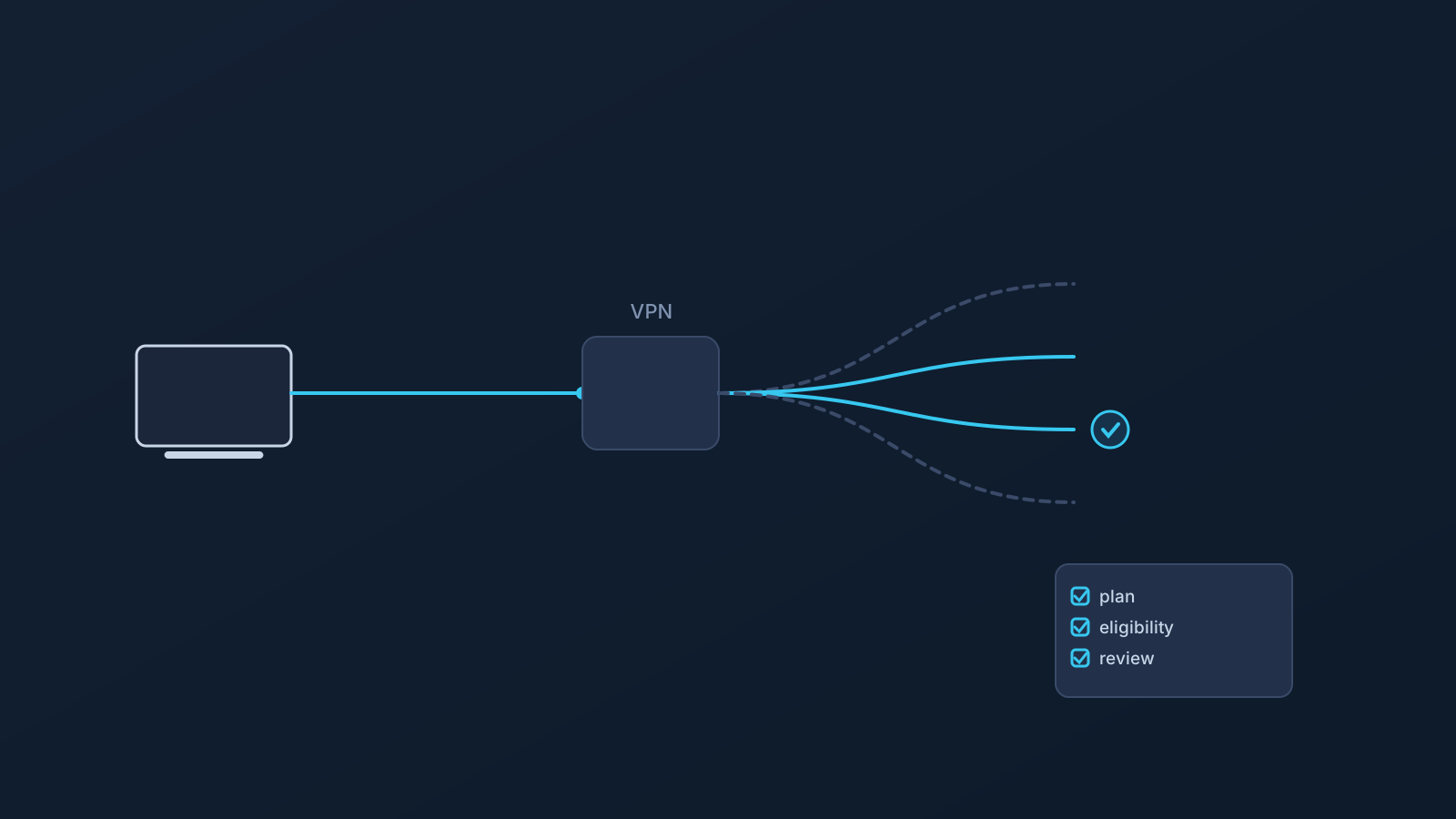
Custom Exit is one of the routing-related features available on certain Lisar plans, and it may be useful in specific situations. It's also easy to misread: Custom Exit is about where VPN traffic exits toward the wider internet, not about physically moving a user somewhere else, guaranteeing access to anything, or letting anyone switch to any country on demand.
This article looks at what Custom Exit actually means, how it's different from GeoDNS and DNS AdBlock, and when it can be relevant.
What "exit" means in a VPN connection
A VPN connection has a path: a device connects into the VPN, traffic travels through it, and at some point that traffic leaves the VPN and continues on toward wherever it's actually headed. That leaving point is generally described as the exit side of the connection.
That's the whole concept, kept deliberately simple. This article isn't the place for the technical details of how that routing is implemented; what matters for understanding Custom Exit is just this basic shape: traffic goes in one side and comes out the other, and the exit side is a distinct thing from where a device first connects.
What Custom Exit means at a high level
Where it's eligible, Custom Exit relates to that exit side of a VPN connection: it can support a specific routing or exit-behavior need rather than using a single default exit for every connection.
It isn't automatic for every plan or every setup. Where it applies, Lisar has described it as connecting through one eligible location and exiting through another eligible location, or as addressing more controlled exit-behavior requirements for travel and business use cases. Whether it's available for a given account depends on plan and, in some cases, a custom review process.
How Custom Exit differs from GeoDNS
GeoDNS and Custom Exit get confused with each other fairly often, but they work at different layers. GeoDNS operates at the DNS lookup step, influencing how certain domain names are resolved. Custom Exit relates to VPN traffic exit behavior, not DNS lookups.
The two can be part of the same broader setup, but they aren't the same feature. Custom Exit doesn't replace GeoDNS's DNS-related behavior, and GeoDNS doesn't replace Custom Exit. They answer different questions about a connection.
How Custom Exit differs from DNS AdBlock
DNS AdBlock is a DNS-level filtering feature, where available, that can reduce some unwanted ad-related domain requests. Custom Exit does nothing like that: it's not an ad-blocking feature, and it doesn't filter ads, trackers, or other unwanted domains.
The two are simply unrelated in function. One is about filtering certain DNS lookups; the other is about where traffic exits the VPN. A setup can include either, both, or neither, depending on plan and eligibility.
When Custom Exit may help
Custom Exit can be relevant where exit behavior specifically matters to how an account or setup is meant to work, rather than as a general everyday feature. A few generic examples: a business or team working through specific routing needs across users; a traveler whose usual setup involves a more custom exit-behavior requirement; or a router or network-device setup where exit behavior needs to be handled consistently at that level, on compatible routers and network devices.
These are illustrative, not a complete list, and none of them is a guarantee that Custom Exit fits a particular situation. What's actually available and appropriate for a given account is best checked through the Lisar panel, pricing guidance, or official support where needed.
What Custom Exit cannot guarantee
To keep expectations accurate:
- It doesn't move a user physically. Nothing about a device's actual location changes.
- It doesn't guarantee access to region-specific content.
- It doesn't guarantee bypassing or unblocking anything.
- It doesn't guarantee that every website, app, or service will treat a user as being in a chosen country.
- It isn't the same as GeoDNS, and it isn't DNS AdBlock.
- It doesn't guarantee any particular speed.
- It doesn't guarantee anonymity.
- It doesn't mean every device or router setup is supported.
- It doesn't mean any exit location can be freely chosen; availability is limited to what's eligible for a given plan and setup.
Device, router, and managed-environment considerations
How Custom Exit fits into a setup can vary by device and setup method. Router or network-device setup is its own scenario, separate from a single desktop or mobile device, and it applies only to compatible routers and network devices, not routers in general.
Company-managed devices can add their own restrictions through IT policy or device management, on top of whatever setup method is being used. Lisar's setup guidance is the place to check what applies to a specific device, account, or setup path, rather than assuming one setup automatically behaves like another.
Plan and custom-review considerations
Custom Exit isn't included with every plan, and where it is available, it may involve a custom review rather than something that's automatically active by default.
The Lisar panel and pricing page are the places to check what applies to a specific account. If Custom Exit isn't showing as available, that's a plan or eligibility question worth checking there, or through official support, rather than assuming a particular setup should have it.
Frequently asked questions
Does Custom Exit change my physical location? No. Nothing about where a device actually is changes. Custom Exit relates to where VPN traffic exits toward the wider internet, which is a different thing from physical location.
Can I choose any country as my exit location? No. Exit options are limited to what's eligible for a given plan and setup, not an open choice of any country.
Is Custom Exit the same as GeoDNS? No. GeoDNS works at the DNS lookup step; Custom Exit relates to VPN traffic exit behavior. They can be part of the same setup, but they're different features.
Does Custom Exit block ads or trackers like DNS AdBlock? No. Custom Exit doesn't filter ads, trackers, or unwanted domains. It's unrelated in function to DNS AdBlock.
Is Custom Exit included with every Lisar plan? No. Availability depends on plan and, in some cases, a custom review process. The Lisar panel and pricing page show what applies to a specific account.
Does Custom Exit guarantee access to region-specific content or faster speeds? No. It doesn't guarantee content access, bypassing, unblocking, speed, or anonymity.
Is Custom Exit only useful for businesses? Not exclusively, but it tends to come up most in travel, team, or business routing contexts, where exit behavior specifically affects how an account or setup is meant to work.