
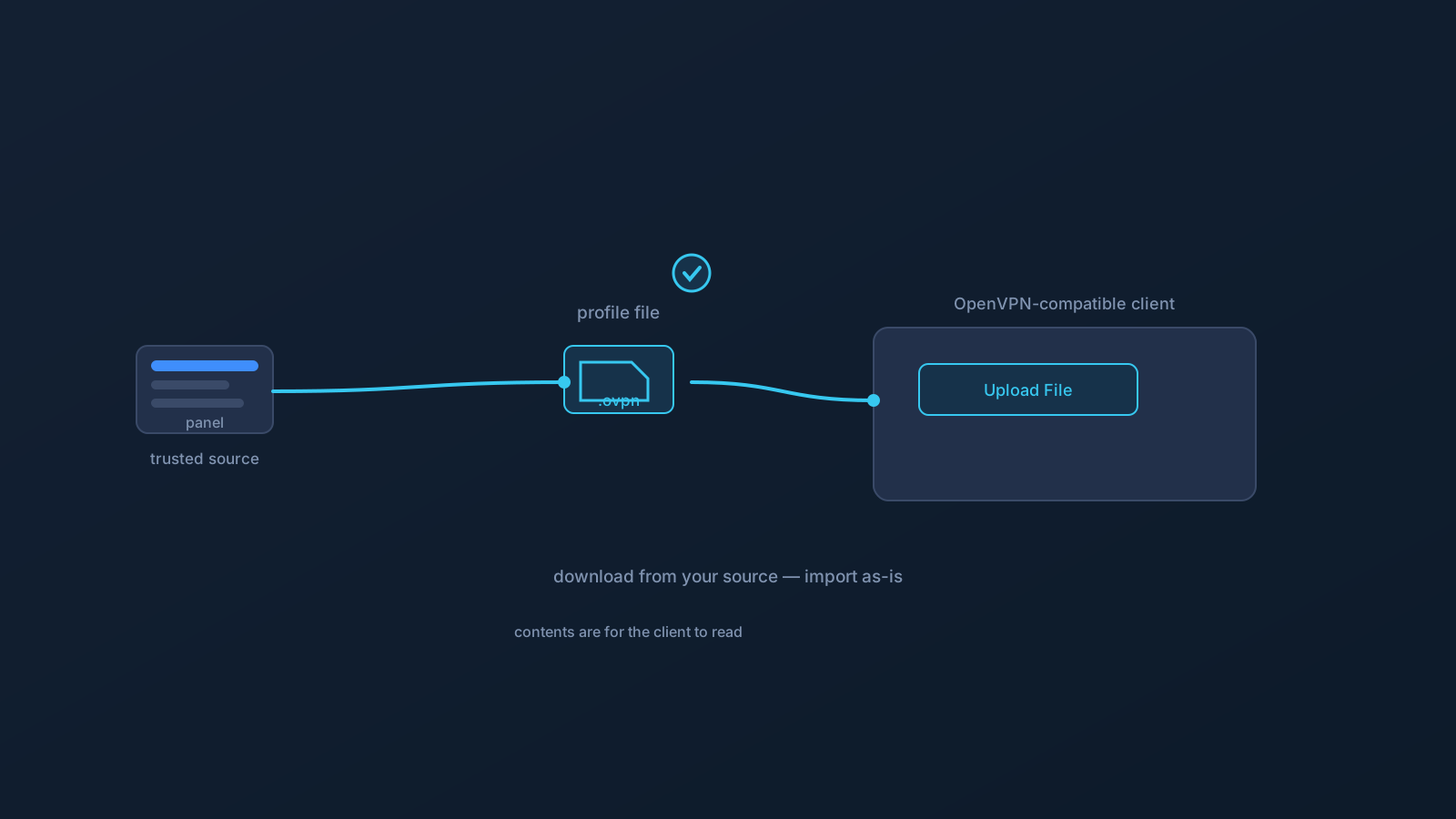
During VPN setup you download a file that ends in .ovpn, hand it to an app, and suddenly you're connected. If you've ever wondered what that file actually is, the answer is refreshingly simple — and worth knowing, because understanding what it is also tells you how to treat it.
This is the plain-language version: what a .ovpn file is, what it's for, why it deserves careful handling, and where yours should come from.
The short answer
A .ovpn file is a VPN profile file. It's the file an OpenVPN-compatible client — such as OpenVPN Connect — reads to know how to make a particular VPN connection. The name is literal: .ovpn is simply the file extension that marks a file as an OpenVPN profile, the way .pdf marks a document or .jpg marks a photo.
When you set one up, you're handing the client its instructions. The client reads the profile and can then establish the connection it describes. That's the whole relationship: the file describes a connection, and the client runs what the file describes.
What it's for
A VPN connection has settings — the technical details of how a specific profile connects. Rather than asking you to type those in by hand, the profile file carries them, so the client can read them in one step. That's why setup with Lisar is short: download the .ovpn file, open OpenVPN Connect, choose Upload File, import and save the profile, and connect. The file does the describing; you just move it from where it lives to the client that needs it.
Think of it as a pre-filled instruction card for one particular profile. You don't need to read the card yourself, and you don't need to understand every setting on it — the client is the intended reader. Your job is simpler: get the right card, from the right place, to the right app.
Why it should be handled carefully
Because the profile file carries the settings for how a specific profile connects, it's sensitive setup material — closer to a personal setup key than to a throwaway download. That has a few plain consequences worth internalizing:
Get it from your trusted source only. Your .ovpn file should come from your own account in the Lisar Panel, downloaded fresh when you need it — not from a link someone messaged you, an email attachment, or a copy floating in a shared folder. The source matters as much as the file.
Keep it to yourself and your own devices. A profile file isn't something to forward, post, or hand to someone else. If another person needs VPN setup, they get their own file from their own account — not a copy of yours. This is the single most important habit around profile files, and it holds in every situation.
Download fresh rather than reusing old copies. If you're setting up a new device or re-doing setup, a fresh download from the Panel is more reliable than an old saved file, which may be out of date. The Panel is the source of truth for what your current profile should be.
What this article isn't describing
To keep this both useful and safe, a couple of deliberate omissions. This explainer doesn't walk through the file's internal technical contents — you don't need to open or read a .ovpn file to use it, and the client is the thing that's meant to interpret it. And it isn't a guide to editing profile files by hand; the supported path is downloading the file from your Panel and importing it as-is, not modifying it.
If a setup step ever asks for a specific value, that value comes from your Lisar Panel or the official setup instructions for your profile — not from guesswork and not from reading the file yourself.
Where yours comes from
To close the loop: your .ovpn file lives in your own profile in the Lisar Panel, and that's where you download it from, fresh, each time you set up a device. From there it goes straight into a supported client — on Lisar's supported OpenVPN path, that's OpenVPN Connect — through the Upload File step, and you connect.
That's the entire life of the file in normal use: download it from your trusted source, import it into your client, connect. Handle it with the same care you'd give any personal setup detail, keep it to your own devices, and let the Panel remain the place you always get it from.
Frequently asked questions
What does the .ovpn file extension mean?
It marks a file as an OpenVPN profile — the file an OpenVPN-compatible client reads to know how to make a particular VPN connection. The extension works like any other: .ovpn simply identifies the file's type.
Do I need to open or read the .ovpn file myself? No — the client is the intended reader. You download the file from your own Lisar Panel profile and import it as-is through the supported flow; there's no need to open, read, or edit its contents.
Where should I download my .ovpn file from? Your own profile in the Lisar Panel, freshly when you need it — not from a messaged link, an email attachment, or a shared-folder copy. The trusted source matters as much as the file itself.
Can I send my .ovpn file to someone else who needs a VPN? No — profile files aren't for forwarding or sharing. Anyone who needs setup gets their own file from their own account. Keeping the file to your own devices is the most important habit around it.
Should I reuse an old .ovpn file when setting up a new device? Download a fresh one from the Panel instead — an old saved copy may be out of date. The Lisar Panel is the source of truth for what your current profile should be.