
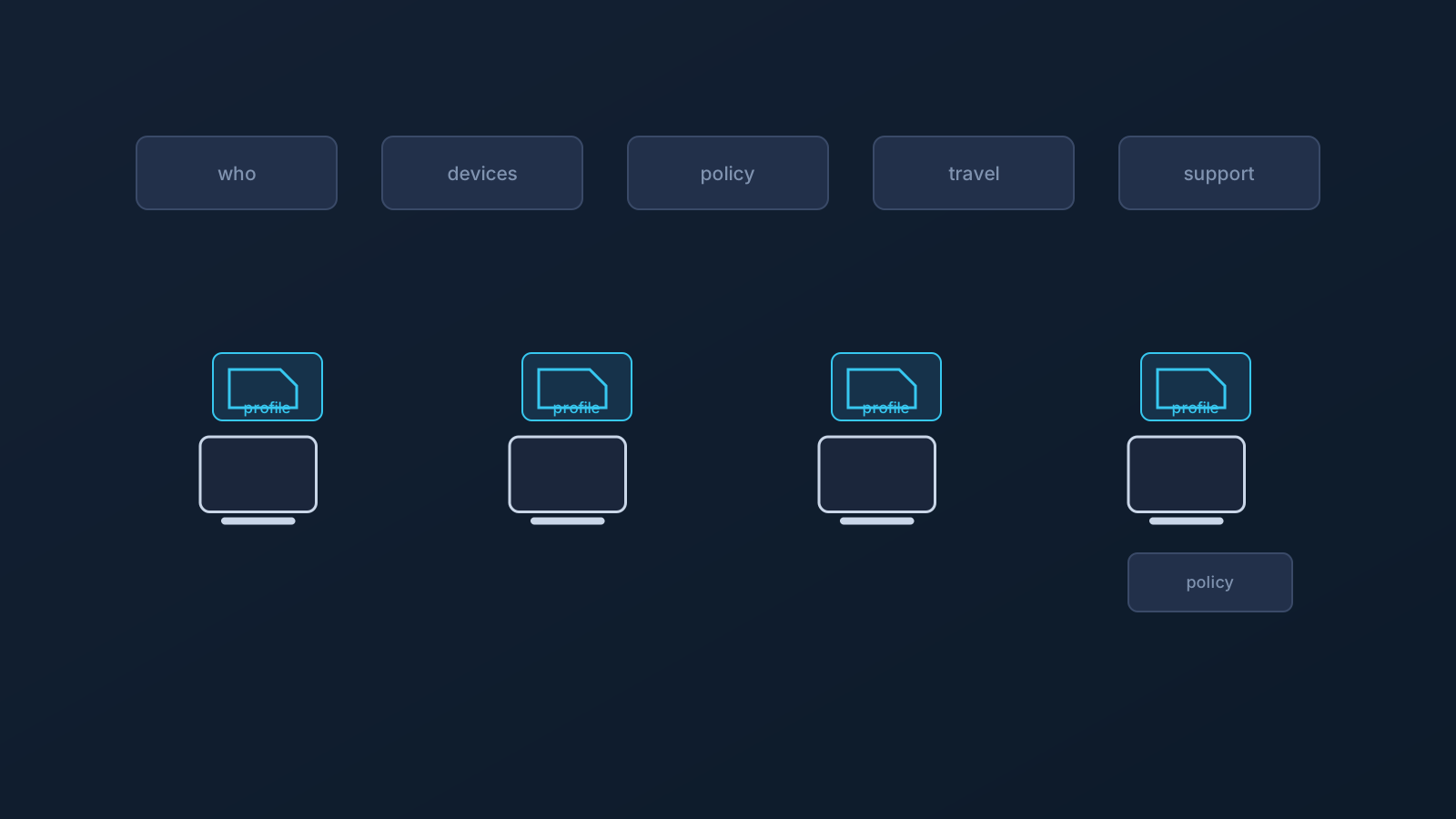
Small businesses routinely plan VPN setup the way an individual would: pick an app, install it on every device, done. That approach creates friction faster than most teams expect. The moment a business has employees and contractors, a mix of devices and OS versions, people who travel, company-managed hardware, or a shared office network, "install one app everywhere" stops being a plan and starts being a source of avoidable setup problems.
VPN setup for a small business deserves the same treatment as any other operational decision: a clear view of who needs what, on which devices, under which policies, and with which expectations. This article is about that rollout planning specifically — the deciding, onboarding, travel-readiness, and support-ownership questions — with a planning checklist at the end. A VPN can be one part of the answer, but it doesn't guarantee access, speed, anonymity, country behavior, or corporate security, and any planning worth doing starts from that honest baseline.
Small-business VPN setup is not just an app install
One user with one laptop can afford to improvise. A business can't, because a business has more moving parts from day one: employees who need consistent setup, contractors who come and go, devices the company owns and devices it doesn't, people working from the office, from home, and from the road, and someone who ends up answering the question "why doesn't mine connect?"
Treating VPN setup as a real planning item, rather than an app link in a welcome email, is what separates a setup that scales with the team from one that generates a support thread every time someone joins, travels, or switches devices. That's not an enterprise-scale problem requiring enterprise-scale controls; it's an ordinary operational question that small businesses are entirely capable of answering well, with a bit of structure.
Why app-only VPN planning can create friction
A mandatory proprietary-app-only setup model has a structural weakness for teams: it depends on that one app being installable and usable on every device the team actually has. App-store access varies by region, OS support varies by device age and platform, and company-managed devices may not allow new app installs at all. Every one of those variations becomes an exception someone has to handle.
Standard VPN setup methods can make setup planning less dependent on one provider-specific app path where supported, giving teams supported alternatives to a single required app. That's not a claim that any setup works on every device or in every environment; it's the difference between a plan with one point of dependency and a plan with supported alternatives. Lisar doesn't require a mandatory proprietary Lisar app, and the "VPN without a proprietary app" article covers this idea in full.
Individual setup for employees and contractors
For individual devices, Lisar's .ovpn profile file download can support setup with compatible OpenVPN clients: the user downloads the .ovpn profile file from the Lisar Panel and imports it in OpenVPN Connect using Upload File. If any required fields or credentials are needed, the user must follow the panel/profile/backend-supported instructions.
The per-person structure is the point. Each employee or contractor should rely on their own panel profile's setup information where applicable, and teams should not share downloaded .ovpn profile files, credentials, or profile details through shared documents or chat threads. A profile detail dropped into a team channel outlives the moment it was shared, and small businesses rarely have anyone auditing old chat history for exposed setup information. The "VPN Profile File Safety" article covers the full set of habits.
Work travel changes the setup conversation
The first business trip is where casual VPN planning gets tested. Employees and contractors move between home, office, hotel, airport, coworking, mobile, and public or shared networks, and those environments don't behave uniformly. No network, hotel, airport, or otherwise, is guaranteed to allow or support every setup.
The businesslike answer is preparation: setup checked on the actual travel devices before leaving, from a familiar network, with the relevant setup guide on hand for anything new. For team members working abroad longer-term, home-country services like banking or public-sector portals can behave differently from abroad regardless of VPN setup, since services apply their own account, device, and policy checks. The "Using a VPN While Traveling" and "Home-Country Online Services While Abroad" articles cover both situations in depth.
Company-managed devices and policy limits
If a business issues managed devices, or its people work on client-managed hardware, those devices' policies come first. Managed devices can restrict app installs, VPN profiles, certificates, browser behavior, and network settings, and VPN setup works within those restrictions, not around them.
For a small business, this is a planning input, not an obstacle: know which team members are on managed devices before rolling anything out, and involve whoever owns device policy, plus official support, early. A rollout that ignores device policy can fail on policy or compatibility before the team is ready, which is exactly the kind of avoidable problem planning exists to catch.
Router and small-office network scenarios
Some small businesses also have a network-level question: a small office or shared workspace where handling VPN connectivity at the router or network-device level is worth considering alongside per-device setup.
That model applies only to compatible routers and network devices, doesn't mean every device behind a router is covered the same way, and doesn't mean every network supports it — router setup should not be assumed. It's a separate planning track with its own compatibility questions, handled through Lisar's router setup guidance and, for business or custom scenarios, planning with official support. No hardware recommendations or setup steps belong in this article; the "Router VPN for Small Offices and Travel Teams" article covers when that model makes sense.
Where Custom Exit may fit
Some small-business routing conversations involve exit behavior: where the team's traffic exits toward the wider internet. Custom Exit relates to that, where a plan includes it, and can be relevant in some business and team routing contexts.
It isn't a universal country switch, an arbitrary location choice, a content-access guarantee, or self-service location switching, and where eligible it typically involves custom review. The Custom Exit article and feature page cover the concept properly; for a small business, the takeaway is simply that exit behavior is a plan-level conversation to have with Lisar, not a setting to assume.
Where GeoDNS and DNS AdBlock fit
GeoDNS and DNS AdBlock can round out a small-business setup where a plan includes them. GeoDNS is DNS-related behavior where available, not a guaranteed region switch, and not the same thing as Custom Exit. DNS AdBlock may help reduce some unwanted DNS requests where available; it isn't endpoint security, antivirus, malware protection, or browser-level ad blocking.
Both depend on plan and, in some cases, custom review. Each has its own article and feature page for detail.
What a small-business VPN cannot replace
A VPN is one part of a small business's setup planning, not its security or compliance stack. It doesn't replace endpoint security, identity management, SSO, MDM, device policy, firewall or security architecture, compliance processes, employer IT rules, access-control planning, or official support.
And explicitly: it doesn't guarantee access to company systems or to any website, app, portal, SaaS platform, work tool, banking portal, public-sector portal, or service; doesn't guarantee bypassing or unblocking anything; doesn't guarantee that any service will treat users as being in a chosen country; doesn't change anyone's physical location; doesn't guarantee anonymity or speed; and doesn't make public, hotel, coworking, home, mobile, office, or work networks fully safe. This article isn't legal, compliance, security-architecture, network-engineering, router-configuration, or IT-policy advice.
A practical small-business VPN planning checklist
Planning questions, not setup steps — a small business that can answer these is most of the way to a workable rollout:
- Who actually needs VPN setup: which employees, which contractors, and from when?
- Which devices are involved, and are their OS versions and platforms on supported setup paths?
- Are any devices company-managed or client-managed, and what do those policies allow?
- Will team members travel, and is setup tested before trips rather than during them?
- Is a router or network-device scenario genuinely relevant, and is the hardware compatible?
- Are GeoDNS, DNS AdBlock, or Custom Exit relevant under the plan, and has eligibility actually been checked rather than assumed?
- Does everyone know that profile-specific information comes from their own Lisar panel profile, not from shared documents or chat?
- Who handles support and policy questions, both inside the business and through Lisar's official support?
Frequently asked questions
Isn't a small-business VPN setup just installing the same app for everyone? That's the common approach, and it's where the friction comes from: devices, OS versions, app-store access, and company policies vary across a team. Business setup works better planned around supported setup paths and per-person profiles than around one mandatory app.
How should each employee or contractor get set up?
Individually: downloading the .ovpn profile file from their own Lisar Panel profile and importing it in OpenVPN Connect using Upload File. Not from a shared profile file, credentials in a document, or details pasted into chat.
Will this work on our company-managed devices? Not automatically. Managed devices can restrict app installs, profiles, and network settings, and VPN setup works within those policies rather than overriding them. Check what device policy allows before planning the rollout.
Do we need a router-based setup for our office? Only sometimes. Router setup can be relevant for selected small-office or shared-workspace scenarios, applies only to compatible routers and network devices, and doesn't cover every device the same way. It's a separate planning question, not a default.
Can we use Custom Exit to have our whole team appear in a specific country? No. Custom Exit relates to exit behavior where eligible, typically involves custom review, and isn't a universal country switch, an arbitrary location choice, or a guarantee of how any service treats users.
Does a VPN cover our security needs as a small business? No. It doesn't replace endpoint security, SSO, IAM, MDM, firewall policy, compliance processes, or IT rules, and it doesn't make any network fully safe. It's one part of setup planning, not the security stack.
Will a VPN guarantee our team can reach our tools and portals from anywhere? No. It doesn't guarantee access to company systems, SaaS platforms, work tools, or any portal, and services and employers apply their own access rules regardless of VPN setup.