
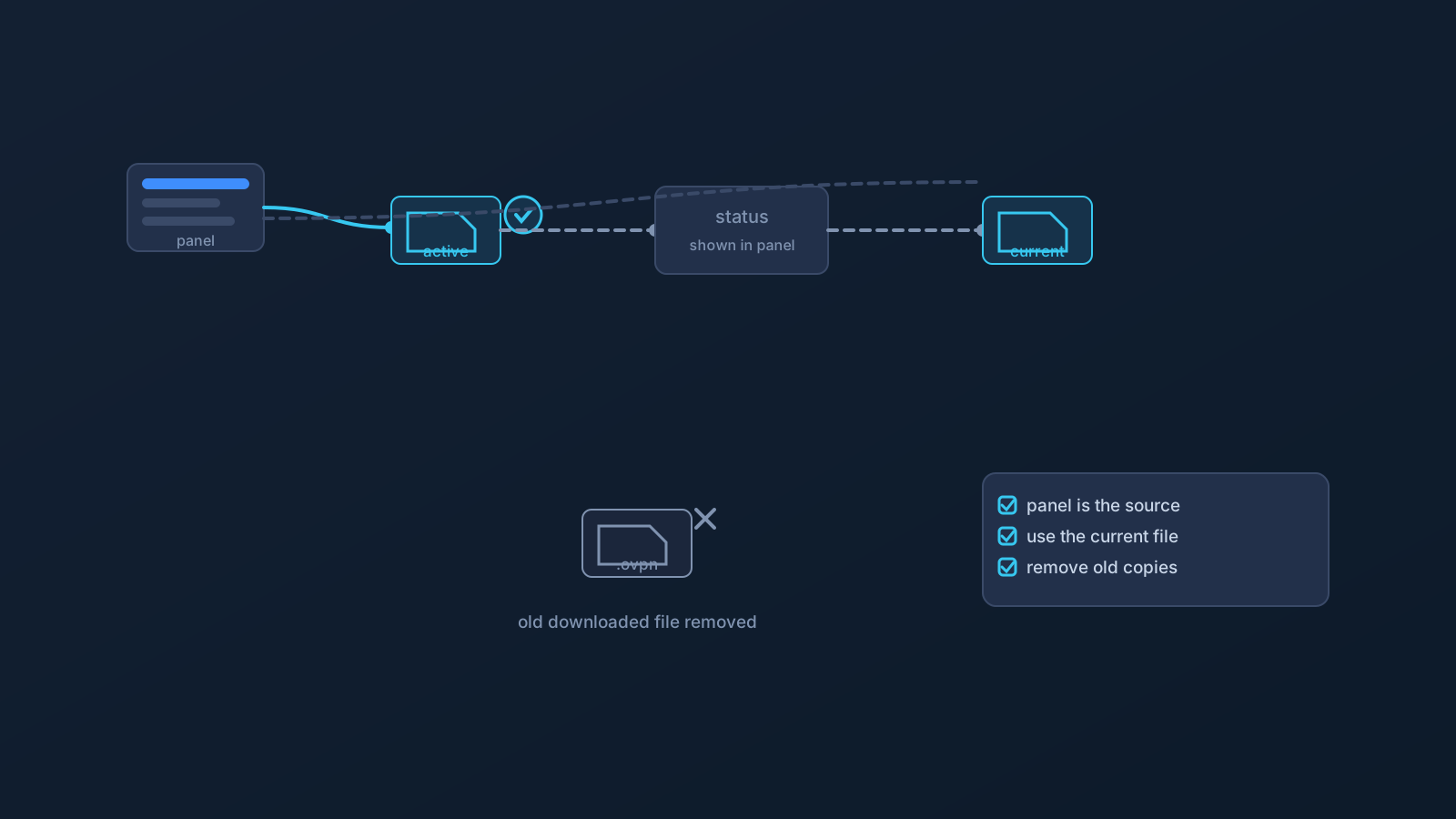
A VPN profile isn't a one-time event; it's something with a lifecycle. It's created, it's active for a while, its status can change, and sooner or later it gets renewed, replaced, or retired. Most setup problems that appear "out of nowhere" months after a smooth setup trace back to exactly this — the setup didn't change, but the profile's situation did.
This article covers the general expectations worth holding about that lifecycle, and the one rule that makes all of it manageable: the Lisar Panel and the current setup instructions should be treated as the source of truth for what's true about a profile right now.
Profiles have a current status, and the panel shows it
The most useful habit is also the simplest: a profile's current status lives in the Lisar Panel, not in memory, not in an old screenshot, and not in the fact that it worked last month. Profiles are tied to an account and a plan, and a profile's status can change over time — including around plan and payment events — in ways that no downloaded file or saved note will reflect.
So when something about a connection stops behaving the way it used to, the Panel is the first stop: is this profile still the active one, and does its status say what you think it says?
Renewal is a plan-and-account matter
As a general expectation, keeping a profile active is connected to keeping the plan behind it in good standing. What renewal looks like for a specific account — timing, steps, what happens around a payment — is exactly the kind of detail that belongs to the Panel and official guidance for that account, not to a general article.
The planning takeaway is just this: renewal is something to be aware of in advance, especially before periods when sorting it out would be inconvenient — a trip, a launch, a stretch of travel. The pre-travel checklist article makes this concrete: confirm the profile's status in the Panel before you need it, not after.
When a profile is replaced
Sometimes the answer to a profile question is a new profile: plans change, setups get restructured, or a profile is superseded for reasons the Panel or support will show for a specific account. The general expectation to hold is that replacement means re-downloading: the current .ovpn file for the current profile comes from the Panel, and setup follows the supported flow — download the .ovpn file, open OpenVPN Connect, choose Upload File, import and save the profile, and connect.
What replacement never means is improvising: no reusing a file from an old profile and hoping, no borrowing anyone else's setup, and no treating a saved copy as equivalent to what the Panel currently provides.
Retire old profile files deliberately
Here's the step most people skip. A downloaded .ovpn file is sensitive setup material, and when a profile is replaced, the old file doesn't stop being sensitive — it just stops being useful. Old profile files deserve a deliberate ending: remove superseded .ovpn files from downloads folders, and check the places files quietly accumulate — synced folders, old devices, attachments in threads where a file should never have been in the first place.
The profile-file safety article covers the full set of handling habits; the lifecycle addition here is simply that files get retired when profiles do.
What this article deliberately doesn't specify
General expectations are the honest ceiling for a general article. Exact timings, exact statuses, exact renewal mechanics, and what any of it looks like for a particular account are account facts — the Panel or setup instructions should be treated as the source of truth, and official support is the path for anything the Panel doesn't make clear. If an article and the Panel ever seem to disagree about a specific profile, the Panel wins.
The lifecycle habit, in one line
Check the Panel before you rely on a profile, re-download from the Panel whenever a profile is replaced, and retire old files when you do. Three small habits, and the lifecycle stops producing surprises.
Frequently asked questions
How do I know if my profile is still active? Check the Lisar Panel — a profile's current status lives there, and it's the source of truth over any saved file, screenshot, or memory of what worked before.
Do downloaded .ovpn files stop working at a set time? This article doesn't specify timing mechanics — those are account facts. The general expectation: a profile's situation can change over time, and the Panel shows what's currently true. When in doubt, re-download the current file for the current profile.
What should I do when my profile is replaced? Download the current .ovpn file from the Panel and set up through the supported flow: open OpenVPN Connect, choose Upload File, import and save the profile, and connect. Then retire the old file.
What does 'retiring' an old profile file mean? Deliberately removing superseded .ovpn files from wherever they've landed — downloads folders, synced locations, old devices — because an old profile file stays sensitive even after it stops being useful.
Where do renewal details for my account live? In the Lisar Panel and official guidance for your account. Renewal specifics are account facts; the useful general habit is checking status ahead of times when sorting it out would be inconvenient.