
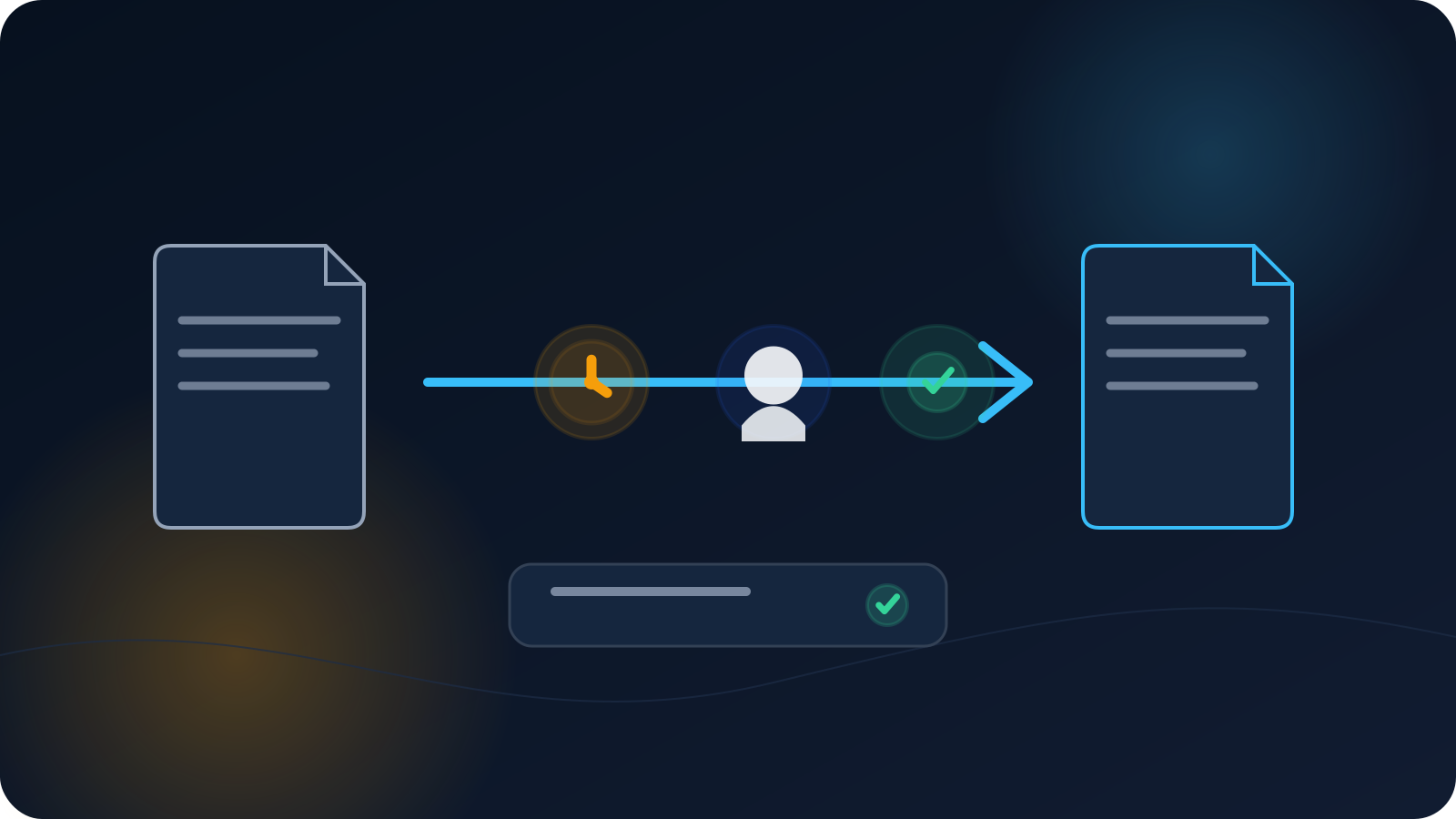
When a VPN profile is replaced, the team needs a clear answer to three questions: which assignment changed, which copy is now current, and has the intended device been checked? A short change note is enough. It does not need to become a formal project or expose what is inside the profile.
The goal is to stop old and new copies from being confused during setup or troubleshooting.
Record the reason in plain language
Use a short, ordinary reason such as:
- device replacement;
- updated connection information;
- compatibility correction;
- scheduled profile refresh;
- user or role change;
- incorrect earlier delivery.
Do not copy sensitive configuration differences into the note. The reason should explain the operational context, not reveal credentials, keys, certificates, or internal infrastructure details.
Identify the exact assignment affected
A useful record should identify:
- the person or approved role;
- the intended device;
- the purpose of the profile;
- the previous profile label or revision;
- the new profile label or revision.
For example:
Mina / Laptop-07 / Work / R02 → R03
That line is often more useful than a long paragraph because it makes the relationship between the old and new copies obvious.
Keep issue, delivery, and verification separate
A profile can be created without reaching the user, delivered without being imported, or imported without establishing a connection. Record these steps separately when they matter:
- Issued — the new profile or revision became available.
- Delivered — the intended user received it through the approved path.
- Imported/saved — the profile was added to the intended client.
- Connected — the client reached an active connection.
- Checked — the user confirmed the expected basic behavior.
- Inventory updated — the new revision is recorded as current.
A small team may combine some steps in one note, but it should not mark the change complete merely because a file was sent.
Tell the user which profile to select
The user-facing message should be simple:
- the name of the new profile;
- the device it is intended for;
- the approved place to obtain it;
- the basic import/save action;
- how to recognize the correct client entry;
- what to do if the new profile does not connect.
Avoid forwarding a profile through an informal shared channel or encouraging people to test profiles assigned to someone else.
Handle old copies without creating confusion
The record should say that the previous revision is no longer the current reference copy. The exact service-side handling belongs to the authorized process; the public note does not need to describe deletion, revocation, or internal administrative steps.
On the user’s device, the priority is making the new profile easy to identify. Clear naming and a current-revision record reduce the chance that someone reconnects with an older client entry later.
Keep the note short enough to maintain
A practical change note can fit in a few fields:
| Field | Example |
|---|---|
| Assignment | Mina / Laptop-07 / Work |
| Reason | Device replacement |
| Previous revision | R02 |
| Current revision | R03 |
| Issued | 2026-07-10 |
| Connection checked | 2026-07-11 |
| Inventory updated | Yes |
| Open issue | None |
Use non-sensitive identifiers. Do not attach the profile file or paste its contents into the record.
Note exceptions in a useful way
Sometimes the new profile cannot be checked immediately because a device is offline, the user is travelling, or the client needs an update. A useful exception note says:
- what is waiting;
- who will follow up;
- the next practical step;
- when it should be checked again.
That is enough. Avoid elaborate risk scoring or a long approval chain unless the team already has a documented reason to use one.
When the change is complete
Treat the reissue as complete when:
- the intended user or device has the new profile;
- the client entry is identifiable;
- the connection has been checked where required;
- the access inventory shows the new revision as current;
- any unresolved exception has a clear owner and next step.
The change record should make the current state easy to understand without exposing the profile itself.
Frequently asked questions
Do we need to record exactly what changed inside the profile?
No. Record the reason and the old-to-new revision relationship. Sensitive profile contents should not appear in the change note.
Is sending the new profile enough to close the change?
Not always. Delivery and successful setup are different steps. At minimum, record whether the intended person or device completed the required check.
Should a service renewal be recorded as a profile reissue?
Only when a new profile is actually issued. Renewal and profile replacement are separate events.
What if the user still sees the older client entry?
Make the current profile label clear and follow the approved local cleanup guidance. Do not rely on trial and error with several similar profiles.