
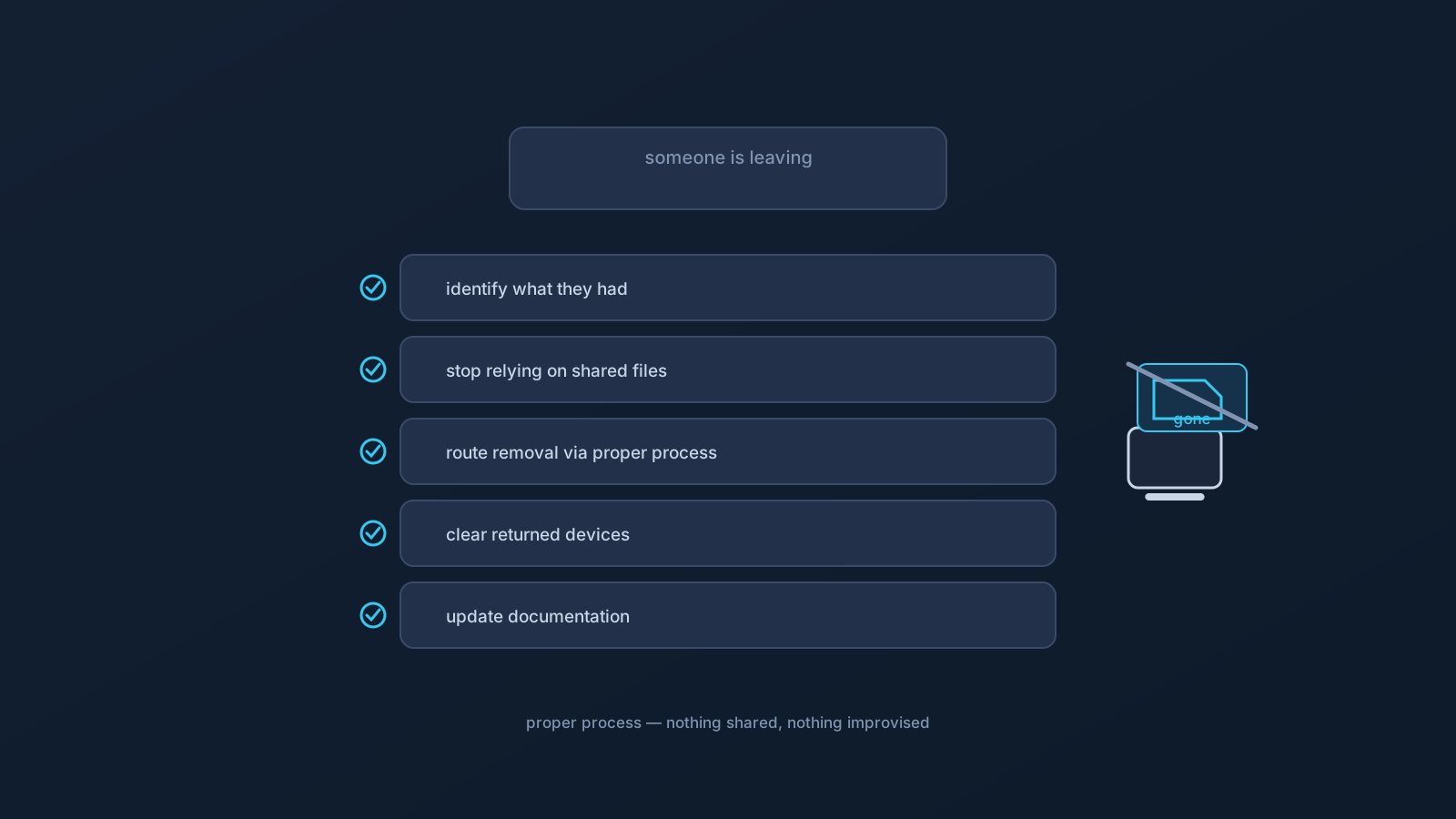
Offboarding is where per-person setup pays off. When a team member leaves, removing their VPN access is straightforward if setup was kept per-person from the start — there are no shared files to chase, and the steps route through the proper process rather than through improvisation. This is a non-technical checklist for doing it cleanly.
A note on scope up front: this article is about the team's practical offboarding steps and routing the account side to the right process. It deliberately doesn't provide technical account-side procedures — those belong to the account, admin, and official support process, not to a public checklist.
Step 1: Identify who is leaving and what they had
Start with clarity: who is leaving, and what VPN setup did they have — which devices, whose profile. Because good setup is per-person, this is usually a short, unambiguous list: one person, their own profile, their own devices. Knowing exactly what existed is what makes the rest of the checklist concrete rather than guesswork.
If setup was kept per-person from the start, there's no tangle of shared arrangements to unpick here — which is the first of several ways that disciplined onboarding makes offboarding easy.
Step 2: Stop relying on any shared files
If, despite best intentions, anything was ever shared — a profile file that got forwarded, a copy in a shared folder — offboarding is the moment to stop relying on it and correct the pattern. The lesson that prevents this next time is the standing rule: profile files aren't shared or forwarded between people, so there's nothing shared to worry about at departure.
Going forward, each person on their own profile means a departure touches only that person's own setup — no shared file that now needs chasing, no question of who else has a copy. If this offboarding surfaced shared files, treat it as the prompt to move fully to per-person setup.
Step 3: Follow the account and support process for access
The actual removal of access on the account side goes through the proper channel: the account, admin, and official Lisar support process. That's deliberately where it lives — not in a public how-to — because it's the correct, supported path and because the specifics belong to the team's account context.
So the checklist item is simply: route access removal through the account/admin/support process, and let that process handle it. What a team should do here is initiate the right process and follow its guidance, rather than improvising anything technical.
Step 4: Remove local files from returned devices
On the device side, there's a concrete, non-technical step: when a device is returned — a company laptop, a shared tablet — remove the downloaded profile files it holds. These are ordinary local files, and the point is simply that a device changing hands or coming back to the team shouldn't carry someone's setup material on it.
For devices handled by your team's normal device-return process anyway, that process covers it. The deliberate file-removal step matters most for devices that are simply handed back and reused as-is. This is local file hygiene — not an account action, and not something that touches anyone else's setup.
Step 5: Update team documentation
Close the loop by updating the team's own records: the person's offboarding is done, their access was routed through the proper process, and returned devices were cleared. If the team keeps a simple setup document, note the change there so the picture stays current for whoever onboards or offboards next.
Keeping documentation current is what makes the next offboarding as clean as this one — the records reflect reality, and nobody's left guessing what a departed person had.
What offboarding must not involve
Two firm boundaries. First, no sharing of sensitive material as part of offboarding — no passing around the departing person's profile file, credentials, or screenshots of setup details "to sort things out." Departure is not a reason to move material that shouldn't move at any time. Second, no improvised technical removal — access removal is the account/admin/support process's job, and a team's role is to initiate and follow it, not to invent steps.
Held together, these keep offboarding clean and safe: identify what existed, correct any sharing, route access removal through the proper process, clear returned devices of local files, and update the records. None of it requires exposing anything sensitive or improvising anything technical — and the whole thing is easiest when onboarding was disciplined in the first place.
The offboarding checklist, together
- Identify who's leaving and what setup they had (short and clear if setup was per-person).
- Stop relying on any shared files, and treat their existence as a prompt to go fully per-person.
- Route access removal through the account/admin/official support process — don't improvise technical steps.
- Remove downloaded profile files from returned devices (local file hygiene; your team's normal device-return process covers those).
- Update team documentation so the next onboarding and offboarding stay clean.
Frequently asked questions
How do we remove someone's VPN access when they leave? Route it through the account, admin, and official Lisar support process — that's the correct, supported path, and the specifics belong to your account context rather than a public how-to. The team's role is to initiate and follow that process, not to improvise technical steps.
What can we do on the device side during offboarding? Remove the downloaded profile files from returned devices — it's ordinary local file hygiene, so a device coming back or changing hands doesn't carry someone's setup material. Devices handled by your team's normal device-return process are already covered.
What if a profile file was shared before we knew better? Offboarding is the moment to stop relying on it and move fully to per-person setup. Going forward, profile files aren't shared or forwarded, so a departure touches only that person's own setup — nothing shared to chase down.
Should we pass around the leaving person's profile or credentials to wrap up? No — departure isn't a reason to move material that shouldn't move at any time. No profile files, credentials, or screenshots of setup details as part of offboarding; the account side routes through the proper process instead.
How do we make the next offboarding easier? Keep setup per-person and keep documentation current. Clean offboarding is designed at onboarding: when each person has their own profile and the records reflect reality, departures stay simple and unambiguous.