
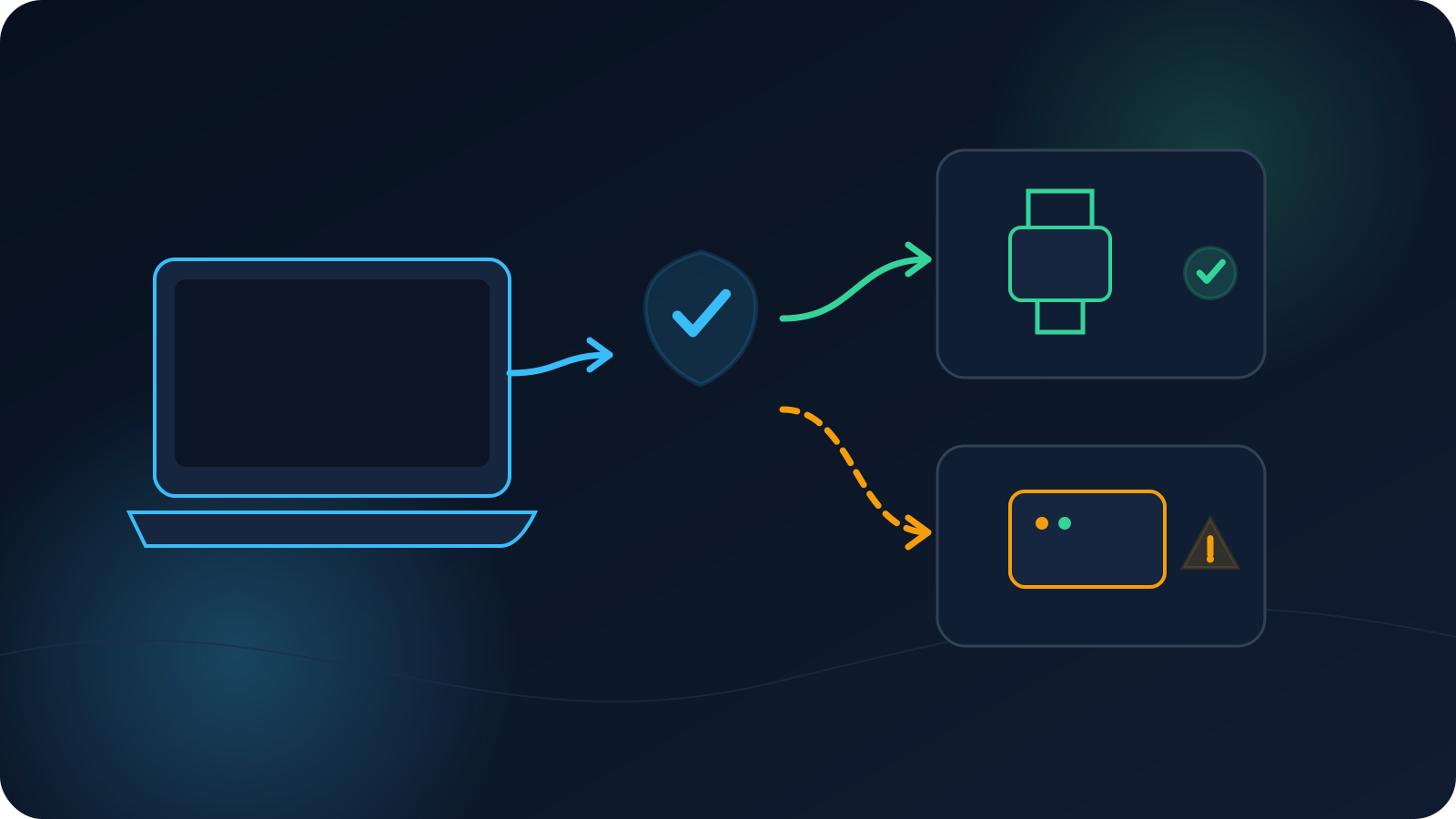
You're connected to a VPN and suddenly the printer down the hall won't show up, the network drive isn't there, or casting to the living-room screen doesn't find it. This is a common thing to notice, and it can be puzzling because the internet still works fine. The reason is that a printer, a NAS, or a casting device usually lives on your local network, and local-network access can behave differently from internet access while a VPN is connected.
This article explains why that happens, why it varies between devices and setups, and gives you a calm, non-destructive way to tell whether what you're seeing is a local-network question or an internet one. It doesn't promise local access or tell you to reconfigure anything — nearby-device access depends on your setup and on rules that belong to whoever owns the network.
Two kinds of traffic: the internet and your local network
The useful distinction is that not all traffic is the same. Reaching a website is internet traffic; reaching a printer, a storage box, or a screen in the same building is local-network traffic between devices near you. These are different in kind, and a VPN connection can relate to them differently.
| Kind of traffic | Typical examples | What it involves |
|---|---|---|
| Internet traffic | Websites, online services | Reaching services out on the internet |
| Local-network traffic | Printers, NAS, casting devices | Reaching nearby devices on the same local network |
Because the two are different, it's entirely possible for internet traffic to be working normally while local-device access behaves differently — which is exactly the situation people find confusing.
Why local-device discovery can behave differently on a VPN
Finding nearby devices — the "discovery" step where your device notices the printer or the drive — is a local-network activity, and it can behave differently while a VPN connection is active. Whether nearby devices are reachable during a connection depends on the setup and isn't something to assume in either direction. The honest framing is that local access may change while connected; whether nearby devices stay reachable depends on the setup rather than following a single fixed rule. If nearby-device access matters to you, it's worth knowing that it depends on how things are set up rather than expecting a single fixed behavior.
Device-level and router-level setups behave differently
Where the VPN is applied changes the picture. A device-level setup (the VPN on a single phone or laptop) and a router-level setup (applied more broadly) relate to your local network differently, so local-device access can differ between them. Neither is presented here as better — they're simply different arrangements with different local-access behavior. The trade-offs between them are covered in Router-Level or Device-Level VPN for a Household or Home Office? and, for teams, VPN on a Router vs VPN on Each Device.
Client, operating system, and network policy all play a part
Beyond where the VPN is applied, the client you use, the operating system, and the policies on the network can each influence local-device behavior. Different clients and operating systems handle things differently, and a managed or workplace network may have its own policies about local-device access. Support for any particular printer, NAS, router, protocol, operating system, or client isn't something to assume — behavior varies across combinations, and it's better to check your documented setup than to expect uniform results. On a network you don't control, its policies are the deciding factor and belong to whoever runs it.
Why one device keeps local access and another doesn't
It's common for one device to still reach the printer while another doesn't, and this follows from everything above: the two devices may have different setups, different clients or operating systems, or be in different connection states. A difference between two devices is usually those differences showing, not a fault on either one. If you're comparing two devices, matching their conditions — same setup, same connection state — is the way to make the comparison meaningful.
A non-destructive checklist: local-network or internet?
When nearby-device access changes, the first worthwhile question is which kind of problem it is. A calm, non-destructive way to tell — none of which involves changing network equipment:
- Check whether the internet works normally while connected (open a known website). If it does, you're likely looking at a local-network question, not an internet one.
- Note whether the nearby device is reachable when the VPN is not connected. If it is, the change is associated with the connection rather than the device being off or offline.
- Check whether another device on the same local network can reach it. If one can and one can't, the difference is between the two devices' setups.
- Confirm the nearby device itself is on, awake, and on the same local network you expect.
- If it's a managed or workplace network, treat local-device access as governed by that network's policies and raise it with whoever administers it.
This tells you where the issue lives without touching anything you shouldn't. It deliberately stops short of routing, firewall, or port changes — those belong to network administration, not to this kind of check.
Follow the network owner's rules
A steady principle runs through all of this: local-network access is shaped by the network you're on, and on a network you don't own, its rules apply. If nearby-device access matters on a workplace, venue, or managed network, the right path is to work with whoever administers it rather than trying to change how the network handles local traffic. Lisar is a way to set up and manage VPN profiles, not a replacement for administering a network — decisions about local-device access on a managed network sit with that network's owner.
The short version
- Printers, NAS, and casting devices are usually on your local network, which is different from internet traffic.
- Local-device discovery can behave differently while a VPN is connected; local access may change and isn't something to assume either way.
- Device-level and router-level setups relate to your local network differently.
- Client, operating system, and network policy all influence local-device behavior; support across specific devices and setups isn't something to assume.
- One device may keep local access while another doesn't, usually because their setups or states differ.
- Use a non-destructive checklist to tell a local-network question from an internet one, and follow the network owner's rules on networks you don't control.
Frequently asked questions
Why can't I reach my printer or NAS while the VPN is connected? Because those devices are usually on your local network, and local-network access can behave differently from internet access during a VPN connection. It's common for the internet to keep working while local-device access changes. Whether nearby devices are reachable depends on your setup rather than being fixed.
Does a VPN always block local devices? No — it isn't fixed either way. Local access may change while connected, and whether nearby devices are reachable depends on the setup, the client and operating system, and any network policies. The honest answer is that it varies, which is why checking your documented setup is more reliable than assuming.
Why does one device still reach the printer but another doesn't? Usually because the two devices differ — different setups, different clients or operating systems, or different connection states. A difference between devices is normally those differences showing rather than a fault. Matching their conditions makes the comparison meaningful.
How do I tell if it's a local-network issue or an internet issue? Check whether the internet works while connected; if it does, it's likely local-network. See whether the device is reachable with the VPN off, and whether another device on the same network can reach it. Those steps locate the issue without changing any network equipment.
Should I change router or firewall settings to get local access? Not on a network you don't own, and this article doesn't cover that. Routing and firewall settings belong to network administration. On a managed or workplace network, local-device access is governed by that network's policies, so raise it with whoever administers the network.