
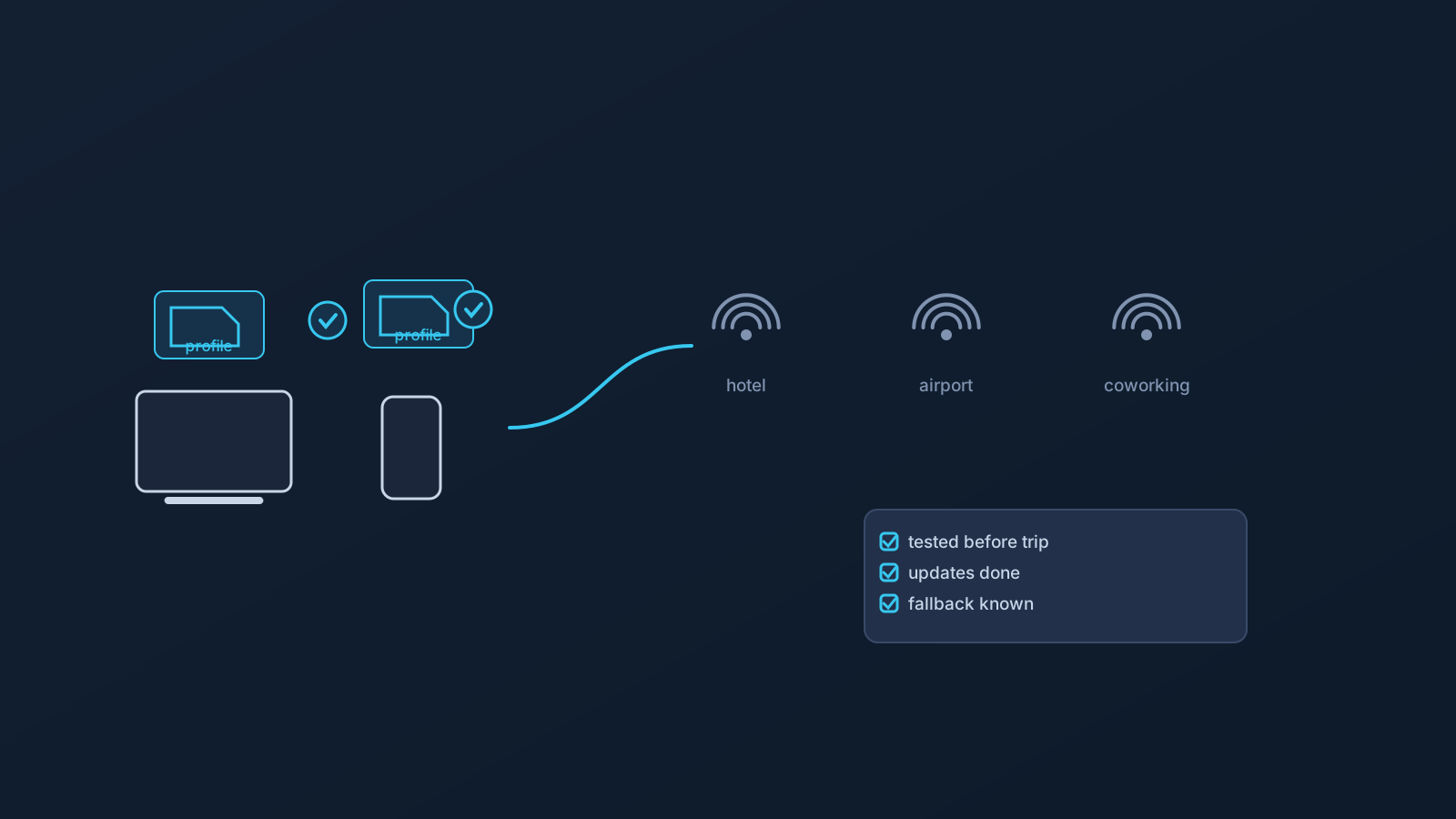
A VPN may be useful while traveling, but it works best when it's set up before a trip starts, and when expectations about what it can and can't do are realistic from the outset. Used well, it can offer a familiar, standard setup path across the devices a trip actually involves. It doesn't guarantee access to any particular service, faster speeds, anonymity, or automatic safety on every network a traveler connects to along the way.
This article walks through how to think about VPN setup before and during travel, including public Wi-Fi, company-managed devices, router and shared-network scenarios, and how features like GeoDNS, DNS AdBlock, and Custom Exit fit into a travel setup where they're available.
Why VPN setup matters before you travel
Travel tends to mean moving between different networks, sometimes different countries, and occasionally different devices or device policies, often in a fairly short window of time. Setting up a VPN profile before a trip starts is almost always easier than trying to troubleshoot it from an unfamiliar network, a hotel lobby, or an airport gate.
Before leaving, it's worth checking the Lisar panel and setup guides for the devices actually being brought along, using the Lisar panel instead of relying on old screenshots or saved messages, and testing that everything connects the way it's expected to at home, where troubleshooting is easier. This article doesn't cover which countries permit or restrict VPN use; that's a legal question that varies by location and isn't something this article is positioned to answer.
Why app-only VPN setup can be limiting on the road
Relying entirely on one provider's dedicated app can create friction while traveling. App store access can vary by region, a device's OS version might not be supported, or a company-managed device's policy might not allow installing a new app at all, right when it's needed most.
Standard VPN setup methods reduce how much a trip depends on one specific app being available and working. That doesn't mean setup becomes automatic everywhere; it still depends on having a compatible client and a supported setup path on a given device. The idea is covered in more depth in the "VPN without a proprietary app" article, which this travel context is really just one practical example of.
Using the .ovpn profile file download while traveling
Lisar's supported setup path is specific: the user downloads the .ovpn profile file from their own profile in the Lisar Panel and imports it in OpenVPN Connect using Upload File. If any required fields or credentials are needed, the user must follow the panel/profile/backend-supported instructions.
A couple of travel-specific habits matter here. Use the Lisar panel to get profile information rather than relying on an old screenshot or saved message, especially if a trip has been planned for a while. And treat the downloaded .ovpn profile file the way any sensitive access information would be treated: it shouldn't be posted publicly or left exposed in a screenshot, even one taken to ask for help with a setup problem. These habits are covered in more depth in the "VPN Profile File Safety" article.
Public Wi-Fi expectations
Hotel, airport, café, coworking, and other shared networks vary a lot in how they're set up and maintained, and that inconsistency is part of normal travel, not a reason for alarm. A VPN can be a practical part of travel preparation on these kinds of networks, but it isn't a complete safety guarantee on its own.
Safe browsing habits, keeping a device's operating system updated, and normal device security practices still matter on public Wi-Fi, VPN or not. None of this is about any particular network being unusually dangerous; it's simply that a VPN handles one part of the picture, not the whole thing.
Company-managed devices and work travel
Company-managed devices often come with their own restrictions: policies that limit which apps can be installed, which network or VPN settings can be changed, or which profiles can be added. These restrictions exist for reasons specific to each organization, and following them is part of using a work device responsibly while traveling.
Standard VPN setup methods don't override device policy; what's actually possible on a company-managed device still depends on what that device and its policy allow. For business or team travel scenarios specifically, Lisar's Business context covers company network access while traveling in more depth.
Router and shared-network travel setups
Router or network-device setup is a different scenario from a single laptop or phone, and it applies only to compatible routers and network devices, not routers in general. A travel router or a shared setup used by multiple people can need extra care to configure correctly, simply because more is riding on one piece of shared hardware working as expected.
This article doesn't recommend specific router hardware or walk through setup steps; Lisar's router setup guidance is the place for that, once a specific, compatible device is in hand.
Where GeoDNS, DNS AdBlock, and Custom Exit fit
A few other features can come up in travel or business routing contexts, where a plan includes them. GeoDNS is DNS-related behavior, not a guaranteed region switch; DNS AdBlock may help reduce some unwanted DNS requests, not a universal ad blocker or security tool; and Custom Exit relates to VPN traffic exit behavior where eligible, not a physical-location change or a guarantee of content access.
All three depend on plan and, in some cases, custom review, and none of them is essential to a basic travel setup. Each is covered in its own dedicated article and feature page for anyone who wants the fuller picture.
What a VPN cannot guarantee while traveling
To keep expectations realistic:
- It doesn't guarantee access to every website, app, or service.
- It doesn't guarantee bypassing or unblocking anything.
- It doesn't guarantee that every service will treat a user as being in a chosen country.
- It doesn't guarantee anonymity.
- It doesn't guarantee any particular speed.
- It doesn't make public Wi-Fi fully safe by itself; safe browsing habits, device security, and OS updates still matter.
- It doesn't mean every hotel, airport, mobile, or work network will allow or support every setup.
- It doesn't mean every device or router setup is supported.
- It doesn't come with an arbitrary entry or exit location selection, or a self-service location-switching promise; GeoDNS and Custom Exit each have their own limits, covered in their own articles.
Frequently asked questions
Should I set up my VPN before I leave or once I arrive? Before, where possible. Setting up and testing a profile at home, on a familiar network, is easier than troubleshooting it from an unfamiliar network under time pressure.
Do I need a mandatory proprietary Lisar app to use VPN setup while traveling?
No. Lisar does not require a mandatory proprietary Lisar app. Users should use standard VPN setup methods — the .ovpn profile file downloaded from the Lisar Panel and imported in OpenVPN Connect using Upload File where supported.
Does a VPN make public Wi-Fi completely safe? No. A VPN is a useful part of a public Wi-Fi setup, but it doesn't make a network fully safe by itself; safe browsing habits and normal device security still matter.
Will my company-managed device let me set up a VPN while traveling? That depends on the device's IT policy, not on Lisar. Company-managed devices can restrict app installs or network settings, and those restrictions should be followed rather than worked around.
Will Custom Exit or GeoDNS let me appear in any country I choose? No. Both depend on plan and eligibility, and neither guarantees that a service will treat a user as being in a particular country. Each has its own limits, covered in its own article.
Will my router work the same way while traveling as it does at home? Not automatically. Router and network-device setup applies only to compatible routers and network devices, and a travel or shared setup may need extra care.
Does a VPN guarantee I can access the same content abroad as at home? No. It doesn't guarantee access to any particular website, app, or service, and it isn't designed as a bypass or unblocking tool.