
A remote team spread across countries doesn't get to think about VPN setup the way one person does. One user with a laptop can install something, connect, and move on. A team working from different countries, time zones, home networks, coworking spaces, and hotel Wi-Fi needs realistic setup planning across varied countries, networks, and devices.
A VPN can be one part of that planning, but it isn't a guarantee of access, speed, anonymity, country behavior, or corporate security. This article focuses on the people-and-geography side of remote-team VPN setup: who sets up what, what changes when someone works from another country, and what each team member should check before traveling. For the broader business setup-model question, why teams may need more than a basic VPN app in the first place, the "Business VPN Routing" article covers that ground.
What changes when a team spans countries
The difference between a co-located team and a distributed one isn't mainly the VPN, it's the variety. One team member works from a home network in one country, another from a coworking space in a second, a contractor from mobile data in a third. Someone is always traveling, and someone is always on a network the team has never seen before.
That variety means setup guidance has to be easier to explain across different users and devices, not tuned to one office's conditions. It also means the questions that barely matter for one person, like where setup information lives, who to ask when something doesn't connect, and what to check before a trip, become the questions that matter most.
Onboarding a new team member's VPN setup
When a new employee or contractor joins a distributed team, their VPN setup works best treated as a small, deliberate onboarding step rather than a "here's a link, figure it out" message.
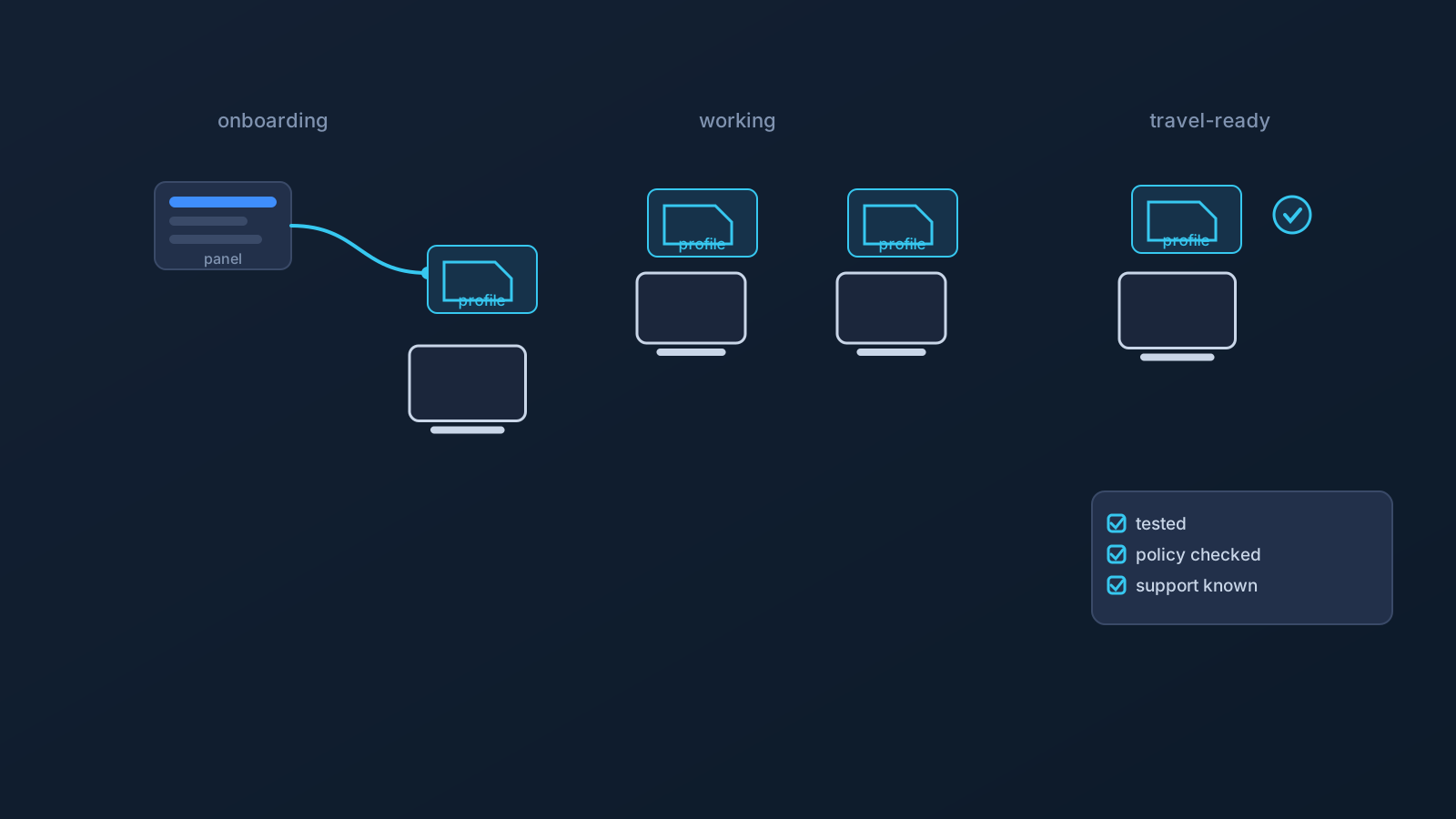
A practical onboarding shape, kept non-technical: the new person gets access to their own Lisar panel profile; they follow the setup guide for their actual device and OS, such as the Windows or Android OpenVPN guides; they set up using their own profile's information — downloading the .ovpn profile file from their own profile and importing it in OpenVPN Connect using Upload File; and they know who to ask, and through which channel, when something doesn't work. What the onboarding should never include: someone else's .ovpn profile file, a screenshot of someone else's setup, or profile details pasted into the team chat. Each person's setup information comes from their own panel profile, where applicable, and stays theirs.
Keeping profile information safe across a distributed team
Distributed teams run on shared documents and chat threads, which is exactly why profile information shouldn't live in them. A downloaded profile file, a credential, or a profile detail dropped into a team channel can be copied, forwarded, screenshotted, and rediscovered months later by people it was never meant for, and nobody will remember it's there.
The safe habits are simple: setup information comes from each user's own Lisar panel profile when it's needed, not from saved copies; screenshots shared for troubleshooting get checked for profile-specific details first; and old messages or notes never serve as a setup source, since they may be inaccurate, outdated, or exposed. The "VPN Profile File Safety" article covers these habits in depth.
Work travel and temporary location changes
Remote teams travel more than most: client visits, team off-sites, workations, and stretches of working from another country entirely. Each trip is a small setup event, and it goes better prepared than improvised.
A reasonable pre-travel checklist for a team member, kept practical: confirm their VPN setup works on the devices they're actually bringing, from their own panel profile, before leaving a familiar network; check the setup guide for any device they haven't set up before; know that hotel, airport, coworking, and mobile networks vary, and that no network is guaranteed to allow or support every setup; and if traveling with a company-managed device, check what its policy allows before assuming anything. A VPN doesn't make any of those networks fully safe by itself; ordinary device security and safe browsing habits still matter everywhere.
Home-country services from abroad
Team members living or working abroad long-term run into a specific situation: home-country services, banking, tax, healthcare, education, insurance, or work-related portals, behaving differently when accessed from another country.
A VPN may be part of a prepared setup there, but it doesn't guarantee portal or service access. Services can rely on account checks, two-factor verification, device history, GPS or location permissions, payment region, fraud controls, and their own policies, alongside or instead of network location. The "Home-Country Online Services While Abroad" article covers this in depth, and the "Using a VPN While Traveling" article covers the shorter-trip version.
Company-managed devices and employer policy
Some team members work on company-managed devices, and those bring their own rules: restrictions on app installs, VPN profiles, certificates, browser behavior, or network settings. VPN setup doesn't override device policy, and it shouldn't be planned as a way around employer restrictions.
For distributed teams this is worth handling at the planning stage, not per-incident: knowing which team members are on managed devices, and involving company IT policy and official support early, avoids discovering after rollout that part of the team can't use the intended setup at all.
Setup paths, briefly
The setup fundamentals for a remote team are the same ones covered across Lisar's other guides, so briefly: standard VPN setup methods mean less dependence on one mandatory app being available across all devices and policies; .ovpn profile file download simplifies individual setup with compatible OpenVPN clients; and router or shared-network setup can be relevant in selected small-office, shared-workspace, or travel-team scenarios, only for compatible routers and network devices, and never covering every device the same way. The "VPN without a proprietary app" and "Router VPN for Small Offices and Travel Teams" articles cover those two topics properly.
On plan-dependent features: Custom Exit relates to VPN traffic exit behavior where eligible and may be relevant in some team routing contexts; it isn't a universal country switch, an arbitrary location choice, a content-access guarantee, or self-service location switching, and it typically involves custom review where eligible. GeoDNS is DNS-related behavior where available, not a guaranteed region switch, and not the same thing as Custom Exit. DNS AdBlock may help reduce some unwanted DNS requests where available; it isn't endpoint security, antivirus, malware protection, or browser-level ad blocking. All three depend on plan and, in some cases, custom review, and each has its own article and feature page.
What a VPN cannot do for a remote team
Kept explicit, because remote-team contexts invite exactly these assumptions: a VPN doesn't guarantee access to company systems or to any particular website, app, portal, SaaS platform, work tool, or service; doesn't guarantee bypassing or unblocking anything; doesn't guarantee that any service will treat users as being in a chosen country; doesn't change anyone's physical location; doesn't guarantee anonymity or speed; and doesn't make home, public, hotel, coworking, mobile, or work networks fully safe.
It also doesn't replace endpoint security, identity management, SSO, MDM, device policy, firewall or security architecture, compliance processes, employer IT rules, access-control planning, or official support. And this article isn't legal, compliance, security-architecture, network-engineering, router-configuration, or IT-policy advice; it's planning context, with the specifics belonging to each team's own account, policies, and support channels.
Frequently asked questions
How should a new team member get set up with VPN access?
Through their own Lisar panel profile, following the setup guide for their actual device, using the .ovpn profile file downloaded from the Panel and imported in OpenVPN Connect using Upload File. Not through someone else's downloaded profile file, a screenshot, or details pasted into team chat.
Should our team share one VPN profile or .ovpn profile file to make setup easier?
No. Each user should rely on profile-specific setup information from their own Lisar panel profile where applicable, and teams should avoid sharing downloaded .ovpn profile files, credentials, or profile details through shared documents or chat threads.
What should a team member check before traveling? That their setup works on the devices they're bringing, tested from a familiar network before leaving; the setup guide for any new device; and, on a company-managed device, what its policy allows. Hotel, airport, and public networks vary, and none is guaranteed to support every setup.
Will a VPN guarantee our team can access company systems and work tools from any country? No. It doesn't guarantee access to company systems, SaaS platforms, work tools, or any particular service, and services and employers can apply their own access rules regardless of VPN setup.
A team member abroad can't use a home-country portal. Will a VPN fix that? Not necessarily. Many services use account checks, 2FA, device history, payment region, and other signals alongside or instead of network location, so a VPN addresses only part of the picture and doesn't guarantee portal access.
Will a VPN work on our team's company-managed devices? Not automatically. Managed devices can restrict app installs, profiles, and network settings, and VPN setup works within those policies rather than overriding them.
Does a VPN replace our security tools for remote work? No. It doesn't replace endpoint security, SSO, IAM, MDM, firewall policy, compliance processes, or IT rules. It's one part of remote-team planning, not the security stack.