
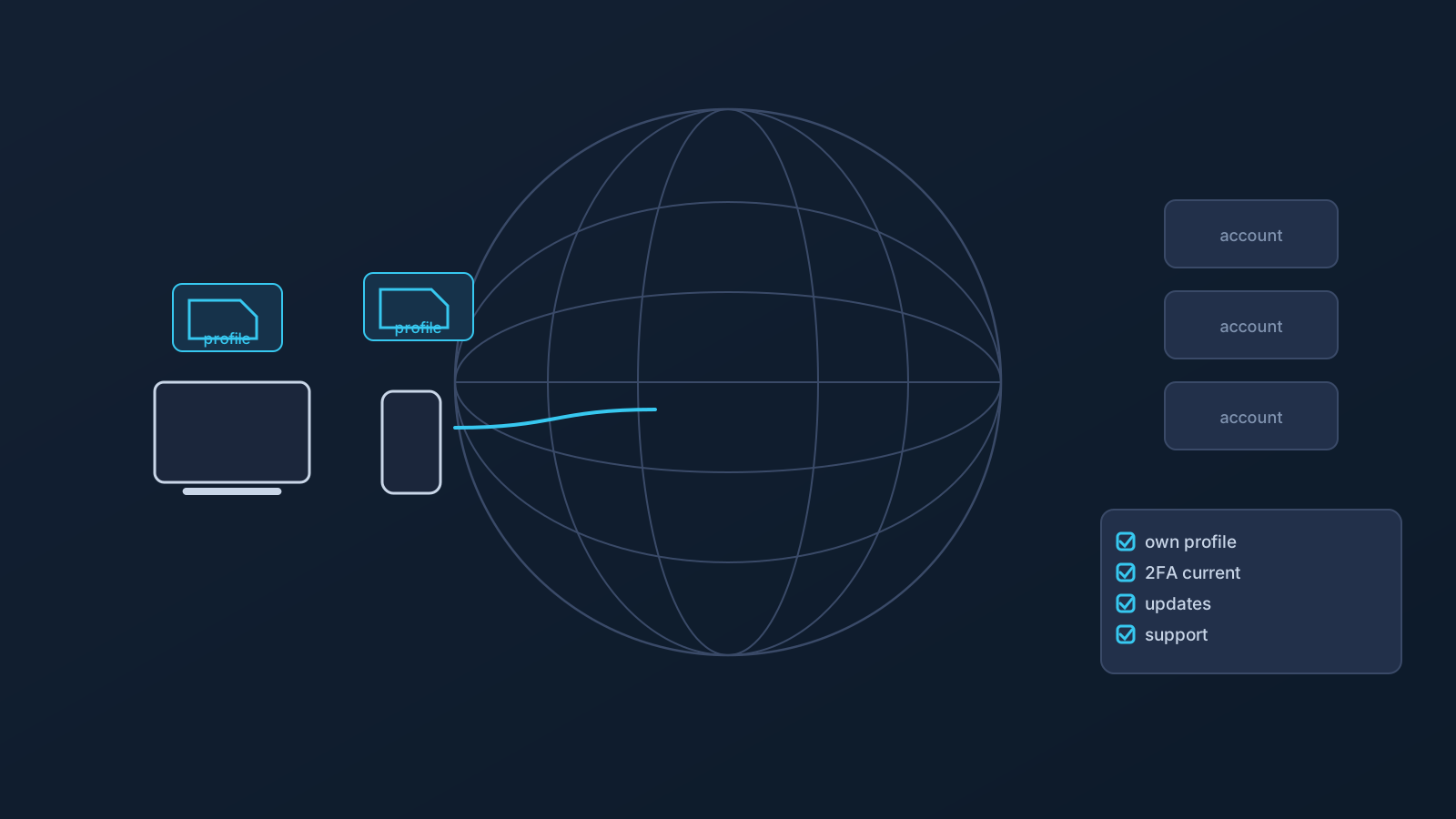
Living abroad changes how people think about accounts, devices, networks, and setup habits. The services that matter most stay anchored in the home country while daily life — and every network it runs on — happens somewhere else, for years rather than weeks. Expat VPN planning should start from that reality and from realistic expectations, not from promises about access or location behavior.
So here is the realistic version up front: a VPN may be one part of a prepared expat setup, but it does not guarantee access to home-country services, account portals, banking, public-sector services, or any content, and it does not guarantee that any service will treat you as being in a chosen country. What it can be is well-organized and honestly understood — which, over years abroad, is worth more than any promise.
Living abroad changes the setup context
An expat's digital life runs on a split: accounts, services, and obligations anchored in the home country; devices, networks, and daily life in another. That split is permanent context, not a travel phase — and it touches everything from which networks you use daily to how your home-country services respond to your logins.
Long-term also means change: devices get replaced abroad, networks change with apartments and cities, and old screenshots or saved notes may be inaccurate, exposed, or simply no longer a good source of truth. The Lisar panel and current setup guides should remain the source of truth throughout — expat setup planning is less about any single trip and more about habits that hold up while everything around them changes.
A VPN can be one part of an expat setup plan
Within that context, a VPN's honest role is a familiar setup path where supported: one prepared way of connecting that a person understands and can repeat across the apartments, coworking spaces, and networks of life abroad, where those networks allow and support it.
With Lisar, that means standard VPN setup methods — the .ovpn profile file downloaded from the Lisar Panel and imported in OpenVPN Connect using Upload File — no mandatory proprietary Lisar app — with profile-specific setup information coming from your own Lisar panel profile. That gives an expat a consistent source of setup information through the panel and a setup habit that is easier to maintain when devices and networks change. One part of the plan; not the plan.
Home-country services may still apply their own checks
The expat-specific expectation to internalize: services decide how to treat you using far more than network location. Account region, device history, cookies, official app checks, GPS and location permissions, SMS and two-factor verification, payment and billing region, fraud controls, and each service's internal policy can all factor in — alongside or instead of anything a VPN touches.
So a VPN may be part of a prepared setup for using home-country services abroad, and it still guarantees nothing about how any service responds. A service that leans on device checks or account region will behave the same regardless. The "Home-Country Online Services While Abroad" article covers this in full depth.
Banking, public-sector, healthcare, insurance, and education portals
These deserve their own paragraph because they're where expat stakes are highest. Banking, public-sector, healthcare, insurance, and education portals apply their own verification, fraud-prevention, and policy rules, and no VPN setup guarantees access to any of them.
The durable, generic habits are unglamorous: keep contact details current, keep two-factor methods working, and meet each service's own app requirements — and treat each portal's own support as the authority for its behavior abroad. That's general account hygiene, not legal, tax, immigration, compliance, financial, banking, healthcare, insurance, or public-sector advice; those questions belong to the relevant professionals and to the services themselves.
Public Wi-Fi and shared networks abroad
Expat life runs on networks you don't control: apartment buildings, cafés, coworking spaces, and every network in between. The same planning fact applies abroad as anywhere — these aren't controlled environments, and a VPN doesn't make any of them fully safe by itself.
Device updates, safe browsing habits, and ordinary caution about shared machines still matter, indefinitely. For working travelers, the "Public Wi-Fi for Work Travel" article covers the work-specific version; for expats the same habits simply become permanent residents of the routine.
Profile safety and profile-file habits
Years abroad multiply the chances for setup information to leak sideways: the screenshot sent to a friend who "knows computers," the .ovpn profile file saved loose in a shared folder, the setup details in a chat thread with a former flatmate. The habits that prevent it are constant: profile-specific setup information comes from your own Lisar panel profile when needed, not from saved copies; downloaded .ovpn profile files, credentials, and profile details stay out of notes, shared documents, and chat threads; and screenshots sent to anyone get checked for profile-specific details first.
New device, new apartment, new country — the source of truth doesn't change. The "VPN Profile File Safety" article covers the full set of habits.
Company-managed devices for expats and remote workers
Many expats work remotely on company-managed hardware, which keeps its policies regardless of the country it's in. Restrictions on apps, VPN profiles, certificates, and network settings all still apply, and VPN setup works within them — not around them, and never as a route past employer rules.
For remote workers abroad long-term, the practical move is alignment: know what the device policy allows, and involve the employer's IT function in anything that touches it, rather than improvising and hoping.
Where Custom Exit and GeoDNS may fit
Two plan-dependent features sometimes surface in expat conversations, and both need their honest sizes. Custom Exit relates to VPN traffic exit behavior where eligible; it typically involves custom review, and it is not a universal country switch, an arbitrary location choice, a content-access guarantee, or self-service location switching. GeoDNS is DNS-related behavior where available — not a guaranteed region switch, and not the same thing as Custom Exit.
Both depend on plan and, in some cases, custom review, and neither changes what home-country services decide using their own checks. Each has its own article and feature page for the full picture.
What a VPN cannot guarantee for expats
The consolidated honest list: a VPN doesn't change your physical location; doesn't guarantee that any website, app, or service treats you as being in your home country or any chosen country; doesn't guarantee access to banking, public-sector, healthcare, insurance, education, or any other portal or service; doesn't guarantee anonymity or speed; doesn't make public or shared networks fully safe; and doesn't work identically on every device, router, or network.
It also isn't legal, immigration, tax, compliance, financial, banking, healthcare, insurance, or public-sector guidance, and this article makes no country-specific regulatory claims. What's true for your situation depends on your services, your devices, your employer, and the country you live in.
Frequently asked questions
Will a VPN guarantee I can use my home bank while living abroad? No. Banks and similar services use account checks, device history, 2FA, payment region, and fraud controls alongside or instead of network location, and no VPN setup guarantees access or any particular treatment.
Does a VPN make services treat me as being in my home country? No, and nothing about a VPN guarantees that. Network location is one signal among many that services weigh, and features like Custom Exit and GeoDNS don't guarantee country or location behavior either.
What does a VPN actually give an expat, then? A familiar setup path where supported, with a consistent source of setup information through the Lisar panel — a setup habit that's easier to maintain while apartments, devices, and cities change.
Is public Wi-Fi abroad safe if I use a VPN? No network becomes fully safe because of a VPN. Device updates, safe browsing, and caution on shared machines remain permanent habits.
Can I keep my setup details in a note or share my downloaded profile file with family for setup help?
No. Profile-specific setup information comes from your own Lisar panel profile when needed, and downloaded .ovpn profile files, credentials, and profile details stay out of notes, shared documents, chat threads, and other people's hands.
I work remotely on a company laptop. Does living abroad change what I can set up on it? The device's policies travel with it. What it allows is your employer's IT question, and VPN setup works within that policy, not around it.
Do I need Custom Exit or GeoDNS as an expat? Not by default. Both are plan-dependent, may involve custom review, and neither guarantees how any service treats you. Whether either fits is a plan conversation, not an assumption.