
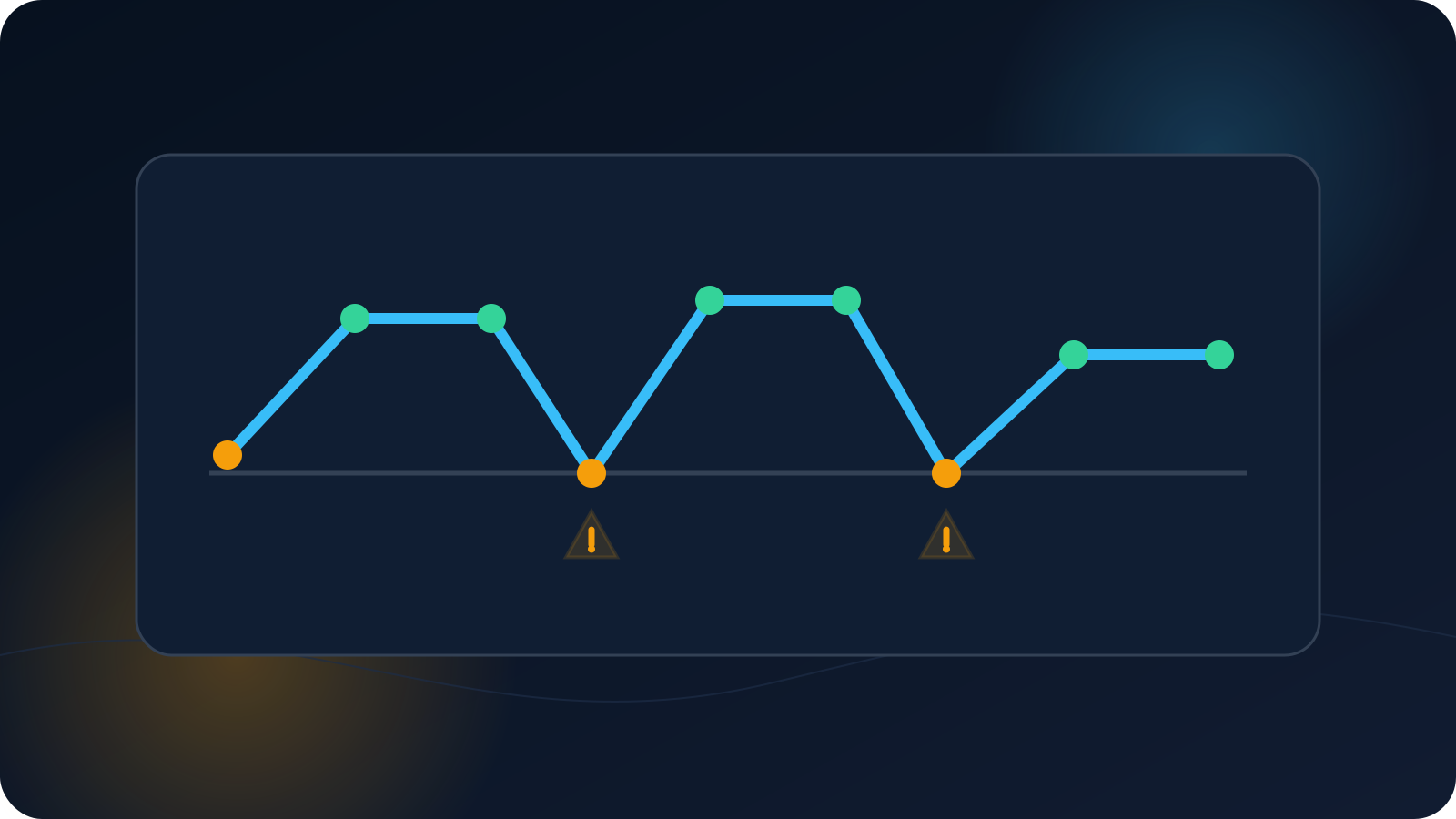
A VPN that reaches Connected and then drops is a different problem from a client that never completes a connection. The temporary active state shows that at least part of the path worked. The useful question is therefore not only why did it disconnect? but also what happened immediately before it disconnected?
Timing, device state, and network transitions usually provide more useful evidence than repeatedly reconnecting or trying unrelated profiles.
Why a later disconnect is different from a failed connection
When the client reports Connected, the device has progressed beyond import and the initial connection attempt. A later disconnect can still have many causes, but it shifts attention toward session continuity: the underlying network may have changed, the device may have entered sleep, the client may have lost permission to continue in the background, or the access state may have changed after the initial connection.
A brief Connected status does not prove that every application was using the expected route or that the session should remain active indefinitely. It only confirms the state reported by the client at that moment.
Classify the disconnect by timing
Start by placing the behavior into one of these categories:
- Immediate: the client reports Connected and returns to Disconnected within seconds.
- Consistent interval: it drops after roughly the same number of minutes each time.
- Device event: it drops when the screen locks, the laptop sleeps, or the device wakes.
- Network event: it drops when moving between Wi-Fi and mobile data or between access points.
- Application event: it appears to drop when a particular application starts heavy network activity.
- Irregular: there is no repeatable timing or visible trigger.
These categories do not identify the cause by themselves, but they determine what evidence to collect next. A consistent interval is especially valuable because it suggests a repeatable policy, timeout, network behavior, or lifecycle event rather than random instability.
Identify which connection failed first
Check whether the VPN disconnected first or the device lost ordinary network access first. These two sequences lead in different directions:
- Ordinary internet fails, then VPN disconnects. The underlying Wi-Fi, mobile connection, router, or captive network may be the first layer to investigate.
- VPN disconnects while ordinary internet continues. Focus on the client, device background behavior, profile, access state, or a network condition specific to the VPN connection.
- Both appear to fail together. Record the exact order and test again only enough to confirm the pattern.
Do not assume that a working browser after the drop means the network was stable throughout the session. Some devices reconnect to ordinary internet quickly after the VPN ends.
Account for sleep, roaming, and background limits
Phones and laptops constantly change power and network state. A phone may move from Wi-Fi to mobile data, suspend background activity, or restrict an application under battery-saving rules. A laptop may sleep, close its lid, move between wireless access points, or wake with a different network address.
A VPN client may reconnect automatically in some environments and require manual action in others. That behavior depends on the operating system, client, device policy, and profile. Do not describe automatic reconnection as guaranteed.
Record whether the disconnect follows:
- screen lock or sleep;
- lid close or wake;
- Wi-Fi signal loss;
- switching to mobile data;
- moving between office or home access points;
- battery saver activation;
- a client or operating-system update.
Check lifecycle status without guessing
An expired, inactive, replaced, or superseded profile can sometimes produce repeated disconnections, but a generic disconnect message does not prove a lifecycle issue. Use the authoritative account or profile-status source rather than interpreting the client label alone.
Also distinguish service renewal from profile replacement. A renewed service may continue using the same profile, while a reissued profile may require the newly delivered file. The exact workflow must follow the documented service behavior rather than a general assumption.
Run a controlled comparison
Change one approved variable at a time:
- same device and profile on another authorized network;
- same network after disabling and re-enabling ordinary Wi-Fi, without changing security settings;
- same assigned profile on another supported device, when permitted;
- same device after confirming automatic date and time;
- same test while the device remains awake and stationary.
Do not cycle through old or unassigned profiles. Do not disable organization controls or change firewall, router, NAT, or routing rules as a general troubleshooting step.
Create a short event timeline
A timeline can be as simple as:
- 14:02 — ordinary internet confirmed;
- 14:03 — client reported Connecting;
- 14:03 — client reported Connected;
- 14:11 — screen locked;
- 14:12 — client reported Disconnected;
- 14:12 — ordinary internet still available;
- 14:14 — second attempt remained connected while screen stayed active.
Include the client version, operating system, network type, profile revision label, and non-sensitive status wording. Do not include credentials, private configuration values, profile files, tokens, or verification codes.
Choose the next owner based on the pattern
The evidence should point toward the responsible layer:
- network loss first → network owner or connectivity support;
- sleep or device event → device/client documentation or device administrator;
- access status non-current → service or access owner;
- one specific client version → client compatibility review;
- no clear trigger with a repeatable timeline → provide the timeline to support.
The goal is not to prove a cause alone. It is to collect enough structured evidence that the next person does not have to restart the investigation from zero.
What the pattern tells you
A connection that repeatedly drops after a similar interval provides more useful evidence than a single unexplained failure. Record when it disconnects, what the device and network were doing, and whether the pattern follows a specific network, device state, or profile before changing several settings at once.
Frequently asked questions
Does a brief Connected status prove the configuration is correct?
It proves only that the client reported an active state for a period. It does not explain why the session ended or guarantee that it will remain active.
Why does the VPN disconnect when the screen turns off?
The device may change sleep, background, battery, or network behavior. The exact result depends on the operating system, client, and device policy.
Should I try another profile?
Only when the authorized setup assigns another current profile. Randomly trying old or unassigned profiles makes the evidence less reliable.
What if it always disconnects after the same interval?
Record the interval precisely and report it. A repeatable interval is valuable evidence for the network, client, service, or access owner.
Can switching from Wi-Fi to mobile data end the connection?
It can. The underlying network path changes, and reconnection behavior varies by client and operating system.