
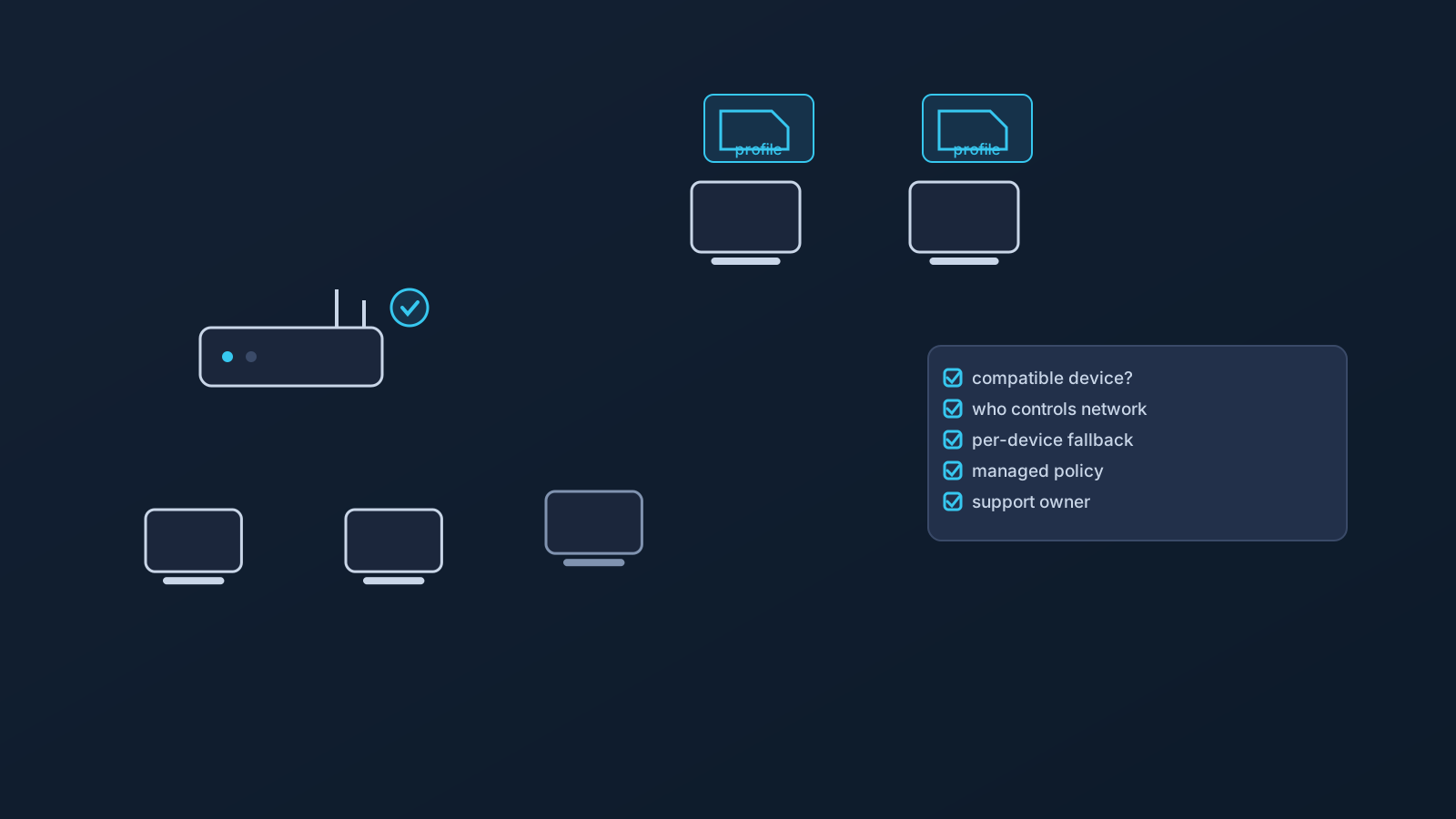
Router-level VPN setup is the model teams reach for optimistically and regret buying for blindly. The cure is boring and effective: a checklist, run before any hardware decision, that turns "let's just do it at the router" into a set of specific, answerable questions.
This is that checklist — planning questions only, no commands, no hardware recommendations, and no promise that any router setup guarantees coverage, access, or safety. The companion articles cover the decision ("VPN on a Router vs VPN on Each Device") and the expectations ("Router VPN for Small Offices and Travel Teams"); this one is the pre-flight list.
Compatibility comes first, and it is never assumed
The gating fact of the entire topic: router setup applies only to compatible routers and network devices — not routers in general, and not whatever hardware happens to be in the office. There is no version of this where every router, travel router, or office network is supported, and router-level setup should never be assumed to work on a given device.
So the first checklist item is also the veto: is the specific device confirmed compatible, checked against Lisar's router setup guidance and, where needed, official support? Confirmed means confirmed — not "the box says VPN," not "a forum said it works." Until this box is ticked, nothing else on the list matters, and no purchase should happen on the assumption it will be.
Who controls the network the router sits on
A router setup lives on a network, and networks have owners. An office network the team controls is one situation; a landlord's building network, a coworking operator's infrastructure, or a hotel's guest network is a different one entirely — and configuring network devices on infrastructure the team doesn't control isn't a decision the team gets to make alone.
The checklist question: who actually controls this network, and if it isn't us, has the owner's side of the conversation happened? For business and custom scenarios, this is also where planning with Lisar belongs — setup guidance, pricing guidance, custom review where applicable, and official support — rather than improvised configuration.
Where the profile values come from
Router setup, like every Lisar setup, runs on profile-specific information — and the source rule doesn't change at the network-device level. Whatever the router setup guide for a compatible device calls for comes from the relevant profile in the Lisar Panel, exactly as shown there and in the guide: never from an old screenshot, a forwarded note, or another setup's values.
And the handling rule travels too: router setup values are sensitive setup material. They stay out of chats, shared documents, and screenshots, the same as a downloaded .ovpn profile file or L2TP/IPsec values.
Coverage will not be uniform, and that's normal
A router-level setup does not blanket everything behind it identically. Devices, apps, and networks behave differently, and router setup doesn't guarantee the same coverage for every device on the network — which is a planning fact, not a defect.
Checklist implication: walk the actual device list. Which devices sit behind this router all day? Which behave differently? And which leave — laptops that travel, phones that go home — because those need per-device setup regardless, and the router decision never removes that.
Device policy is untouched
Company- and client-managed devices keep their policies behind any router. A managed laptop on a VPN-configured network is still a managed laptop: its restrictions on apps, profiles, certificates, and settings all still apply, and router setup is not a way around employer or client IT rules.
Checklist question: which devices behind this router are managed, who owns each policy, and has that owner been part of the plan?
Support ownership, decided in advance
Someone will eventually ask why their device won't connect, and "the router" is where blame lands first whether it deserves it or not. Decide now: who owns router-side questions inside the team, who owns per-device questions, and when does a question go to Lisar's official support versus the network's owner versus the device policy's owner?
The checklist
- Compatibility: is this specific device confirmed compatible via Lisar's router setup guidance or official support — before any purchase or plan?
- Network control: who controls the network, and if not us, has the owner agreed?
- Business/custom scope: does this scenario need planned setup with Lisar (guidance, pricing, custom review, support) rather than solo configuration?
- Profile source: are all values coming from the relevant Panel profile via the router guide — nothing reused, nothing guessed, nothing shared in chat?
- Device walk: which devices sit behind the router, which behave differently, and which leave and need per-device setup anyway?
- Policy: which devices are managed, who owns each policy, and are they in the plan?
- Support: who answers what, in which order — team, network owner, policy owner, Lisar support?
A team that can tick every line has a router plan. A team that can't has a shopping impulse — and now knows exactly which question to answer next.
Frequently asked questions
Can I use the router I already have for Lisar VPN setup? Only if it's confirmed compatible. Router setup applies to compatible routers and network devices only — checked against Lisar's router setup guidance and official support, never assumed from the box or a forum.
Does router setup cover every device on the network the same way? No. Devices, apps, and networks behave differently, and router-level setup doesn't guarantee identical coverage for everything behind it. Devices that leave the network need per-device setup regardless.
Where do the router setup values come from? From the relevant profile in the Lisar Panel, exactly as shown there and in the router setup guide for your compatible device. They're sensitive setup material — never reused from old notes or shared in chats or documents.
Can we set up a router VPN in our coworking space or rented office? That depends on who controls the network. Configuring network devices on infrastructure you don't control isn't a solo decision — the network's owner is part of that conversation, and business or custom scenarios belong in planned setup with Lisar.
Does router setup get around restrictions on our managed laptops? No. Managed devices keep their policies behind any router, and router setup is not a way around employer or client IT rules.