
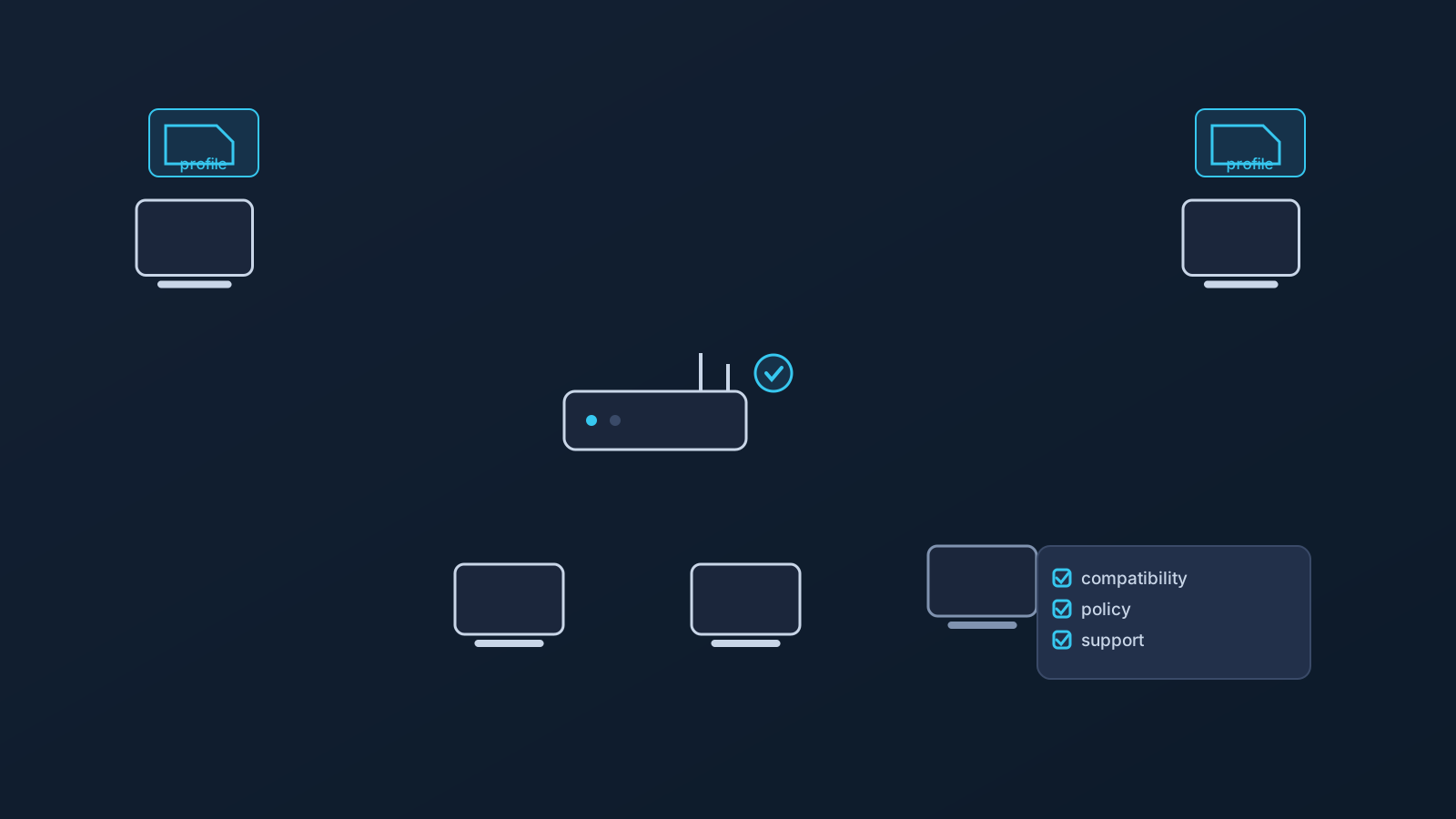
Most VPN setup conversations are about individual devices: this laptop, that phone. But for a small office, a shared workspace, or a team that travels together, there's another model worth knowing about: handling VPN connectivity at the router or network-device level instead of configuring every device separately.
Router-level setup can be useful in the right situation, but it's a different kind of project from installing a VPN profile on one device. It requires compatible hardware, more planning, and realistic expectations. It shouldn't be treated as a guarantee of access, speed, anonymity, safety, or support on every network. This article covers what router VPN setup means at a practical level, when it may make sense, and what it can't do.
What router VPN setup means at a high level
With per-device setup, each laptop or phone runs its own VPN connection. With router or network-device setup, the VPN connection relates to the shared network-device side of setup instead, and may affect part of the shared network path in compatible setups, rather than being something each device runs individually.
That's the whole concept, kept deliberately non-technical. This article isn't a configuration guide and doesn't cover commands, settings, or how any of this is implemented; it's about understanding whether this model is worth considering at all. One thing worth knowing up front: router-level setup doesn't automatically mean every device behind that router is covered in the same way, since devices, apps, and networks can all behave differently.
Router VPN vs per-device VPN setup
Per-device setup applies to individual laptops, phones, and tablets, each using a supported setup path, like a compatible OpenVPN client with a profile from the Lisar panel. It's usually the simpler starting point, and for many users and teams it stays the better fit: it's granular, it travels with the device, and it doesn't depend on shared hardware.
Router or network-device setup applies at the shared-device level instead, where a compatible router or network device is in place. It can be relevant where several people or devices regularly sit behind the same network device, and it may be considered alongside individual device setup rather than instead of it. Neither model is simply better than the other; they solve different shapes of problem, and plenty of teams end up with per-device setup for traveling staff and something more planned for a fixed office, or just per-device setup everywhere.
When router VPN setup may make sense for a small office
For a small office or shared workspace, the appeal of router-level setup is mostly organizational: where several people and devices sit behind one compatible network device, it may reduce some per-device setup work in selected compatible scenarios.
Whether it actually fits depends on the specifics: the hardware in place, how the office network is managed, and what the team is actually trying to accomplish. Not every office network will support this kind of setup, and this article doesn't recommend specific hardware; whether a given device is compatible is exactly the kind of question to take to Lisar's router setup guidance and official support rather than assume.
When router VPN setup may matter for travel teams
Travel teams move through a lot of environments: hotels, temporary offices, coworking spaces, mobile networks, and other shared networks. In some travel-team scenarios, a shared network device travels with the team, and handling VPN setup at that level is worth considering for the same organizational reasons as an office.
Travel adds its own caveats, though. Hotel, airport, and other public or managed networks won't necessarily allow or support every setup, and a travel router or shared setup generally needs extra care precisely because more depends on one piece of hardware working as expected away from home. This article doesn't recommend specific travel router hardware. The "Using a VPN While Traveling" and "Business VPN Routing" articles cover the broader travel and team context this fits into.
Compatibility matters more than assumptions
The single most important constraint in this whole topic: router setup applies only to compatible routers and network devices, not routers in general. There's no version of this where every router, every travel router, or every office network is supported, and router-level VPN setup should not be assumed to work automatically.
The practical consequence is simple: check before planning around it. Lisar's router setup guidance and official support are the places to confirm whether a specific device and situation are workable. In some business or custom scenarios, router or gateway-related planning may involve Lisar review, compatibility checks, pricing guidance, and official support as a custom, manual process rather than anything self-service; details for those situations should be handled through the Business page, setup guidance, and official Lisar support rather than assumed from a general article.
Company-managed devices and network policy
Router-level setup doesn't change anything about device policy. Company-managed devices can still restrict apps, VPN profiles, certificates, browser behavior, or network access regardless of what the network they're sitting behind is doing, and those restrictions should be followed.
Put plainly: router setup is not a way around employer restrictions or IT rules, and it shouldn't be planned as one. What a company's devices and policies allow is a question for that organization's own IT function; this article doesn't offer IT-policy advice.
Where the .ovpn profile file download still fits
Even where a router-level setup exists, individual device setup usually doesn't disappear. Staff still travel with laptops and phones that connect from outside the office, and per-device setup remains its own planning question alongside any router decision.
For that, Lisar's supported setup path keeps individual setup simple: each person downloads the .ovpn profile file from their own Lisar Panel profile and imports it in OpenVPN Connect using Upload File. Teams should avoid sharing downloaded .ovpn profile files, credentials, or profile details through shared documents or chat threads; the "VPN Profile File Safety" article covers those habits in more depth.
Where Custom Exit may fit
Some office and team routing conversations also involve exit behavior: where the team's traffic exits toward the wider internet. That's the territory Custom Exit relates to, where a plan includes it, and it can be relevant in some business, router, or team routing contexts.
Custom Exit isn't a universal country switch, doesn't come with an arbitrary choice of location, doesn't guarantee content access, and isn't a self-service location-switching feature. Where it's eligible, it typically involves a custom review. The Custom Exit article and feature page cover the concept in more depth; this article deliberately doesn't.
Where GeoDNS and DNS AdBlock fit
GeoDNS and DNS AdBlock can also come up in this kind of planning, where a plan includes them. GeoDNS is DNS-related behavior, not a guaranteed region switch, and it isn't the same thing as Custom Exit. DNS AdBlock may help reduce some unwanted DNS requests, not endpoint protection, antivirus, malware protection, or browser-level ad blocking.
Both depend on plan and, in some cases, custom review. Each has its own dedicated article and feature page for more detail.
What router VPN setup cannot replace
Router-level VPN setup is one part of a team's network planning, not the whole security or compliance stack. It doesn't replace device security, endpoint protection, MDM, identity management, SSO, firewall or security architecture, compliance processes, employer IT policy, or access-control planning. It also doesn't replace official support, whether an employer's IT team or Lisar's.
And to keep the boundaries explicit: router VPN setup doesn't guarantee access to company systems or to any particular website, app, portal, or service; doesn't guarantee bypassing or unblocking anything; doesn't guarantee that any service will treat users as being in a chosen country; doesn't change anyone's physical location; doesn't guarantee anonymity or speed; and doesn't make public Wi-Fi, hotel Wi-Fi, coworking networks, office networks, or travel networks fully safe. This article isn't legal, compliance, security-architecture, network-engineering, router-configuration, or IT-policy advice.
Frequently asked questions
Is router VPN setup better than setting up each device individually? Neither is simply better. Per-device setup is usually simpler and stays the better fit for many teams; router-level setup can be relevant where several people and devices sit behind the same compatible network device. They're different models for different situations.
Will my office router work with this? Not necessarily. Router setup applies only to compatible routers and network devices, and compatibility is exactly the thing to check with Lisar's router setup guidance and official support before planning around it.
Can we just buy a travel router and expect it to work? No. Router-level VPN setup should not be assumed to work automatically on any given device, and this article doesn't recommend specific hardware. Travel setups in particular need extra care, and hotel or public networks won't necessarily allow or support every setup.
Does router-level VPN setup cover every device behind the router the same way? Not automatically. Devices, apps, and networks can behave differently, and router-level setup doesn't guarantee identical coverage for everything behind it.
Does router VPN setup get around our company's device restrictions? No. Company-managed device policies still apply regardless of the network a device sits behind, and router setup shouldn't be planned as a way around employer IT rules.
Does a router VPN setup replace our security tools or make our office network fully safe? No. It doesn't replace endpoint protection, MDM, SSO, firewall policy, compliance processes, or IT policy, and it doesn't make any network fully safe by itself.
Do we need Custom Exit for a router setup? Not necessarily. Custom Exit is a separate, plan-dependent feature about exit behavior, relevant in some business or team routing contexts. It typically involves custom review where eligible, and it isn't required for router setup generally.