
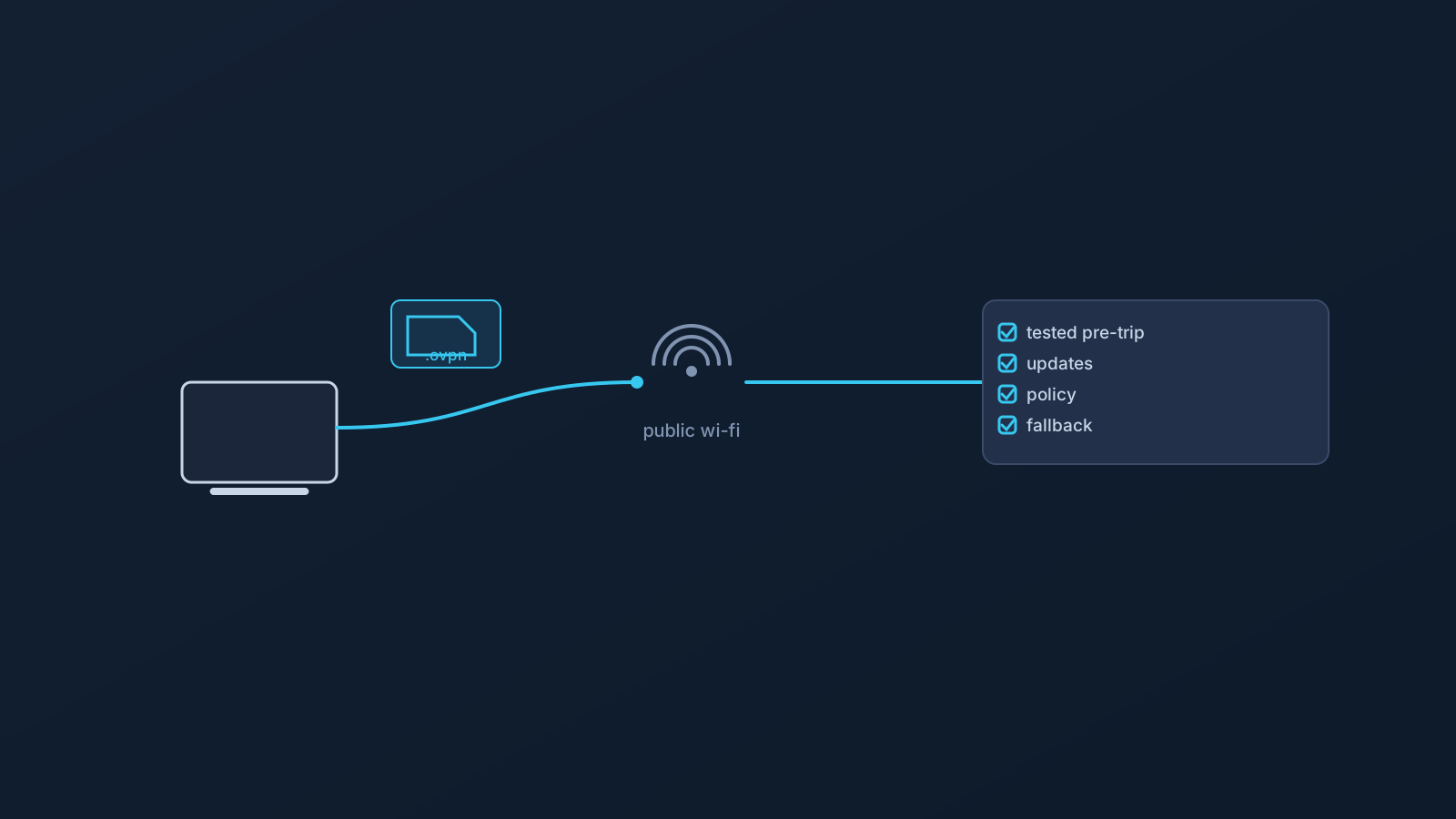
Public Wi-Fi is not a controlled work environment. That's the single most useful sentence for anyone working from hotels, airports, and coworking spaces, and it's the one most work-travel routines quietly ignore. The hotel network was configured by someone you'll never meet, the airport Wi-Fi is shared with everyone at the gate, and the coworking network's security posture is whatever the operator decided it should be.
A VPN belongs in that picture — but as one planned part of it, not as the part that makes the rest not matter. This article is specifically about working on public and shared networks: what a VPN can organize there, what it cannot make safe by itself, and what to check before the trip rather than at the gate.
Public Wi-Fi is not a controlled work environment
At the office or at home, someone the team trusts controls the network. On public Wi-Fi, nobody the team knows does. That's not a scare story — hotel, airport, and coworking networks serve thousands of people uneventfully every day — it's a planning fact: the environment's configuration, maintenance, and other users are all outside the traveler's control and knowledge.
Treating public Wi-Fi as uncontrolled doesn't mean avoiding it. It means not extending office assumptions to it: not assuming the network is maintained, not assuming it behaves like the last one, and not assuming any single tool covers what the environment doesn't provide.
What a VPN can help organize on shared networks
Within that reality, a prepared VPN setup contributes something concrete: a consistent, familiar setup path across the varied networks a work trip involves. Instead of improvising per network, the traveler carries one prepared configuration — with Lisar, a .ovpn profile file downloaded from the person's own Panel profile and imported in OpenVPN Connect using Upload File — and uses it the same way in the hotel, the airport, and the coworking space, where the network allows and supports it.
That consistency is an organizational benefit, and it's worth having. It's the honest size of the claim: a prepared setup path, not a transformed network.
What a VPN does not make safe by itself
Stated plainly, because work travel invites exactly these assumptions: a VPN does not make public Wi-Fi, hotel Wi-Fi, airport Wi-Fi, coworking networks, or mobile networks fully safe. It doesn't guarantee anonymity, doesn't guarantee speed, doesn't guarantee access to any service or work tool, and isn't a bypass or unblocking mechanism for whatever a network or service restricts.
It also isn't malware protection, endpoint security, or a substitute for the traveler's own habits. Device updates, safe browsing, screen awareness in shared spaces, and ordinary skepticism about unexpected prompts all still matter on public Wi-Fi — VPN or not.
Hotel, airport, coworking, and mobile networks can behave differently
Public networks aren't interchangeable. Hotel and airport networks often sit behind captive portals and their own management layers; coworking networks vary with the operator; mobile networks behave differently again. Any of them may restrict, throttle, or simply not support a given setup, and no network is guaranteed to allow or support every setup.
For planning, that means expecting variation rather than being surprised by it — and having the relevant Lisar setup guide reachable when a network behaves unlike the last one, rather than improvising changes to a working configuration.
Why setup should be checked before the trip
The worst place to discover a setup problem is the environment least suited to fixing it. Setup checked at home, on a familiar network, with the panel and guides at hand, is a routine task; the same problem in an airport, on deadline, over a captive portal, is not.
The pre-trip check is short: the setup works on the actual devices traveling, tested from a familiar network; any new device gets set up from that person's own panel profile using the relevant guide before departure, not after; and the traveler knows where the setup guides and official support live.
Company-managed devices and employer policy still apply
A managed work laptop is still managed at the airport. Device policies restricting apps, VPN profiles, certificates, and network settings travel with the device, and public Wi-Fi doesn't suspend them — nor does it suspend the employer's rules about what work happens on which networks.
VPN setup works within device policy, not around it. For work travel specifically, the employer's IT function is part of the pre-trip picture: what the device allows, and what policy expects on public networks, are their questions to answer.
Profile safety on the road
Travel is where profile-safety habits get tested, because travel is when people ask for help from odd places at odd hours. The habits stay the same: profile-specific setup information comes from the person's own Lisar panel profile, not from old screenshots or saved messages; downloaded .ovpn profile files, credentials, and profile details stay out of shared documents and chat threads; and any screenshot sent to anyone — including support — gets checked for profile-specific details first.
Shared or public computers deserve special mention for travelers: setup details don't get entered or saved on machines that aren't the traveler's own. The "VPN Profile File Safety" article covers the full set.
Where DNS AdBlock may fit, and where it does not
DNS AdBlock, where a plan includes it, may help reduce some unwanted DNS requests, which some travelers appreciate on unfamiliar networks. Its limits matter more than its presence here: it is not antivirus, not malware protection, not endpoint security, and not browser-level ad blocking — and it adds nothing to the network-safety questions above.
It depends on plan and, in some cases, custom review. The DNS AdBlock article covers it properly; on a work trip it's a plan detail, not a safety layer.
What to check before using public Wi-Fi for work
The working checklist, kept to planning:
- Is the VPN setup tested on the actual travel devices, from a familiar network, before departure?
- Are device OS and apps updated before the trip rather than over hotel Wi-Fi?
- Is the device company-managed — and if so, what do its policy and the employer's network rules expect?
- Does the traveler know the network may not allow or support the setup, and what the fallback plan is (often: mobile data)?
- Are profile details staying in the traveler's own panel — no shared links, no saved screenshots, nothing entered on shared machines?
- Is sensitive work matched to the environment — screen awareness in shared spaces, and judgment about what to do on which network?
- Does the traveler know where the setup guides and official support live, before needing them?
Frequently asked questions
Does a VPN make hotel or airport Wi-Fi safe for work? No. A VPN doesn't make any public or shared network fully safe by itself. Device security, updates, safe browsing habits, and employer policy all still matter.
What does a VPN actually add on public Wi-Fi, then? A consistent, prepared setup path across varied networks, where the network allows and supports it — an organizational benefit, not a transformed network.
Will my VPN setup work on every hotel and airport network? No network is guaranteed to allow or support every setup. Captive portals and network management vary; expect variation and know the fallback plan.
Should I set up or fix my VPN once I arrive? Before, whenever possible. Setup problems are routine at home and painful at the gate. Test on the actual travel devices from a familiar network.
Can I use public Wi-Fi work travel as a reason to share my .ovpn profile file with a colleague who'll help me set up?
No. Profile-specific setup information stays with each person's own Lisar panel profile, and downloaded .ovpn profile files, credentials, and profile details don't go through chat, shared documents, or anyone else's hands.
Does DNS AdBlock protect my device on public Wi-Fi? No. Where a plan includes it, it may reduce some unwanted DNS requests, but it isn't antivirus, malware protection, endpoint security, or browser-level ad blocking.
My work laptop is company-managed. Does any of this change on the road? The policies travel with the device. What it allows, and what your employer expects on public networks, are questions for your IT function — public Wi-Fi doesn't suspend either.