
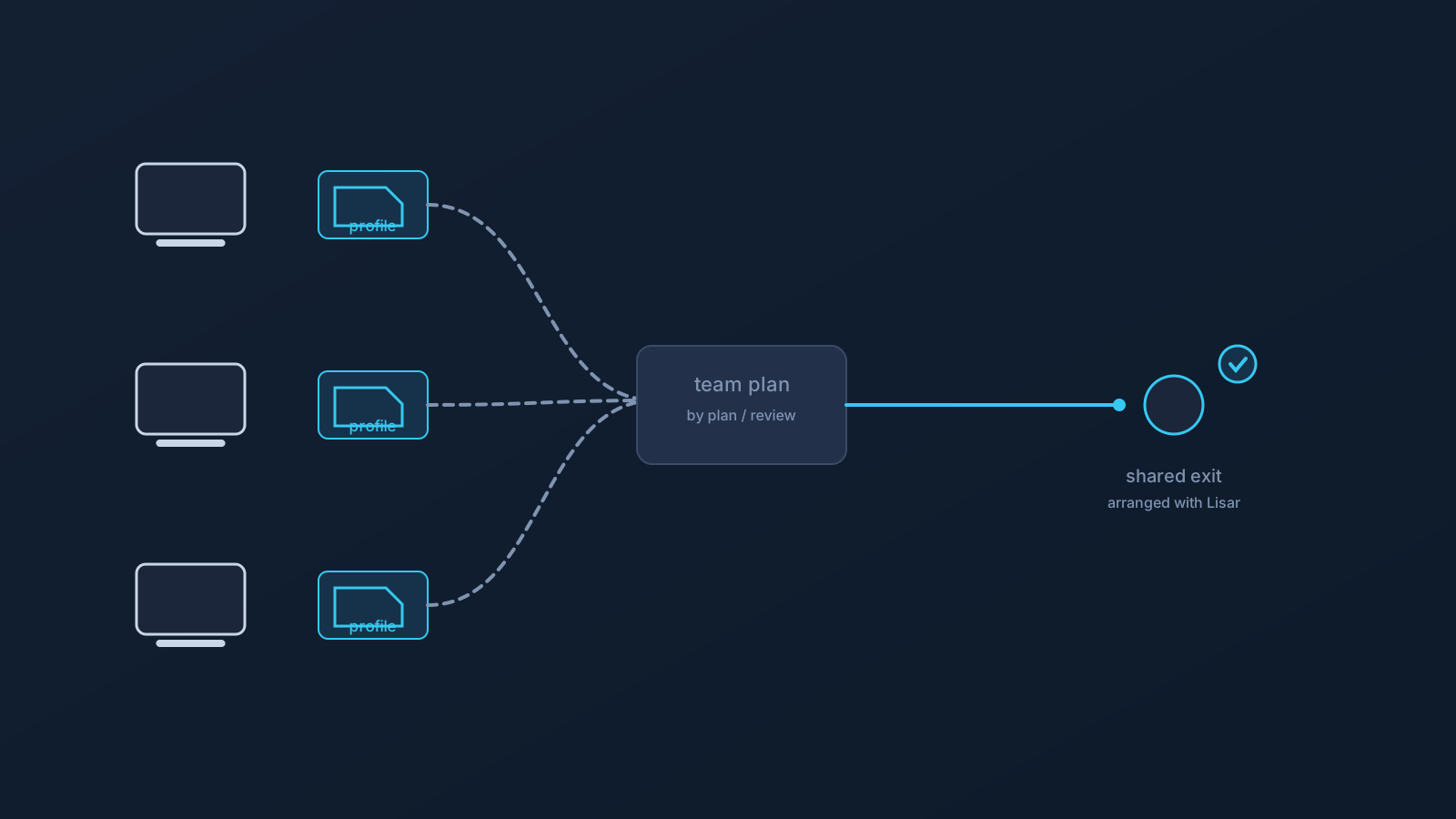
Teams accumulate routing questions the way individuals never do. Where does our traffic exit? Is it the same for everyone? Why does one contractor's connection behave differently from the office's? For some teams, part of the answer is Custom Exit: exit behavior arranged at the plan level, so the team's traffic exits the same way instead of every profile being its own little geography.
This article is about when that helps, what it realistically changes, and — just as important for planning — what it leaves exactly as it was.
The problem a shared exit addresses
When every team member's connection exits wherever their individual setup happens to exit, the team's network posture is a patchwork. Anything that cares about where traffic comes from — internal expectations, documentation, plain old debugging — has to account for as many variations as there are people.
A shared exit collapses that variation. One exit means one set of routing expectations to document, one answer to "where does our traffic come from," and one fewer axis of difference when something behaves oddly for one person and not another.
What Custom Exit is, in team terms
Custom Exit relates to how a plan's traffic exits toward the wider internet, where a plan is eligible for it. For a team, that typically means the exit behavior is defined once, at the plan level, rather than per person — while everything personal about setup stays personal: each team member still sets up individually, from their own profile in the Lisar Panel, and nothing about a shared exit means shared profiles, shared files, or shared credentials.
That separation matters. The exit is a plan property; the setup is a per-person practice. A team gets consistency on the first without ever compromising the second.
How it's arranged
Custom Exit is available according to plan and typically involves a review — it's arranged with Lisar as part of a team's plan, not switched on independently. For teams, that's a feature of the process rather than friction: exit behavior is exactly the kind of thing worth defining deliberately, with pricing guidance, setup guidance, and official support in the conversation, rather than toggled casually.
Business and custom scenarios generally work this way with Lisar: planned, reviewed, and confirmed against what a specific team actually needs.
What a shared exit realistically helps with
Kept to the honest list: consistency of routing expectations across the team; simpler documentation and onboarding, because "where does our traffic exit" has one answer; and cleaner troubleshooting, because exit variation is off the table as a variable when comparing one person's experience with another's.
Those are operational, planning-level benefits. They're real, and they're the whole claim.
What it does not change
A shared exit changes where the team's traffic exits — and nothing else. It isn't a promise about how any website, app, or service treats that traffic; services apply their own checks and policies regardless of exit behavior. It doesn't alter what a team's own security tooling, device policies, or IT rules do — those layers keep working exactly as configured, and exit behavior isn't a substitute for any of them. And it isn't an address promise of any kind: the claim is a consistent exit arrangement under the plan, not any particular characteristic of what services observe.
For the broader picture of what routing setup can and can't carry for a company, the existing security-controls and business-routing articles cover the boundaries in full.
Is it right for your team?
The deciding questions are planning questions. Does exit variation actually cost the team something today — in documentation, support, or confusion? Is the team's plan eligible, or is this a plan conversation to have with Lisar first? And is someone prepared to own the arrangement — the review, the documentation, the "this is where our traffic exits" answer — once it exists?
Teams that answer yes tend to get exactly what the feature offers: one less moving part. The Lisar Panel, pricing guidance, and official support are where the specifics for a particular team live.
Frequently asked questions
What does Custom Exit actually give a team? Consistent exit behavior at the plan level, where eligible: one set of routing expectations to document and troubleshoot against, instead of per-person variation.
Does a shared exit mean the team shares profiles or setup files? No. The exit is a plan property; setup stays per person, from each member's own profile in the Lisar Panel, with nothing shared between people.
Can we turn Custom Exit on ourselves? It's arranged with Lisar as part of a plan and typically involves a review — a deliberate planning step rather than an independent switch.
Will a shared exit change how services treat our traffic? No promise of that. Services apply their own checks and policies regardless of exit behavior; the feature's claim is consistency of the exit arrangement, nothing about outcomes on any service.
Does this replace anything in our security or IT setup? No. Device policies, security tooling, and IT rules keep working exactly as configured — exit behavior sits alongside them, not in place of them.