
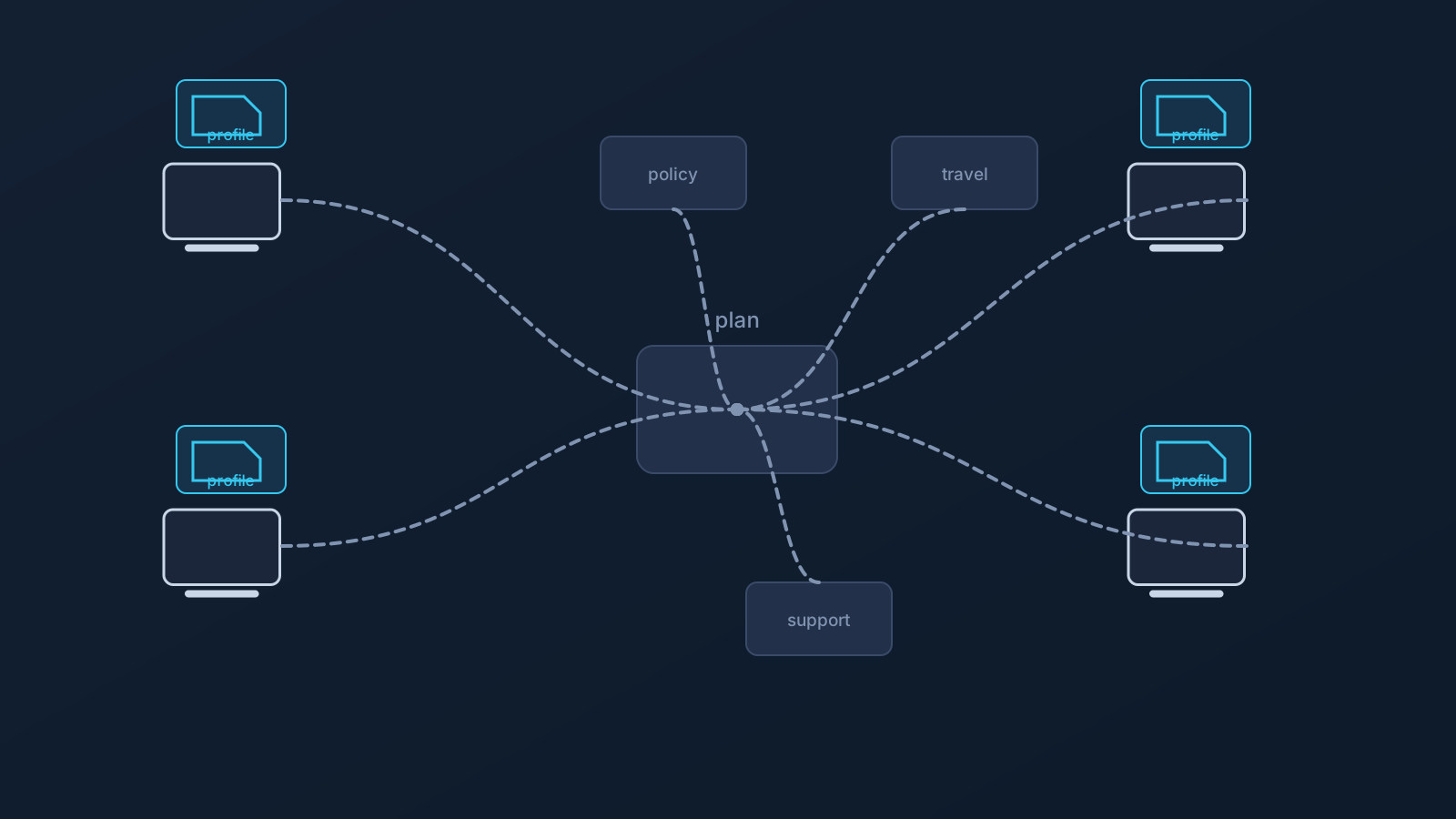
For one person on one device, a basic VPN app is often enough: install it, log in, connect. For a team, the picture usually gets more complicated. Multiple users, multiple devices, different networks, company policies, work travel, and sometimes specific routing needs all add up to something that benefits from more planning than a single app install.
This article looks at what makes business VPN setup different from personal use, where features like Custom Exit, GeoDNS, and DNS AdBlock can fit into that picture, and where a VPN's role realistically ends. It shouldn't be read as a guarantee of access, bypassing, unblocking, a change in physical location, speed, anonymity, or corporate security, since it isn't any of those things by itself.
Why business VPN needs are different from personal VPN use
Individual VPN use is usually simple: one person, one or two devices, one set of preferences. A team changes that math. Multiple employees or contractors, a mix of laptops and phones, different offices or home setups, and sometimes different countries all mean a VPN setup has to work across more variation than a single person's habits.
That's less about any one technical requirement and more about needing clear expectations: who sets up what, where profile information comes from, what happens on a company-managed device, and what to do when someone's traveling. A basic consumer VPN app, installed the same way on every device without much more thought, tends to run into these questions faster in a team context than it does for one person.
Why a basic VPN app may not be enough for teams
A single mandatory provider app can create friction across a mixed team environment. Some company-managed devices restrict which apps can be installed at all, and app availability, OS support, app-store access, and device policy can all vary across team members.
Standard VPN setup methods reduce how much a team's setup depends on one specific app being installable and working on every device. That doesn't mean any setup method works on every device or in every environment; it means the setup path can be easier to document and explain across compatible clients and devices, which can make setup expectations clearer for a team.
Setup consistency across employees and devices
For a team, having one clear source of truth for setup information matters more than it does for an individual. Profile-specific connection information should come from the Lisar panel, not from an old screenshot, a saved message, or details copied between team members, because those may be inaccurate, outdated, exposed, or shared with the wrong people.
Lisar's .ovpn profile file download can support individual setup for team members using compatible OpenVPN clients: the user downloads the .ovpn profile file from the Lisar Panel and imports it in OpenVPN Connect using Upload File. If any required fields or credentials are needed, the user must follow the panel/profile/backend-supported instructions. Each user should rely on their own profile-specific setup information rather than a shared one, and teams should avoid sharing downloaded .ovpn profile files, profile details, or credentials through shared documents or chat threads.
Work travel and distributed teams
Remote and traveling team members move between a lot of different networks: home, office, hotel, airport, coworking space, mobile data, and public Wi-Fi, sometimes all in the same week. Setting up and testing a VPN profile before travel, rather than for the first time on the road, tends to go more smoothly for the same reasons it does for individual travelers.
Public and shared networks can behave inconsistently, and a VPN doesn't guarantee that every hotel, airport, mobile, public, or work network will allow or support every setup. These same considerations are covered in more depth in the "Using a VPN While Traveling" and "Home-Country Online Services While Abroad" articles, for team members who need to reach home-country systems while working from elsewhere.
Company-managed devices and IT policy
Company-managed devices often come with restrictions: which apps can be installed, which VPN or network settings can be changed, which certificates or profiles are allowed, or how the browser is configured. These restrictions exist for reasons specific to each organization's IT policy, and a business VPN setup should work within them, not around them.
Standard VPN setup doesn't override device policy; what's actually possible on a managed device still depends on what that device and its policy allow. Planning a business VPN rollout usually means involving IT policy and official support early, rather than assuming a setup that works on an unmanaged personal device will translate directly to a managed one.
Router and network-device scenarios
For a small office, a shared workspace, or a specific team scenario, handling VPN connectivity at the router or network-device level, rather than on each individual laptop and phone, can be worth considering. This applies only to compatible routers and network devices, not routers in general, and it's a different setup model from per-device configuration.
This article doesn't recommend specific router hardware or walk through setup steps. Business router and network-device scenarios, including where a company provides its own router or gateway for review, are generally handled as custom, planned setup rather than something turned on independently, and Lisar's Business and router setup guidance are the places to work through what's actually possible for a specific situation.
Where Custom Exit may fit in business routing
Some business and team routing needs involve exit-behavior expectations specifically: where a team's traffic exits toward the wider internet, rather than which app each person installs. That's the territory Custom Exit relates to, where a plan includes it.
Custom Exit isn't a universal country switch, doesn't come with an arbitrary choice of location, doesn't guarantee content access, and doesn't guarantee that a service will treat a user as being in a chosen country. Where it's eligible, it typically involves a custom review rather than an instant, self-service toggle, consistent with how business and custom plans are generally handled. The Custom Exit article and feature page cover the concept in more depth.
Where GeoDNS and DNS AdBlock fit
GeoDNS and DNS AdBlock can also come up in a business setup, where a plan includes them. GeoDNS is DNS-related behavior, not a guaranteed region switch, and it isn't the same thing as Custom Exit. DNS AdBlock may help reduce some unwanted DNS requests, not endpoint protection, antivirus, malware protection, or browser-level ad blocking.
Both depend on plan and, in some cases, custom review, and neither is a substitute for a team's actual security tooling. Each has its own dedicated article and feature page for more detail.
What a business VPN cannot replace
A business VPN is one part of a company's overall setup, not a replacement for the rest of it. It doesn't take the place of identity management, single sign-on, endpoint security, mobile device management, firewall or security architecture, compliance processes, internal IT rules, or access-control planning. It also doesn't replace official support, whether that's an employer's IT team or Lisar's own.
Treating a VPN as one piece of a broader setup, rather than a stand-in for the rest of it, tends to lead to more realistic planning. This article doesn't provide legal, compliance, security-architecture, or IT-policy advice; what a company actually needs beyond VPN connectivity is a question for its own IT, security, and compliance functions, not something this article is positioned to answer.
Frequently asked questions
Is a business VPN setup just a bigger version of a personal VPN app? Not exactly. It usually involves more planning: consistent setup across employees and devices, company device policy, work travel, and sometimes specific routing needs that a single consumer app doesn't address well.
Will a VPN work on our company-managed devices without any issues? Not automatically. Company-managed devices often have their own restrictions on app installs and network settings, and standard VPN setup works within those policies rather than overriding them.
Does Custom Exit let our team choose any country we want? No. Custom Exit isn't a universal country switch and doesn't come with an arbitrary choice of location. Where it's eligible, it typically involves a custom review, and availability depends on plan.
Does a business VPN replace our company's security tools, like SSO or endpoint protection? No. A VPN doesn't replace identity management, SSO, endpoint security, MDM, firewall policy, compliance processes, or internal IT rules. It's one part of a setup, not the whole security stack.
Can our team set up router-based VPN access on our own? Router and network-device setup applies only to compatible routers and network devices, and business router scenarios are generally handled as custom, planned setup rather than something turned on independently.
Do GeoDNS and DNS AdBlock come with every business plan? No. Both depend on plan and, in some cases, custom review, and neither is included by default on every setup.
Does a business VPN guarantee our team can access company systems from anywhere? No. It doesn't guarantee access to company systems, any particular service, or that every network will allow or support the setup. Company policy, IT rules, and the specific service's own requirements all still apply.