
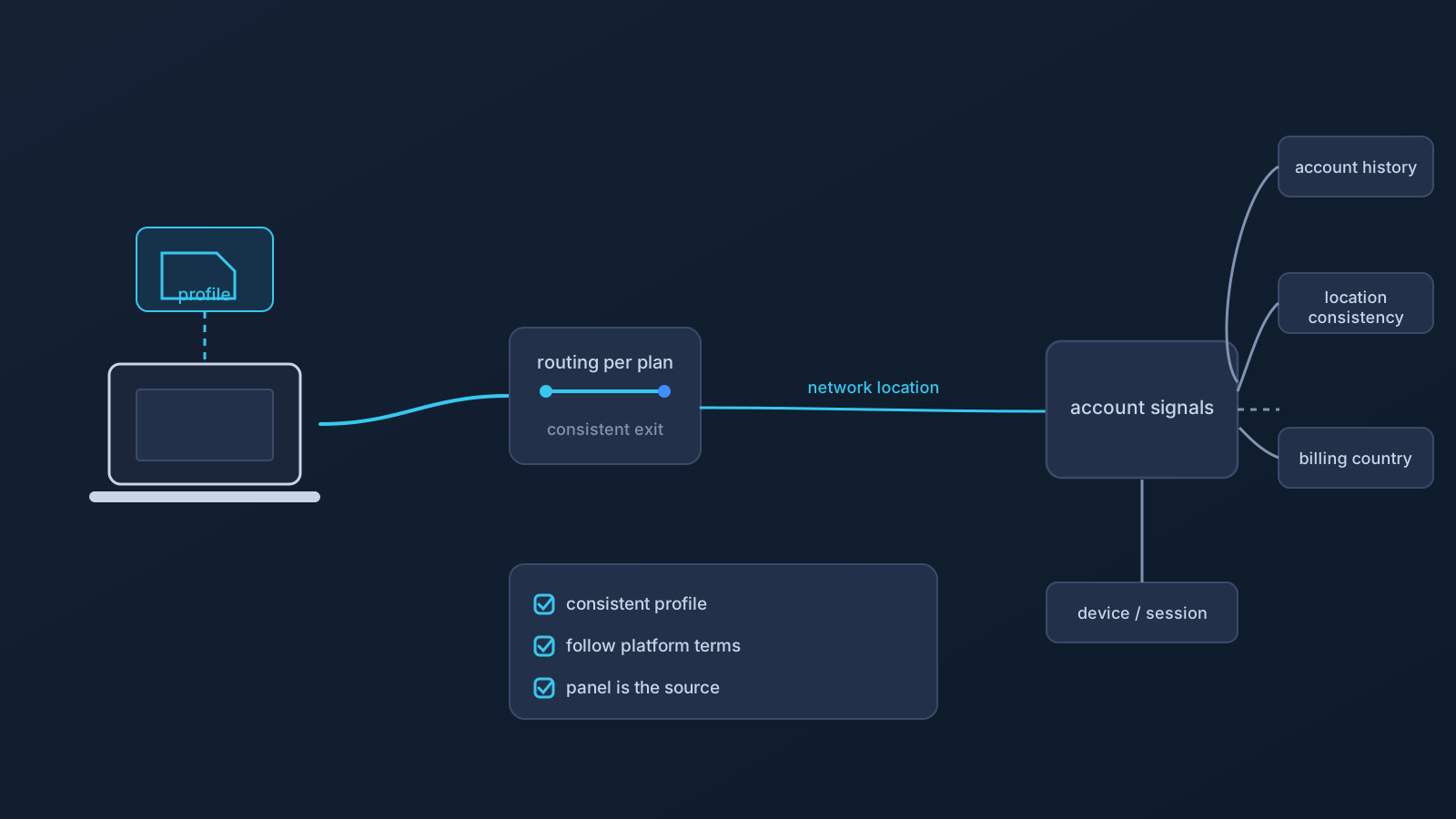
A platform may ask for an extra sign-in check after a device, network, or location pattern changes. That does not prove that a VPN caused the check, and it does not reveal the platform's private security rules. Account systems usually evaluate several signals together, and the exact combination varies by provider.
This article explains the general relationship between network changes and account checks without claiming that any particular service uses a specific rule.
A network change is only one possible signal
A sign-in system may consider factors such as a new device, a different browser session, unusual timing, recovery activity, account history, a changed network address, or a different approximate network location. Some of these signals are visible to the user and others are not.
A network or location change can therefore be one possible signal, but it should not be treated as the documented cause of a warning, challenge, review, or restriction unless the platform itself says so in current official documentation.
Why normal activity can look different
Legitimate users regularly change networks. A person may move between home Wi-Fi, mobile data, an office, a hotel, or a public venue. Internet providers may also change routing or network addresses without the user doing anything unusual.
Those changes can make one session look different from another. They do not automatically mean that the account is unsafe or that a rule has been broken.
What a VPN changes
A VPN changes the network path used by traffic from the connected device. Depending on the profile and documented routing behavior, websites may see a different network address or approximate network location.
That is the limited technical scope. A VPN does not control how another platform interprets a session, and it cannot promise fewer checks, fewer warnings, or continued account access.
What a VPN does not change
A VPN does not automatically change:
- The country recorded on an account
- Billing or payment country
- Subscription eligibility
- App-store or marketplace region
- Device GPS or location permissions
- Browser language, time zone, cookies, or saved preferences
- Employer, venue, network, or platform policies
- The provider's account-security and verification rules
Users should follow the official terms, supported-region information, and account guidance of each platform. A VPN must not be presented as a way to bypass geographic, subscription, employer, payment, billing, or account restrictions.
A practical checklist after a sign-in challenge
- Read the exact wording shown by the platform instead of assuming the cause.
- Confirm that the sign-in is yours and that the device and recovery methods are still under your control.
- Check the platform's current official help and policy pages.
- Complete only the verification steps provided through the platform's official interface.
- Contact the platform's official support channel when the message cannot be resolved safely.
- Avoid repeatedly changing devices, networks, profiles, or settings during the same troubleshooting session, because that makes the sequence harder to understand.
Do not send VPN profile files, credentials, recovery codes, tokens, or private account information to an unofficial contact.
How Lisar fits into this topic
Lisar helps users manage VPN connection profiles for standard clients and review documented profile, routing, session, quota, and plan information where supported. It does not control third-party account decisions and does not claim to prevent sign-in checks, warnings, reviews, or restrictions.
For OpenVPN, the approved Lisar setup wording remains: download the .ovpn file, open OpenVPN Connect, choose Upload File, Import/Save profile, and Connect.