
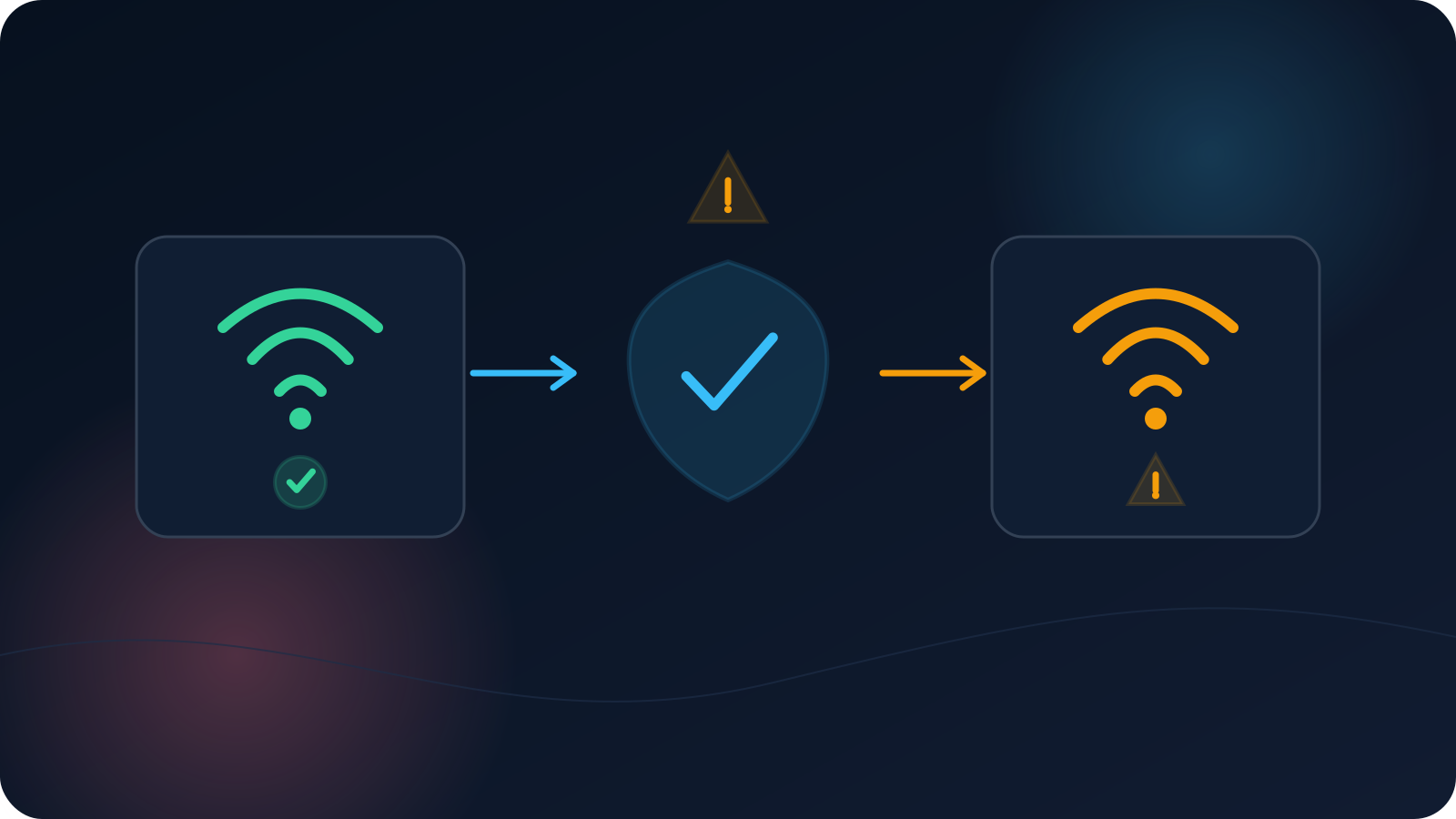
Online services may show a new-sign-in, unusual-activity, or security alert after the public IP or network changes. A VPN connection can contribute to that change, but it is rarely the only signal considered. Services may also evaluate device, browser, time, cookies, authentication method, sign-in history, and account behavior.
An alert should be reviewed through the service’s official account-security process. It should not be dismissed as “just the VPN,” and it should not be used as proof that the VPN caused an account restriction.
Why services react to changes in sign-in context
Security systems try to distinguish expected activity from activity that may require verification. A sign-in can look different when it comes from:
- a new public IP;
- a different network operator or country estimate;
- a new device or browser;
- cleared cookies;
- a private-browsing session;
- a different time than usual;
- repeated failed sign-ins;
- a changed authentication method;
- a recent password or account-security change.
A network transition—home Wi-Fi to mobile data, office network to hotel Wi-Fi, or direct connection to VPN—can alter the visible IP. The service may ask for confirmation because the overall context changed.
Network change is one signal, not the whole decision
It is tempting to draw a simple conclusion: “The IP changed, therefore the alert appeared.” That may be true in some cases, but users normally cannot see the service’s complete risk model.
The same account may change networks without an alert when the device and browser are familiar. Another sign-in may trigger verification even from the usual network because the browser, cookies, password, or behavior changed.
Use cautious language. A VPN may be associated with the timing of an alert, but it does not prove why a service made a security decision.
Read the alert details before acting
Open the service directly through its known application or website rather than following an unexpected message link. Review:
- sign-in time;
- device or browser shown;
- approximate location or IP information;
- whether the session is recognized;
- actions recommended by the service;
- other recent account-security events.
Location labels may be based on an approximate IP database and can be inaccurate. Focus on the combination of time, device, browser, and your actual activity.
If the alert is not recognized, follow the service’s official account-security instructions. A VPN troubleshooting article should not replace that process.
Verify the sign-in through the service itself
When the activity was yours, complete the service’s normal verification if required. Do not attempt to bypass device confirmation, multi-factor authentication, account review, or other security controls.
When the activity was not yours:
- use the service’s official security page;
- review active sessions where available;
- follow its account-recovery or password guidance;
- preserve relevant alert details;
- contact the service through its official support route if needed.
Do not share verification codes, recovery codes, tokens, cookies, or screenshots containing sensitive account information.
Avoid assuming the VPN caused every alert
Check what else changed around the same time:
- Was this a new device?
- Was the browser reinstalled or reset?
- Were cookies cleared?
- Did the operating system update?
- Was the account password changed?
- Did the user travel or change time zones?
- Did the sign-in occur after several failed attempts?
- Did the service send the alert before the VPN connection began?
A timeline prevents the VPN from becoming a catch-all explanation for unrelated account events.
Reduce avoidable confusion without bypassing controls
Users can make legitimate activity easier to understand by:
- keeping device date and time correct;
- using the service’s official application or website;
- avoiding rapid sign-ins from several browsers during troubleshooting;
- recording which network and device were used;
- completing the service’s required verification;
- signing out of abandoned or shared devices through approved account controls;
- following employer or service policies.
Do not promise that a stable network or profile will prevent alerts. Security systems can still request verification for other reasons.
What to record for a legitimate repeated alert
If recognized activity repeatedly triggers alerts, record:
- service name;
- date and time;
- device and browser;
- whether the VPN was connected;
- network type before connecting;
- approximate location shown by the alert;
- whether cookies or browser state changed;
- verification step requested;
- whether the issue occurs with the same account on another authorized network.
Share only non-sensitive details with support. Do not send authentication secrets or raw session information.
A safe response sequence
- Open the service directly.
- Decide whether the activity is recognized.
- Review time, device, browser, and approximate location.
- Complete official verification for recognized activity.
- Use official account-security steps for unrecognized activity.
- Build a timeline if alerts repeat.
- Treat network change as one possible factor, not a proven cause.
How to interpret the alert calmly
An account alert may follow a network change, a new device, an unusual sign-in pattern, or another provider-specific signal. Read the exact message, use the platform’s official security flow, and avoid assuming the VPN is either the sole cause or a way to prevent future checks.
Frequently asked questions
Does a VPN always trigger a security alert?
No. Services use different systems and may consider many signals beyond the public IP.
Does an unfamiliar city in the alert mean someone else signed in?
Not necessarily. IP geolocation can be approximate. Compare the time, device, browser, and your actual activity.
Should I ignore an alert because I was using a VPN?
No. Review it through the service’s official account-security page and confirm whether the activity was yours.
Can a VPN prevent account reviews or verification prompts?
No such guarantee should be made. Account-security decisions belong to the service.
What information should never be sent to support?
Do not send passwords, verification codes, recovery codes, tokens, cookies, or other authentication secrets.